

When a new transcription is processed in Sembly AI, send a message in Slack
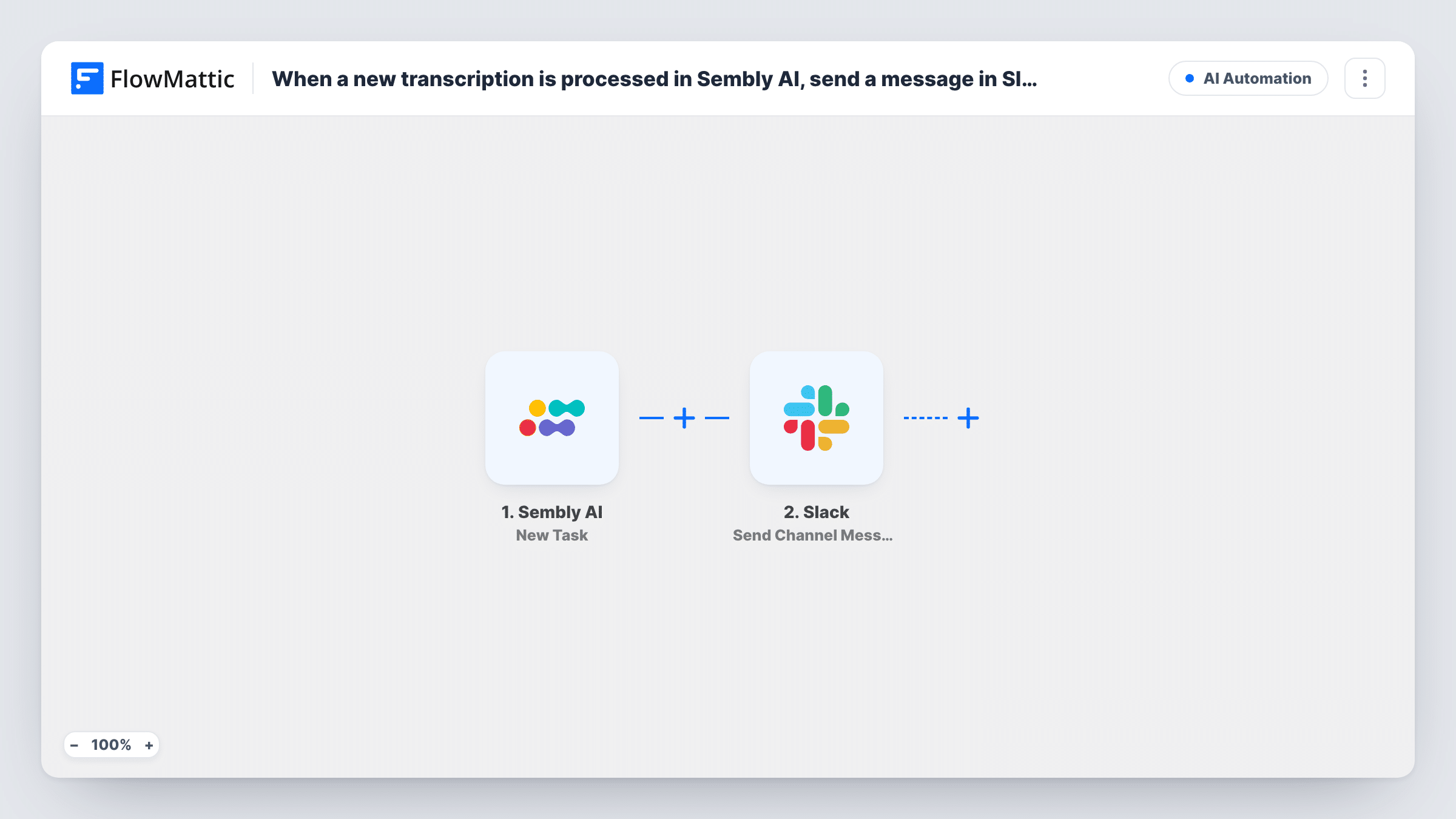
When Sembly AI finishes processing a new transcription, FlowMattic posts a message to your Slack channel with the meeting details you map, so the team knows the transcript is ready.
 Sembly AI
 Slack
Slack2 steps Setup ~5 min Used on 2.2k sites Free to import
What this workflow does
Sembly AI records and transcribes your meetings, but people only benefit if they know a transcript exists. Instead of each attendee checking Sembly after every call, this workflow announces new transcripts in Slack, where the team can find them and discuss what was said.
The Sembly AI New Transcription trigger fires when a new transcription is processed. The data that comes with it, such as the meeting title, date and transcript content or link, depends on what Sembly sends; a test meeting shows you the exact fields.
For the Slack announcement, no channel or text is set in the template. After import you connect Slack, pick a public channel and write the message. Mapping the meeting title and a link to the transcript keeps the post short. If you map the full transcript text instead, expect very long messages for long meetings.
Every processed transcription produces a post, including internal calls or one-to-ones. If only some meetings belong in the channel, add a Filter on the meeting title. Task History shows what each run received and sent.
Client call transcripts for account teams
An agency posts each processed client call to the account channel, so the strategist who missed the meeting can open the transcript.
Interview records for hiring panels
A recruiter's Sembly transcripts of candidate interviews are announced in the hiring channel for the panel to review before the debrief.
Research calls shared with the product team
User research sessions recorded in Sembly appear in a product channel, where designers pick out quotes for the next sprint.
How this workflow runs
What happens at each step once the workflow is on, and what you need before you import it.
 Sembly AI New Transcription
Fires when Sembly AI finishes processing a new transcription. The meeting and transcript details it sends become available to map into the Slack message.
- Slack Send Channel Message
Posts a message to a public Slack channel. Nothing is filled in, so connect Slack, pick the channel and map the meeting title, date and transcript link or text you want to share.
What you need
- FlowMatticCore
- Sembly AI AccountAccount
- Slack AccountAccount
After importing, map your own data. To keep the template universal, not every step is pre-filled. Open each step in the builder and connect your accounts and fields (channels, lists, sheets, recipients) before you switch the workflow on.
Make it yours
Changes worth making after you import it.
- Put a Filter between the Sembly AI trigger and the Slack step on the meeting title, for example containing Client, so only those transcripts are announced. Capital letters don't matter to that check.
- Map a transcript link rather than the full text if Sembly sends one, so each Slack post stays readable.
- If you also want Sembly's meeting notes shared, build a second workflow on the Sembly AI New Meeting Notes trigger.
Questions about this workflow
Does the full Sembly transcript appear in Slack?
Only if you map the transcript text into the message. You can share just the title and a link instead; check a test run to see which fields Sembly AI sends.
Will every meeting Sembly AI transcribes post to Slack?
Yes, as imported. Each processed transcription starts a run. Add a Filter between the trigger and the Slack step to leave some meetings out.
Can the Sembly transcript go to a private Slack channel?
This template's action covers public channels. To post a Sembly transcript notice somewhere private, use the Send Private Channel Message action from Slack's integration.
More AI Automation workflows
Other ready-to-import templates from the same category.






Import this workflow into your WordPress site
Download the JSON, import it from the Workflows screen and connect your accounts. Every run stays on your server, with no per-task fees.
30-day money-back guarantee Unlimited workflows and runs Self-hosted