

When a new transcription is processed in Sembly AI, upload the file to Google Drive
Each time Sembly AI finishes processing a new transcription, FlowMattic uploads the file to the Google Drive folder you pick, so meeting records sit next to your other team files.
 Sembly AI
 Google Drive
2 steps Setup ~5 min Used on 1.6k sites Free to import
What this workflow does
Sembly AI records and transcribes your meetings, but the results stay inside Sembly unless someone downloads them. If your team keeps project material in Google Drive, this workflow copies each finished transcription there without anyone exporting it by hand.
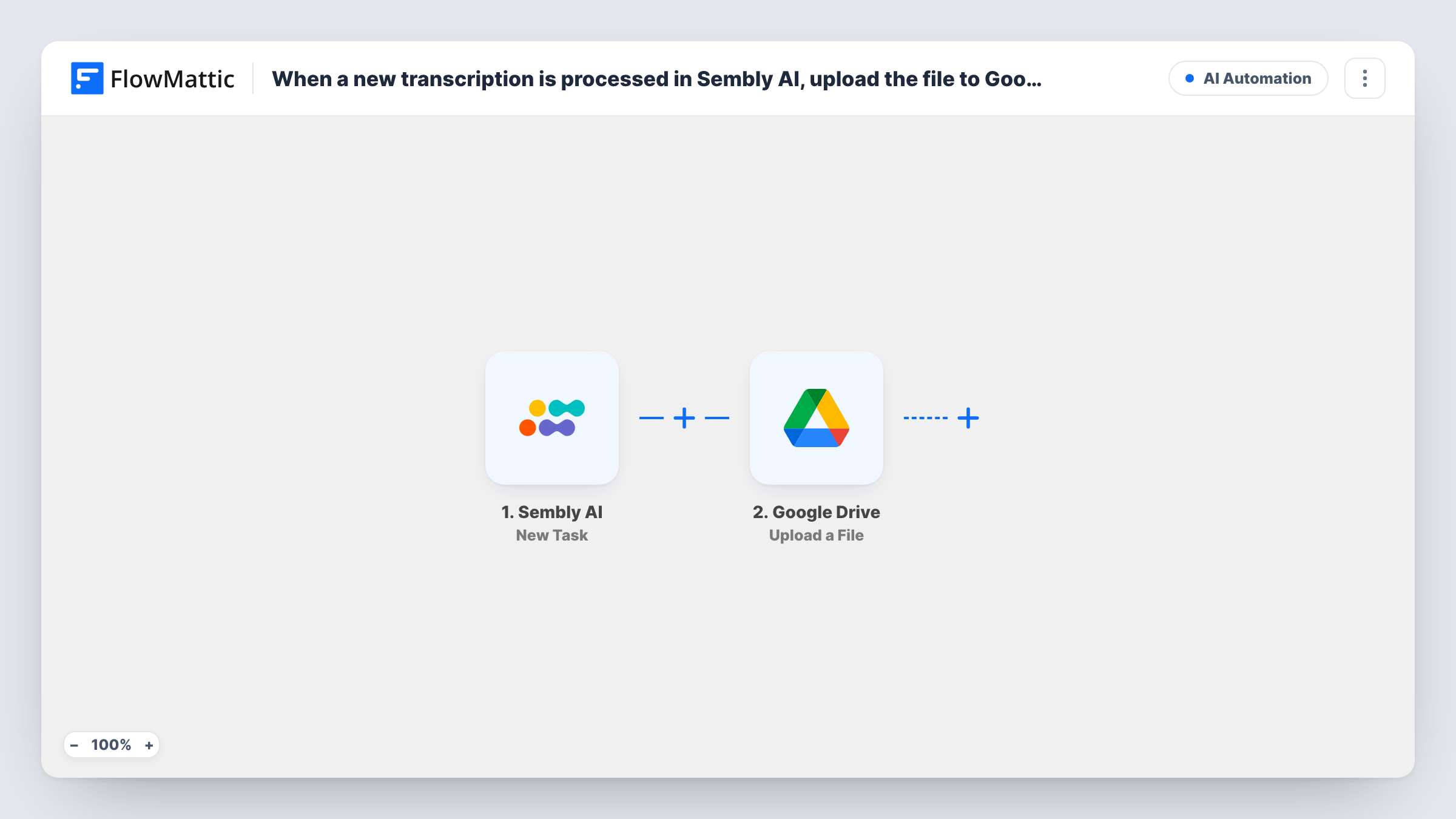
The Sembly AI trigger starts a run when a new transcription has been processed. FlowMattic describes the event exactly that way, so the run begins once Sembly has finished its work, not while the meeting is still going. The data Sembly sends about that transcription becomes available to the next step.
Next, the Google Drive step puts a file into a Drive folder of your choosing. It ships unmapped: after import you connect your Google account, choose the folder, and map the file from the Sembly AI data into the step. Run a test with a real meeting first and look at what the trigger returned, so you can see which value points to the transcription file and map that one.
Every processed transcription starts its own run, and each one adds a new file to the folder. Task History lists every run and shows what Sembly AI sent and what Google Drive returned.
Client meeting archive in a shared folder
An agency keeps one Google Drive folder per client and drops each Sembly AI transcription there, so account managers can read last week's call before the next one.
Interview records for a hiring team
A recruiter transcribes candidate interviews in Sembly AI and the files land in a Drive folder the hiring panel already has access to.
Backup copy outside the meeting tool
A team that wants its meeting records in its own storage gets a Google Drive copy of every processed transcription, independent of the Sembly AI workspace.
How this workflow runs
What happens at each step once the workflow is on, and what you need before you import it.
 Sembly AI New Transcription
Starts the workflow when Sembly AI has processed a new transcription. The details Sembly sends about that transcription are passed on for the upload step to use.
- Google Drive Upload a File
Puts a file into a Google Drive folder of your choosing. The step ships unmapped: connect your account, pick the folder and map the transcription file from the Sembly AI trigger, checking a test run for the right value.
What you need
- FlowMatticCore
- Sembly AI AccountAccount
- Google Drive AccountAccount
After importing, map your own data. To keep the template universal, not every step is pre-filled. Open each step in the builder and connect your accounts and fields (channels, lists, sheets, recipients) before you switch the workflow on.
Make it yours
Changes worth making after you import it.
- Run one meeting through Sembly AI before you finish the setup, then open Task History to see exactly what the trigger sent and which value to map into the upload.
- Create a Google Drive folder just for Sembly AI transcriptions and share it with the people who need them, so the uploads don't mix with other project files.
- Add a Slack or email step after the Google Drive step if your team wants a note with the file link each time a new transcription is saved.
Questions about this workflow
Does the upload start while the Sembly AI meeting is still running?
No. The trigger fires when a new transcription has been processed, so the run starts after Sembly AI has finished with the recording.
Which Google Drive folder do the Sembly AI files go to?
The one you pick in the Upload a File step after import. The template leaves the step unmapped, so you also choose which value from the Sembly AI trigger is uploaded as the file.
Will older Sembly AI transcriptions be uploaded too?
No. Only transcriptions processed after the workflow is turned on start a run. Move older ones to Google Drive yourself if you want them in the folder.
Can I send the Sembly AI meeting notes as well?
Sembly AI also has a meeting notes trigger in FlowMattic. Import or build a second workflow on that trigger with its own Google Drive upload step if you want the notes stored too.
More AI Automation workflows
Other ready-to-import templates from the same category.






Import this workflow into your WordPress site
Download the JSON, import it from the Workflows screen and connect your accounts. Every run stays on your server, with no per-task fees.
30-day money-back guarantee Unlimited workflows and runs Self-hosted