

Ask Grok for a translation and add it to Notion when a new item is created in Monday.com
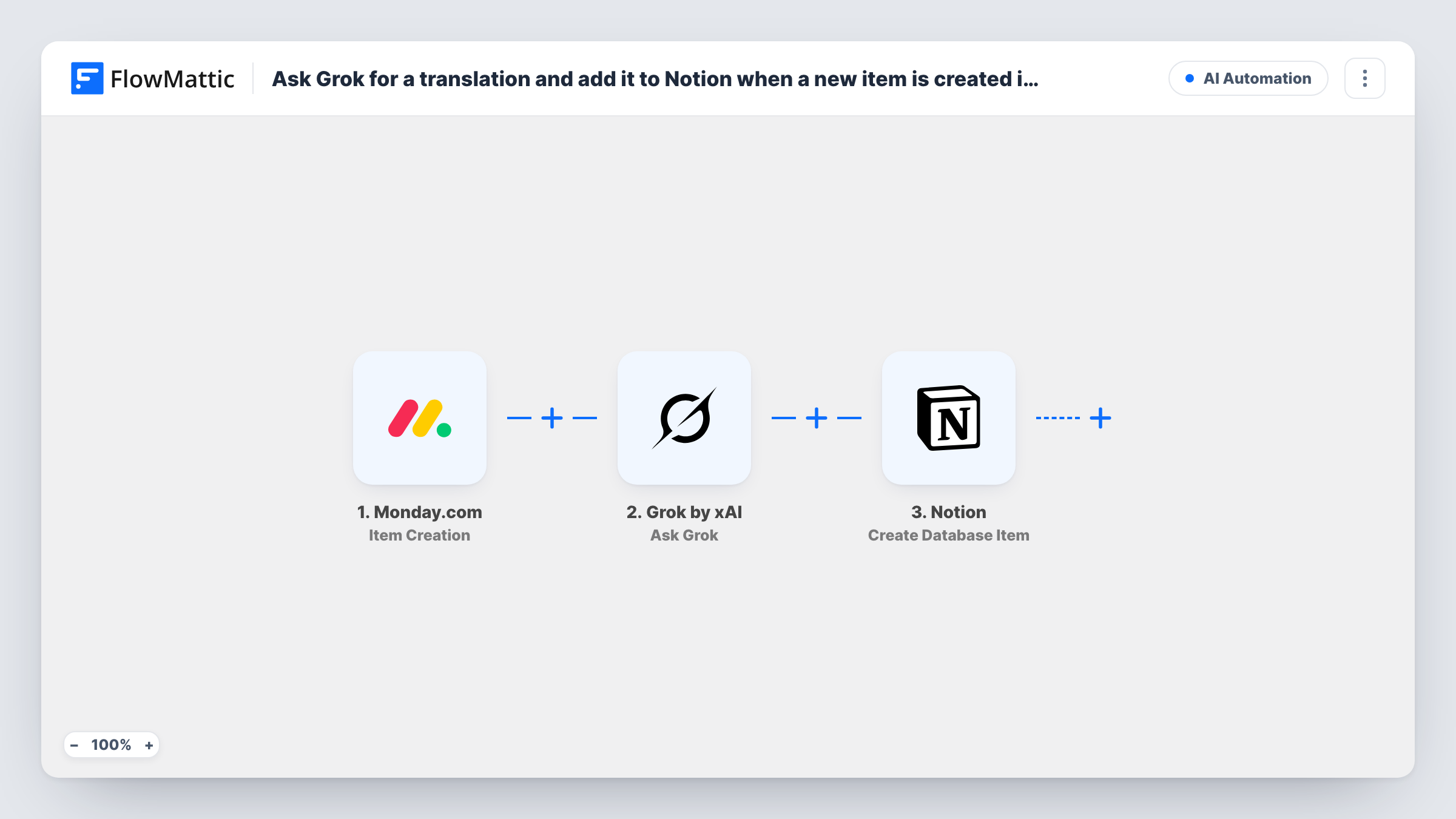
When a new item is created in Monday.com, FlowMattic asks Grok to translate its text and saves Grok’s translation as a new item in your Notion database.
 Monday.com
 Grok by xAI
 Notion
3 steps Setup ~5 min Used on 955 sites Free to import
What this workflow does
Teams that plan content or product copy in Monday.com and publish from Notion often need the same text in another language. Copying each item into a translation tool and pasting the result into Notion is slow. This workflow sends every new Monday.com item to Grok with a translation request and files the answer in a Notion database.
The Monday.com trigger starts a run each time an item is created and passes the item's data along. The Ask Grok step in Grok by xAI ships with no prompt, so the translation request is yours to write after import. Map the item's name or text column into it and state the target language and the tone, for example "Translate the following into Spanish and return only the translation".
The final Notion step creates an item in a database. It is unmapped too: choose the database, then map Grok's answer into a text property and, if you like, the original Monday.com item name into the title so the two can be matched later.
Each new Monday.com item runs all three steps once. Review a few translations in Notion before you rely on them, and check Task History to see Grok's full reply for each run.
Blog drafts for a second market
A marketing team adds article ideas to a Monday.com board, and each idea's summary arrives in a Notion database already translated into German for the regional editor.
Product names and descriptions
An e-commerce team creates an item per new product in Monday.com, and Grok's French version of the description lands in the Notion catalogue workspace.
Support macros in two languages
A support lead drafts canned replies as Monday.com items, then reviews the Spanish versions in Notion before adding them to the help desk.
How this workflow runs
What happens at each step once the workflow is on, and what you need before you import it.
 Monday.com Item Creation
Starts the workflow whenever a new item is created in Monday.com. The item's name and column values are passed on for you to use in the Grok prompt.
- Grok by xAI Ask Grok
Sends your translation request to Grok. No prompt ships with the template: write one that includes the Monday.com item text and names the language you want back.
- Notion Create Database Item
Adds the translation to a Notion database as a new entry. Map Grok's translated reply into a property, and add the source item name so you can trace each translation to its Monday.com item.
What you need
- FlowMatticCore
- Monday.com AccountAccount
- Grok by xAI AccountAccount
- Notion AccountAccount
After importing, map your own data. To keep the template universal, not every step is pre-filled. Open each step in the builder and connect your accounts and fields (channels, lists, sheets, recipients) before you switch the workflow on.
Make it yours
Changes worth making after you import it.
- Ask Grok to return only the translated text, with no introduction, so the Notion property holds clean copy you can publish.
- Put a Filter between the Monday.com trigger and the Ask Grok step that continues only when the text column you translate is not empty, so blank items don't create empty Notion entries. The column is yours to pick.
- Map the Monday.com item ID into a Notion property as well, which gives you a reliable key if you later build a workflow that updates the translation.
Questions about this workflow
Which language does Grok translate the Monday.com item into?
The one you name in the prompt. The Ask Grok step ships empty, so you write the instruction, including the target language and the Monday.com text to translate.
Do I need an xAI account for this Monday.com to Notion flow?
Yes. The Ask Grok step runs through your Grok by xAI connection, which you add in FlowMattic, alongside your Monday.com and Notion connections.
Does the Notion item update if I edit the Monday.com item later?
No. The trigger fires only when an item is created, so later edits in Monday.com don't run the workflow or change the Notion entry.
Can I translate into several languages at once?
Yes. Ask for each language in the same prompt and map the reply into one property, or add another Ask Grok and Notion pair after step 3 for each extra language.
More AI Automation workflows
Other ready-to-import templates from the same category.







Import this workflow into your WordPress site
Download the JSON, import it from the Workflows screen and connect your accounts. Every run stays on your server, with no per-task fees.
30-day money-back guarantee Unlimited workflows and runs Self-hosted