

Summarize the WordPress blog post entry using relevant Groq AI and send the summary to Slack channel
When you publish a new WordPress post, Groq AI writes a short summary of it and the summary is posted to a Slack channel, so your team learns what went live without opening the article.
 WordPress
 Groq AI
 Slack
Slack3 steps Setup ~5 min Used on 2.6k sites Free to import
What this workflow does
Not everyone on your team reads each blog post when it goes out, but sales, support and social media often need to know what it says. A short summary in Slack gives them the gist where they already work. This workflow writes and posts that summary each time a post is published.
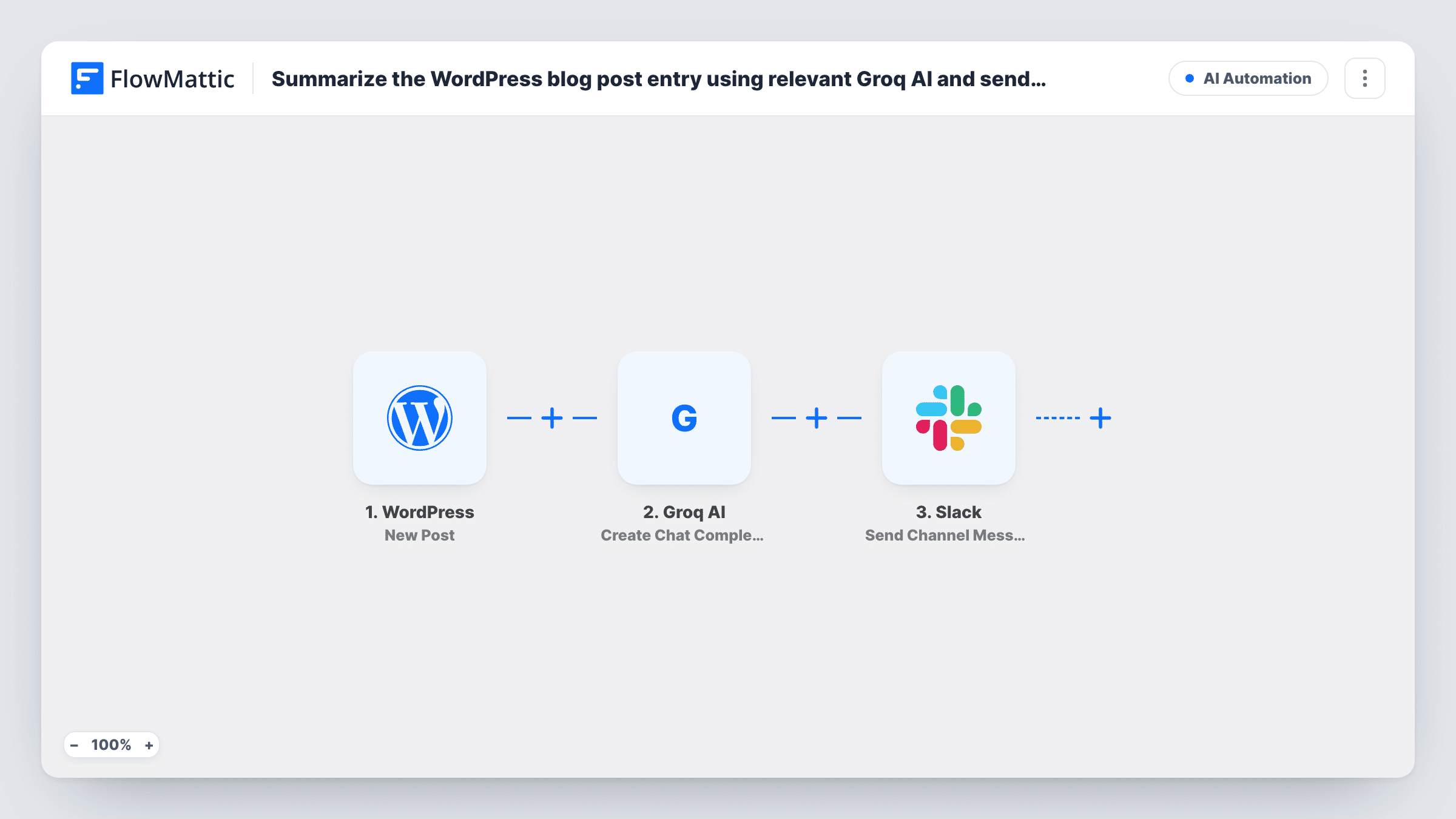
The WordPress New Post trigger fires once, when a post first moves to published. Pages don't fire it, and edits to a live post don't either. FlowMattic passes the post's title and content to Groq AI, whose Create Chat Completion step generates a response to the prompt you write, such as a request for a three-sentence summary. The Slack step then posts that response, along with any post details you add, to the channel you pick.
The summary is written by an AI model, so its quality depends on your prompt and the post. Read a few early ones before you rely on them. Task History shows the text Groq returned for each post.
Keeping the sales team briefed
Each time marketing publishes a product article, the sales channel gets a short summary they can quote to prospects the same day.
Prompts for social media posts
The social team reads the Slack summary of each new post and uses it as a starting point for the posts that promote the article.
A record of what the blog published
A #content channel collects a summary of every published post, which gives editors an easy list to look back over when planning.
How this workflow runs
What happens at each step once the workflow is on, and what you need before you import it.
 WordPress New Post
Fires when a WordPress post is first published. Custom post types fire it too, unless you limit the trigger to one post type. The post's details are passed on.
- Groq AI Create Chat Completion
Sends your prompt and the post content to Groq AI and returns the model's reply. Write the prompt asking for a summary and map the post content into it.
- Slack Send Channel Message
Posts a message to the public Slack channel you choose. Map Groq's reply and the post title or link into the message, then connect your Slack workspace.
What you need
- FlowMatticCore
- Groq AI AccountAccount
- Slack AccountAccount
After importing, map your own data. To keep the template universal, not every step is pre-filled. Open each step in the builder and connect your accounts and fields (channels, lists, sheets, recipients) before you switch the workflow on.
Make it yours
Changes worth making after you import it.
- Write a specific prompt for the Groq step, such as "Summarise this post in three short sentences for a sales team", so the summaries keep a consistent length and tone.
- Include the post link from the trigger data in the Slack message, so anyone who wants the full article can open it from the summary.
- To post the summary in a private channel, swap the Slack step for Send Private Channel Message, which is the action for private channels.
Questions about this workflow
Does updating an existing WordPress post send a new summary to Slack?
No. The New Post trigger fires only when a post is first published, so later edits to a live post don't start a run.
Do I need a Groq account for the summaries?
Yes. The Create Chat Completion step uses your Groq API key, which you add when you connect Groq AI in FlowMattic.
Can the Groq summary be reviewed before it reaches Slack?
Not as imported. Add a Human in the Loop step between Groq and Slack to approve each summary first, and set its timeout action to End Workflow so nothing posts without approval.
Are WordPress pages summarized too?
No. WordPress pages don't start this workflow at all. Posts and custom post types do, unless you restrict the trigger to one post type.
More AI Automation workflows
Other ready-to-import templates from the same category.






Import this workflow into your WordPress site
Download the JSON, import it from the Workflows screen and connect your accounts. Every run stays on your server, with no per-task fees.
30-day money-back guarantee Unlimited workflows and runs Self-hosted