

When a new user registers in WordPress, create document in Documint
When someone registers as a user on your WordPress site, FlowMattic sends their details to Documint, which merges them into a template you choose and creates a document for that user.
 WordPress
 Documint
2 steps Setup ~5 min Used on 3.1k sites Free to import
What this workflow does
Some sign-ups call for a document: a welcome letter, a membership certificate, an account summary or a simple agreement. Filling in a template by hand for each new user is slow, and it is easy to fall behind when registrations pick up. This workflow makes the document when the user registers.
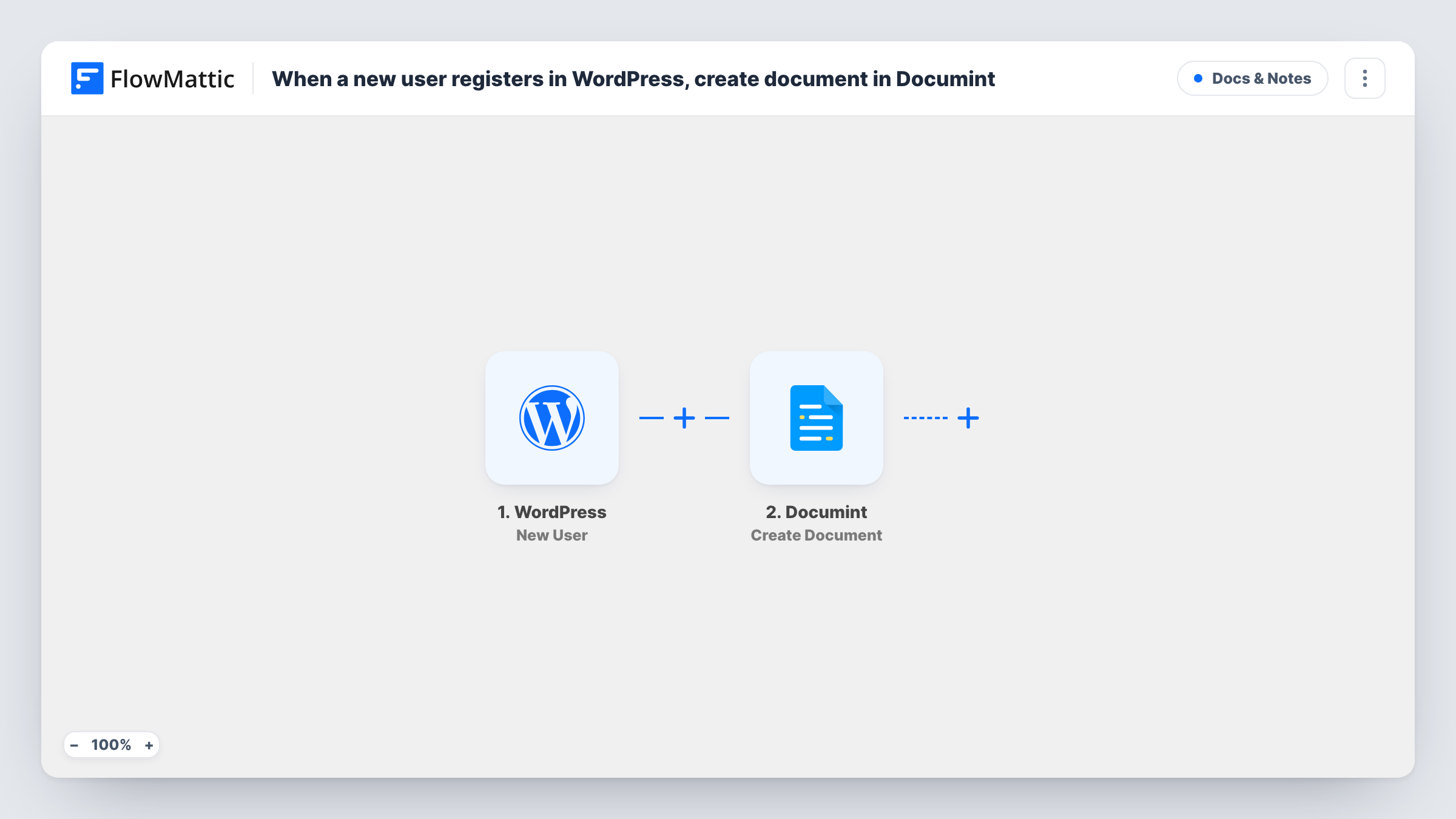
The WordPress trigger fires when a new user is registered on the site where FlowMattic runs, and passes on the user's details. FlowMattic then runs Create Document in Documint, which merges your data into a Documint template. You choose the template and map user details, such as the name and email, into its merge fields.
The document is created in your Documint account. As imported, it isn't emailed to the user or saved anywhere else, so add a step after Documint if it should be sent or stored. Task History shows each run with the response Documint returned.
Membership welcome letter
A membership site creates a personalised welcome letter in Documint for each new member, ready to send or print.
Course enrolment confirmation
When students register on a learning site, Documint builds a confirmation document with their name and sign-up details.
Client onboarding pack
A service business registers new clients as WordPress users. Each registration produces an onboarding document from the agency's Documint template.
How this workflow runs
What happens at each step once the workflow is on, and what you need before you import it.
 WordPress New User
Fires when a new user is registered on your WordPress site. The user's details are passed on so they can fill the Documint template.
- Documint Create Document
Creates a document in Documint by merging data into a template. Connect your Documint account, pick the template and map the WordPress user details into it.
What you need
- FlowMatticCore
- Documint AccountAccount
After importing, map your own data. To keep the template universal, not every step is pre-filled. Open each step in the builder and connect your accounts and fields (channels, lists, sheets, recipients) before you switch the workflow on.
Make it yours
Changes worth making after you import it.
- Add a Filter after the trigger to create documents only for users with a certain role, for example customers and not authors.
- Add an email step after Documint and map what Documint returns about the new document, so the new user receives it. Check the response in a test run first.
- Register a test user after import, then check Task History to see the user fields WordPress sends and what Documint returns.
Questions about this workflow
Is the Documint document sent to the new WordPress user?
Not as imported. The workflow only creates the document. Add an email step after Documint and map the document from its response to send it.
Which WordPress user details can go into the Documint template?
The details the New User trigger passes on. Register a test user and look in Task History to see what is available to map.
Do users added by an admin also create a document?
The trigger fires when a new user is registered. Add a user from the admin screen once as a test and check Task History to see whether it starts a run on your site.
What do I need in Documint before importing?
A Documint account and a template with the merge fields you want filled, so the step has something to merge the user's data into.
More Docs & Notes workflows
Other ready-to-import templates from the same category.




Import this workflow into your WordPress site
Download the JSON, import it from the Workflows screen and connect your accounts. Every run stays on your server, with no per-task fees.
30-day money-back guarantee Unlimited workflows and runs Self-hosted