

When a new user registers on PETE, send a welcome email via Gmail
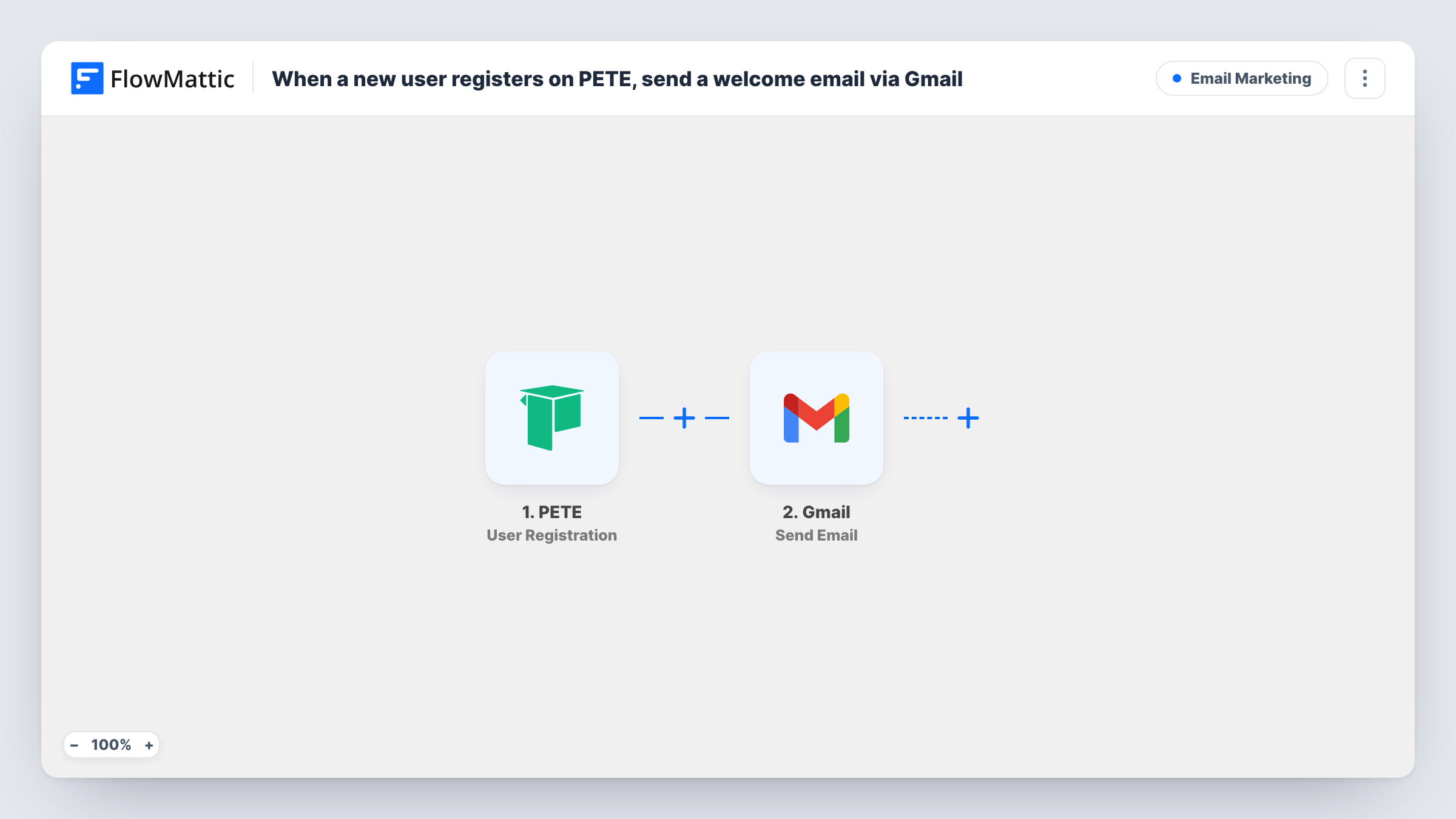
When someone creates an account in your PETE school, this workflow sends them a welcome email from your Gmail account, written by you and filled in with their registration details.
 PETE
PETE
 Gmail
Gmail2 steps Setup ~5 min Used on 2.7k sites Free to import
What this workflow does
A new account in your school is the moment to say hello, point people to their first course and tell them where to get help. Sending that note from your own Gmail address makes it look like a personal message instead of a system notice. This workflow sends it for every new registration.
The PETE trigger, User Registration, fires when a user creates an account in your school. The details PETE sends about the new user are passed on for mapping. The Gmail step then uses Send Email to write to them from your connected Google account. You map their email address as the recipient and write the subject and body, adding their name or other details where it reads well.
Each registration sends one email, and nothing in the template checks whether that person heard from you before. The message appears in your Gmail Sent folder like any email you send yourself. Task History records the run and Gmail's response.
Online course creator greeting new students
A new sign-up in your PETE school gets a short email from you with a link to the free starter lesson, and any reply lands in your own inbox.
Coaching business onboarding clients
Clients who create an account to access coaching material get a Gmail message explaining how to book their first session.
Webinar host with a members area
People who register on the school to watch replays get a welcome note listing upcoming live webinars and where to find past recordings.
How this workflow runs
What happens at each step once the workflow is on, and what you need before you import it.
 PETE User Registration
Fires when a user creates an account in your PETE school. The new user's details are passed to the Gmail step so you can address and personalise the email.
- Gmail Send Email
Sends an email from your Gmail account to the new user. Map their email address as the recipient, write the subject and message, and connect your Google account after import.
What you need
- FlowMatticCore
- PETE AccountAccount
- Gmail AccountAccount
After importing, map your own data. To keep the template universal, not every step is pre-filled. Open each step in the builder and connect your accounts and fields (channels, lists, sheets, recipients) before you switch the workflow on.
Make it yours
Changes worth making after you import it.
- Register a test account on your PETE school right after import, so FlowMattic captures the user fields you need for the recipient and greeting.
- Add a Delay before the Gmail step if you want the welcome to arrive a little after sign-up, once the user has had a chance to look around.
- Pair it with a second workflow on PETE's Course Enrollment trigger if you also want a separate email when someone joins a specific course.
Questions about this workflow
Which PETE event sends the welcome email?
User Registration, which fires when someone creates an account in your school. Course enrollments, lesson completions and newsletter sign-ups are separate PETE triggers and don't start this workflow.
Does the Gmail welcome come from my own address?
Yes. The email is sent through the Gmail account you connect in FlowMattic, so it shows your address and a copy sits in your Sent folder.
Will PETE still send its own registration emails?
This workflow doesn't change PETE's settings. Any emails PETE already sends on registration still go out, and the Gmail message arrives as well.
Can I send a different welcome for each PETE course?
Not with this trigger, which fires on account creation and isn't tied to a course. Use PETE's Course Enrollment trigger in a second workflow for course-specific emails.
More Email Marketing workflows
Other ready-to-import templates from the same category.







Import this workflow into your WordPress site
Download the JSON, import it from the Workflows screen and connect your accounts. Every run stays on your server, with no per-task fees.
30-day money-back guarantee Unlimited workflows and runs Self-hosted