

When a note is created in We-Connect, create record in Airtable
Every note created in We-Connect is saved as a new record in the Airtable base and table you choose, so your prospecting notes stay searchable outside the outreach tool.
 We-Connect
 Airtable
2 steps Setup ~5 min Used on 633 sites Free to import
What this workflow does
Notes about prospects are only useful if the right people can find them. When they stay inside We-Connect, a teammate planning a call or a manager reviewing a campaign can't easily see them. This workflow copies each new We-Connect note into Airtable, where you can sort, filter and share them like any other table.
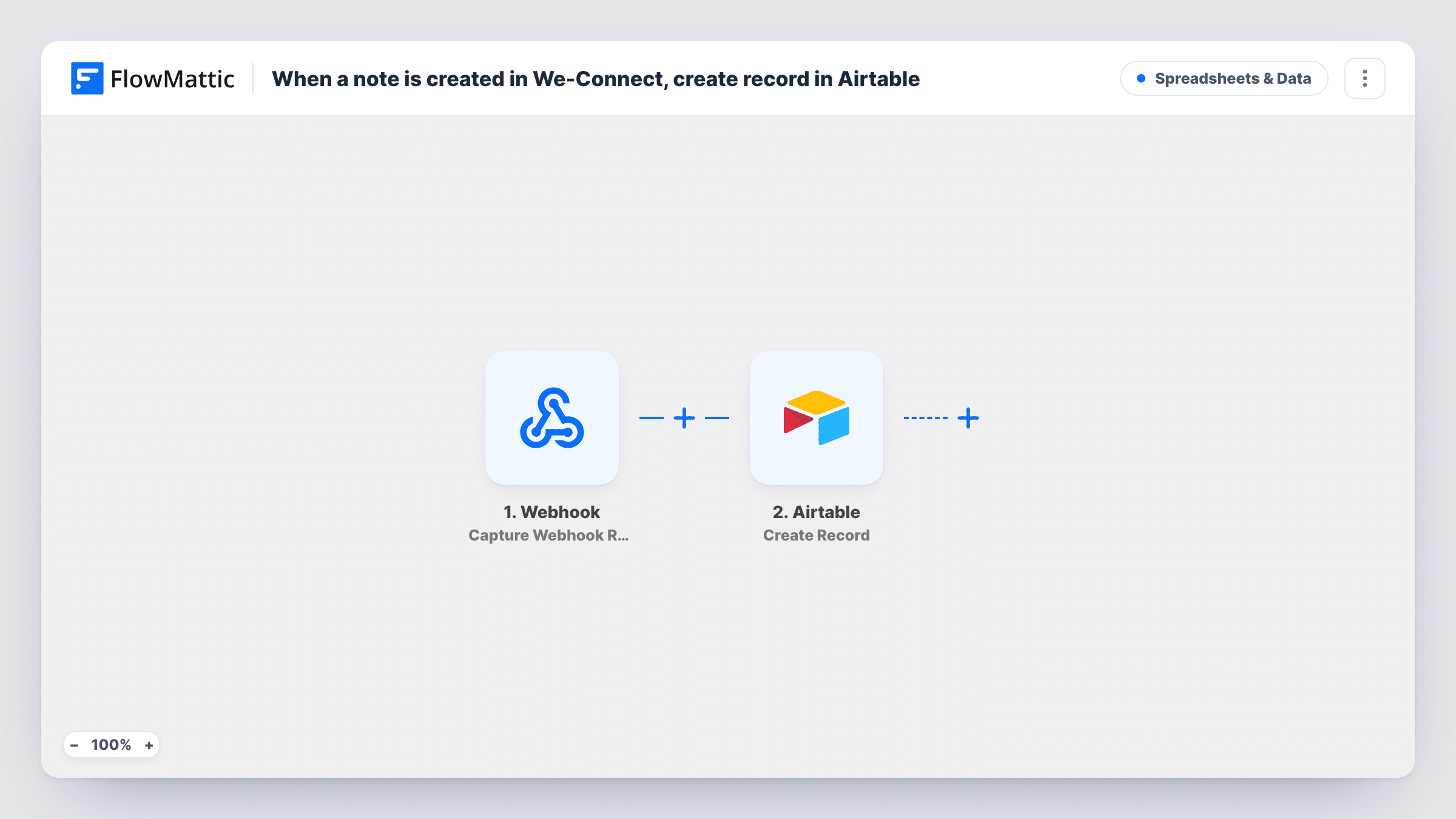
The We-Connect trigger fires when a note is created. FlowMattic receives the note and passes its data on. Run a test with a fresh note to see what We-Connect includes, such as the note text and details of the contact it belongs to.
The Airtable Create Record step then adds one new record. It ships unmapped: after import you connect Airtable, choose the base and table, and map the note's fields into your columns. A table with columns for the contact, the note and the date works well as a running log.
Each note creates its own record, so a contact with five notes gets five rows. The step only creates; it doesn't look for or update an earlier record. Task History lists every run and what Airtable sent back.
Shared call notes for a sales team
Reps log notes in We-Connect after chatting with a prospect, and the team lead reviews all of them in one Airtable view grouped by contact.
Campaign review for an outreach agency
An agency keeps every We-Connect note for a client in an Airtable table it can share with that client at the end of each month.
Research log for recruiters
A recruiter notes each candidate's interests in We-Connect, and Airtable keeps a searchable history to check before the next message.
How this workflow runs
What happens at each step once the workflow is on, and what you need before you import it.
 We-Connect Note Created
Fires when a note is created in We-Connect. The note and the data We-Connect sends with it become available to map into Airtable; check a test note for the exact fields.
- Airtable Create Record
Creates a new record in Airtable for the note. The step ships unmapped: connect your Airtable account, pick the base and table, and map the note text and contact details into your columns.
What you need
- FlowMatticCore
- We-Connect AccountAccount
- Airtable AccountAccount
After importing, map your own data. To keep the template universal, not every step is pre-filled. Open each step in the builder and connect your accounts and fields (channels, lists, sheets, recipients) before you switch the workflow on.
Make it yours
Changes worth making after you import it.
- Set up the Airtable table before you configure the step, with one column for each We-Connect field you want to keep, so mapping takes a minute.
- Add a date column and map the note's creation time into it if We-Connect sends one, so you can sort the log by when each note was written.
- Use an Airtable linked-record or grouping view on the contact column to see every note for one prospect together.
Questions about this workflow
Does editing a We-Connect note update the Airtable record?
No. The trigger fires when a note is created, and the Airtable step only creates records. Later edits in We-Connect don't change the row that was already added.
Which We-Connect details reach Airtable?
Only the ones you map in the Create Record step. Check a test note in Task History to see what We-Connect sends, then match those fields to your Airtable columns.
Do I need an existing Airtable base for these notes?
Yes. The step adds records to a base and table you already have, so create them in Airtable first and pick them when you set up the step.
More Spreadsheets & Data workflows
Other ready-to-import templates from the same category.




Import this workflow into your WordPress site
Download the JSON, import it from the Workflows screen and connect your accounts. Every run stays on your server, with no per-task fees.
30-day money-back guarantee Unlimited workflows and runs Self-hosted