

When a partial form submission is received in Paperform, add a new subscriber in MailBluster
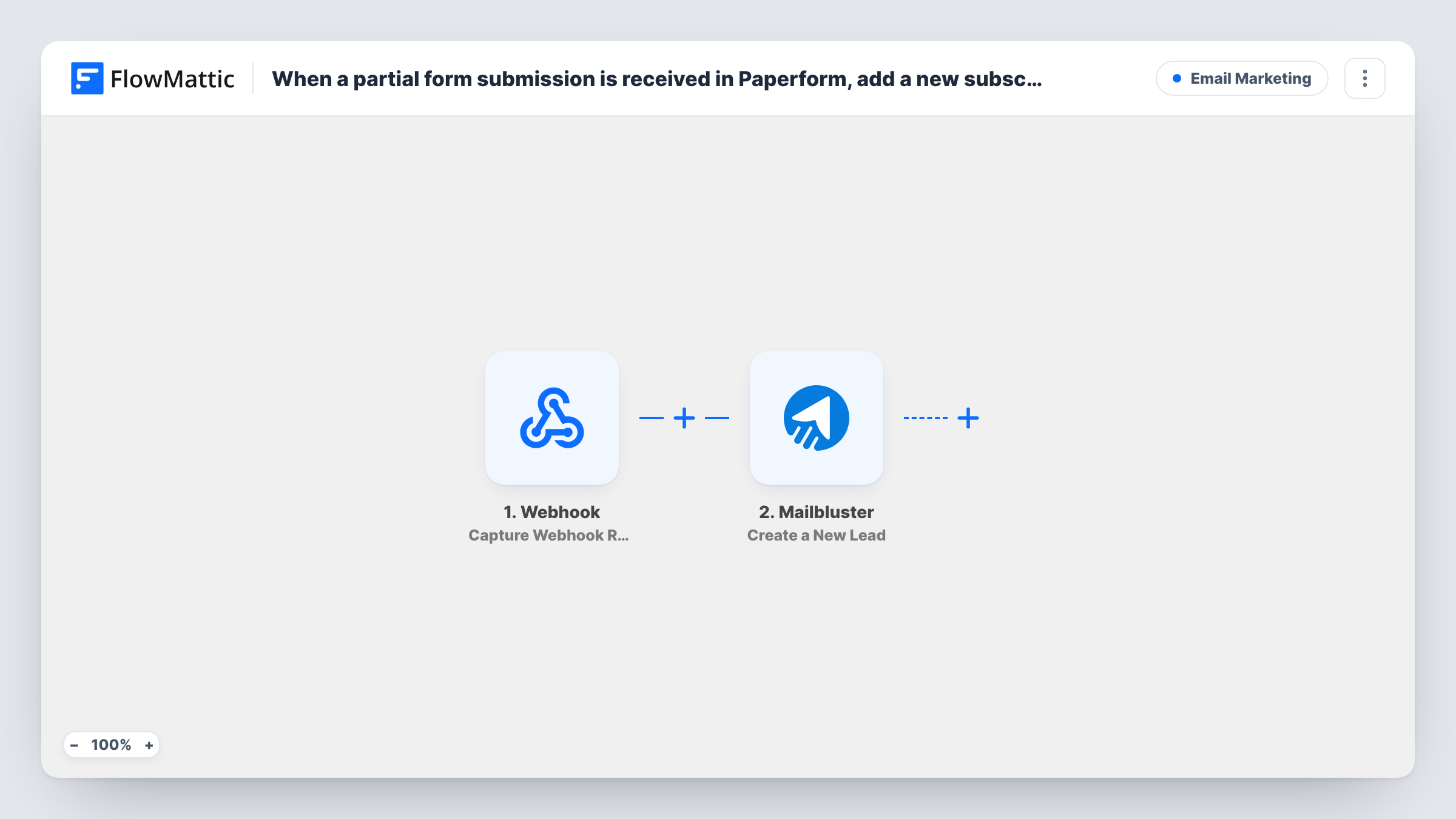
When someone starts your Paperform form but leaves before finishing, their partial entry is sent to MailBluster as a new lead, so you can follow up with people who dropped off.
 Paperform
 Mailbluster
2 steps Setup ~5 min Used on 1.8k sites Free to import
What this workflow does
People abandon long forms all the time: an application, a quote request, a booking. If they typed an email address before leaving, that is a lead you would otherwise lose. This workflow sends each partial Paperform entry to your MailBluster lead list, where you can reach them with a reminder or a gentle nudge.
The Paperform trigger used here is Partial Submission. FlowMattic describes it as firing when there is a new partial submission on the form, so it captures entries that were started and saved by Paperform but not sent. Paperform's own settings decide when an entry counts as partial.
Next, MailBluster receives that partial entry and adds it as a lead. It ships without mapping: after import you connect MailBluster and map the email address and any name fields from the partial entry. An entry without an email gives MailBluster nothing to add, so check Task History for what it returned.
Only send marketing email to people who agreed to it. If your form has a consent question near the top, map it or check it before the MailBluster step.
Follow-up for unfinished applications
A training provider's long enrolment form loses people halfway. Their partial entries land in MailBluster, where a short email invites them to finish.
Quote requests that stopped early
A renovation company sees which visitors began a quote request on Paperform and reaches them through MailBluster with a link back to the form.
Waitlist interest before payment
A workshop host whose Paperform includes a payment page keeps in touch with people who entered their details but never reached checkout.
How this workflow runs
What happens at each step once the workflow is on, and what you need before you import it.
 Paperform Partial Submission
Starts the workflow when Paperform records a new partial submission on your form: someone began it but didn't submit. Link the trigger to your form during setup and test with a half-filled entry.
- Mailbluster Create a New Lead
Creates a new lead in MailBluster from the partial entry. The step arrives empty, so connect your MailBluster account and map the email address and name fields from Paperform's data.
What you need
- FlowMatticCore
- Paperform AccountAccount
- Mailbluster AccountAccount
After importing, map your own data. To keep the template universal, not every step is pre-filled. Open each step in the builder and connect your accounts and fields (channels, lists, sheets, recipients) before you switch the workflow on.
Make it yours
Changes worth making after you import it.
- Put the email question early in your Paperform form. A partial entry only helps if it contains an address MailBluster can use.
- Put a Filter between the Paperform trigger and the MailBluster step that continues only when the email field is not empty. Which field holds the email depends on your form, so pick it during setup.
- To see how many people drop off, add a Google Sheets Add New Row step after the MailBluster step and log the email and the time of each partial entry.
Questions about this workflow
Will people who finish the Paperform form later also become MailBluster leads?
This workflow ignores completed entries and runs on partial ones only. Finished entries fire Paperform's separate New Form Submission trigger, which you can use in a second workflow.
Can a half-filled Paperform entry with no email reach MailBluster?
The MailBluster step still runs with whatever you mapped. Without an address MailBluster may return an error; Open Task History to read what MailBluster sent back.
What happens when the email is already a lead in MailBluster?
MailBluster decides how to treat an address it already holds. Test with an email that is already on your list and read the response in Task History.
Must my Paperform form save partial entries for this to work?
Paperform has to record partial entries for this trigger to fire. Check your form's settings in Paperform before you turn the workflow on, then send a test entry.
More Email Marketing workflows
Other ready-to-import templates from the same category.





Import this workflow into your WordPress site
Download the JSON, import it from the Workflows screen and connect your accounts. Every run stays on your server, with no per-task fees.
30-day money-back guarantee Unlimited workflows and runs Self-hosted