

When a Pine Labs subscription is cancelled, log it in Airtable and alert the team in Slack
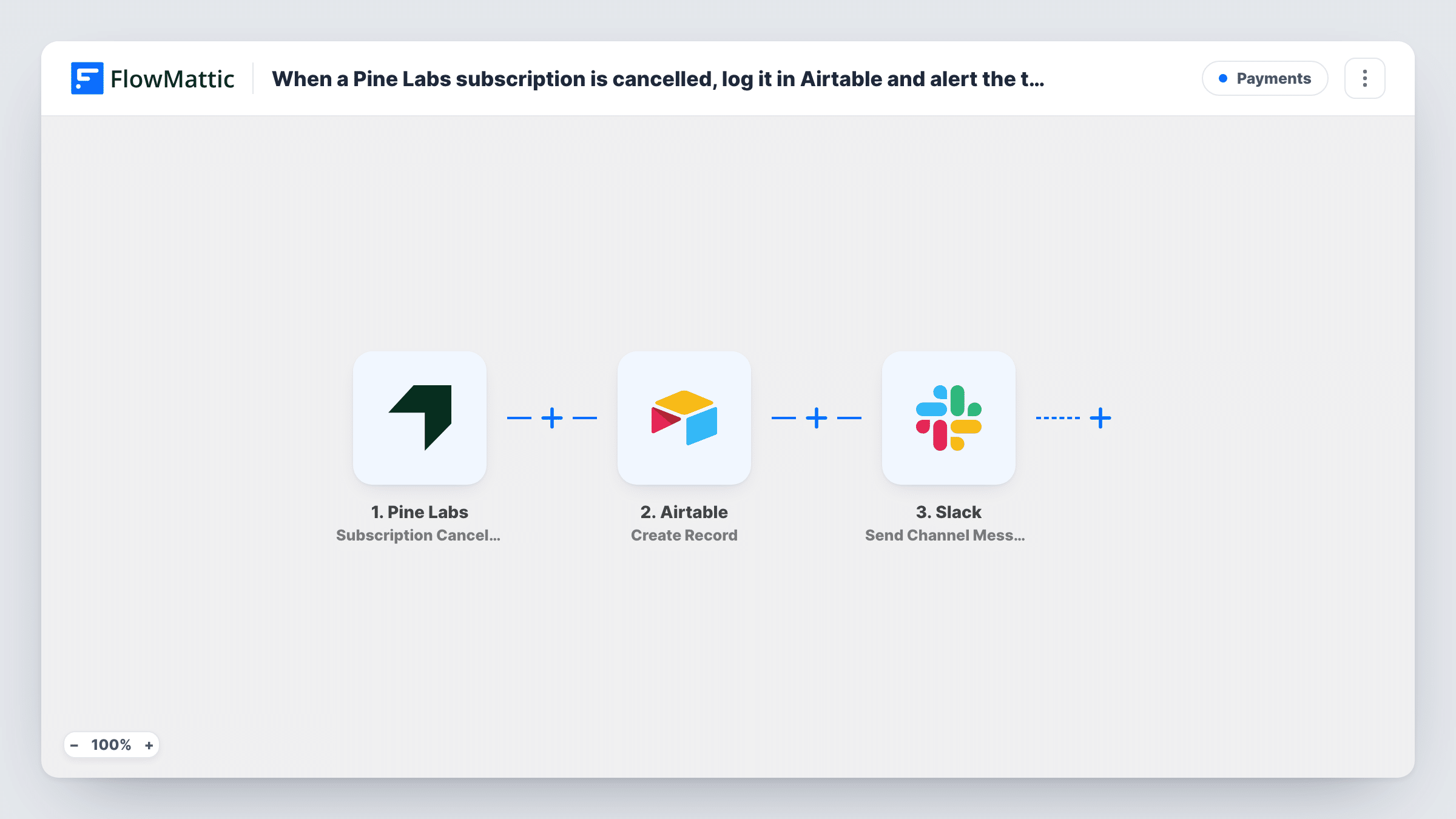
When a Pine Labs subscription is cancelled, this workflow adds a record to your Airtable base and posts a message in a Slack channel, so every cancellation is logged and your team knows about it.
 Pine Labs
 Airtable
 Slack
Slack3 steps Setup ~5 min Used on 457 sites Free to import
What this workflow does
A cancelled subscription is lost recurring revenue, and it is easy to miss when the only trace sits in a payment dashboard. Logging each cancellation gives you a churn list to review, and a Slack message lets someone act while the customer still remembers why they left. This workflow does both every time Pine Labs confirms a cancellation.
The Pine Labs trigger fires when a subscription is successfully cancelled. Details from that event become values you can map. Airtable then runs Create Record, adding a new record to your churn table. After that, Slack posts a message to a channel built from the same cancellation details.
The workflow records and announces cancellations. It doesn't stop them, refund anyone or change the subscription in Pine Labs. Every cancellation runs both steps, and Task History keeps a record of each run with the responses from Airtable and Slack.
Churn log for a subscription box
Each Pine Labs cancellation becomes a row in Airtable, where you track the plan, the date and, later, the reason the customer gave.
Win-back calls by a customer success team
The success team sees the Slack message and phones the customer the same day to ask whether a pause or a cheaper plan would suit them.
Monthly recurring revenue review
Finance groups the Airtable cancellations by month to see how much recurring revenue left, without exporting reports from Pine Labs.
How this workflow runs
What happens at each step once the workflow is on, and what you need before you import it.
 Pine Labs Subscription Cancelled
Fires when Pine Labs reports that a subscription was successfully cancelled. The subscription details from that event become values for the Airtable and Slack steps.
- Airtable Create Record
Adds a new record to your Airtable churn table. Map the subscription and customer values Pine Labs sends to the table's fields, then connect your Airtable account on import.
- Slack Send Channel Message
Posts a message about the cancellation to a Slack channel. Build the text from the Pine Labs values or the new Airtable record and connect your Slack workspace.
What you need
- FlowMatticCore
- Pine Labs AccountAccount
- Airtable AccountAccount
- Slack AccountAccount
After importing, map your own data. To keep the template universal, not every step is pre-filled. Open each step in the builder and connect your accounts and fields (channels, lists, sheets, recipients) before you switch the workflow on.
Make it yours
Changes worth making after you import it.
- Add a Notes field to the Airtable table for the reason a customer gives when you follow up, so the churn log also explains why people left.
- If cancellations should reach one person instead of a channel, swap the Slack step for Send Direct Message to the account manager.
- Cancel a test subscription in Pine Labs after import so FlowMattic captures real values to map into Airtable and the Slack message.
Questions about this workflow
Does this workflow cancel or refund the Pine Labs subscription?
No. It only reacts after Pine Labs has cancelled the subscription. Refunds or plan changes are handled in Pine Labs itself.
Can the Slack alert go to a private customer-success channel?
This Pine Labs template posts with Send Channel Message, which suits regular channels. For a private channel, replace it with Slack's Send Private Channel Message action and pick that channel.
Are Pine Labs cancellations from before import logged?
No. Only subscriptions cancelled after you switch on the workflow start a run. Add older cancellations to Airtable by hand if you need them.
More Payments workflows
Other ready-to-import templates from the same category.






Import this workflow into your WordPress site
Download the JSON, import it from the Workflows screen and connect your accounts. Every run stays on your server, with no per-task fees.
30-day money-back guarantee Unlimited workflows and runs Self-hosted