

When a new payment is received in Stripe, create a registrant for a webinar in WebinarKit
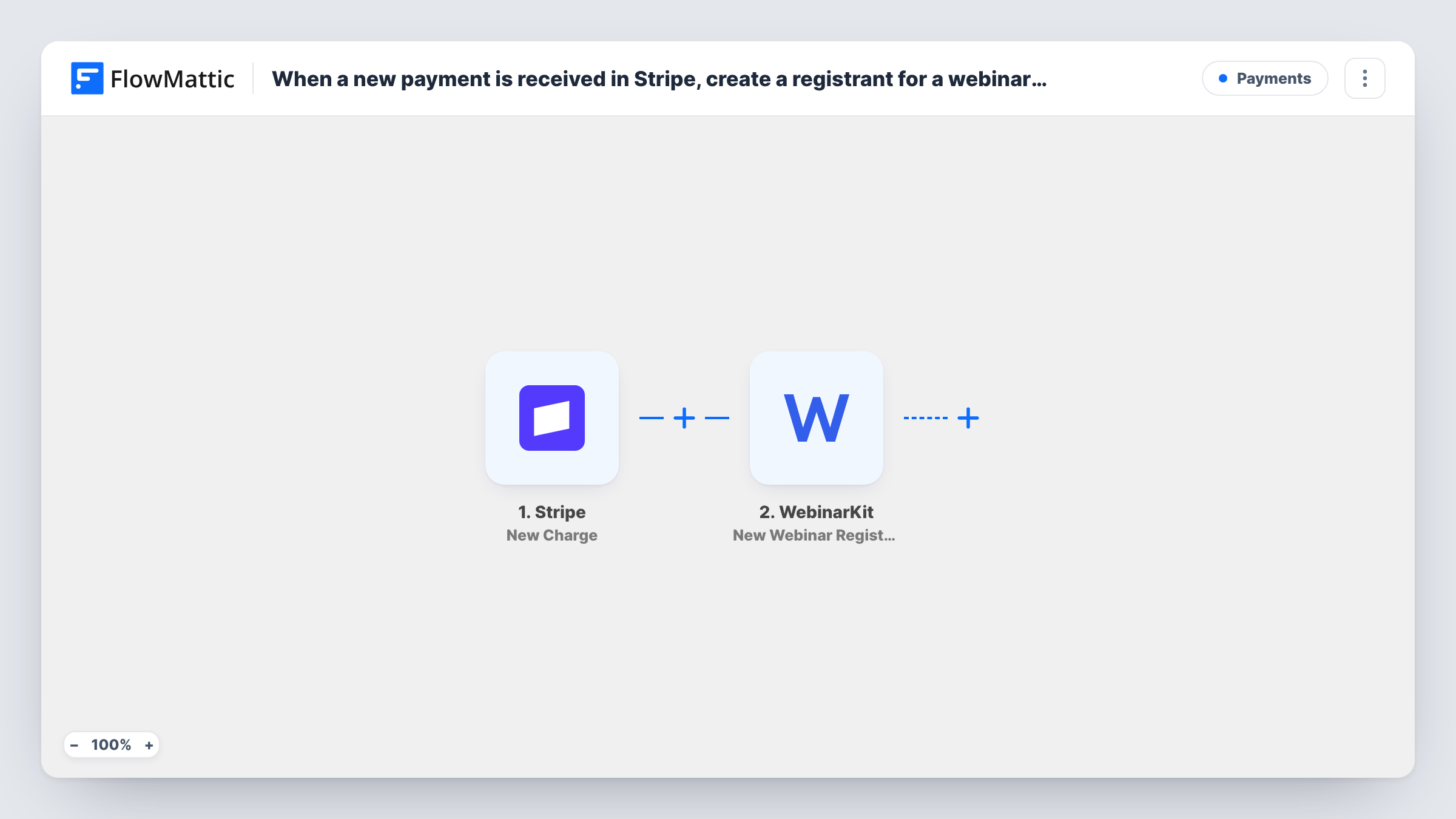
After each successful Stripe charge, FlowMattic registers the payer for the WebinarKit webinar you choose, so paid attendees get their seat without you copying names from Stripe.
 Stripe
 WebinarKit
2 steps Setup ~5 min Used on 1.1k sites Free to import
What this workflow does
Selling a paid webinar usually means two systems: Stripe takes the money and WebinarKit holds the attendee list. If someone has to move each buyer across by hand, people pay and then wait for access. This workflow registers the buyer as soon as Stripe confirms the charge.
The Stripe New Charge trigger reacts to payments, but only charges that Stripe reports as successful. The WebinarKit step then creates a registrant for a webinar. The step ships unmapped, so after import you connect WebinarKit, choose the webinar and map the payer's name and email from the charge. Check a test charge first: the billing name and email may be missing if your checkout doesn't collect them.
The trigger covers every successful charge on your Stripe account, not just webinar sales. If you sell other things through the same account, every one of those buyers would be registered too unless you narrow it, as the tips show.
Run a small test payment and open Task History to see the charge data Stripe sent and the registrant WebinarKit created.
Paid masterclass sold from a landing page
A coach sells seats with a Stripe payment link, and each buyer is registered for the WebinarKit masterclass right after paying.
Ticketed training for professionals
A training firm charges for a live certification session and has every paying participant added to the WebinarKit event list.
Workshop add-on at checkout
A consultant whose Stripe account only handles workshop fees registers each payer for the next scheduled session.
How this workflow runs
What happens at each step once the workflow is on, and what you need before you import it.
 Stripe New Charge
Fires whenever a new charge is created and succeeds in Stripe. The charge details, such as the amount, description and billing details, are passed on for mapping.
- WebinarKit New Webinar Registration
Creates a registrant for the WebinarKit webinar you pick. The template leaves this step empty, so connect WebinarKit, choose the webinar and map the payer's name and email from the Stripe charge.
What you need
- FlowMatticCore
- Stripe AccountAccount
- WebinarKit AccountAccount
After importing, map your own data. To keep the template universal, not every step is pre-filled. Open each step in the builder and connect your accounts and fields (channels, lists, sheets, recipients) before you switch the workflow on.
Make it yours
Changes worth making after you import it.
- If your Stripe account takes other payments, put a Filter between the Stripe trigger and the WebinarKit step on the charge description or amount, set to match your webinar sales.
- Make sure your Stripe checkout collects the buyer's email, because WebinarKit needs one to register them. A test charge shows whether it arrives.
- For several webinars, add a Router between the trigger and the WebinarKit step with one route per webinar. Move the existing WebinarKit step into the first route, give every other route its own copy set to that webinar, and use conditions that can't both match.
Questions about this workflow
Will every Stripe payment register someone for the webinar?
Yes, as imported, because the trigger doesn't look at what the charge was for. Use a Filter between the Stripe trigger and the WebinarKit step to keep only webinar sales.
Where does the WebinarKit registrant's email come from?
From the Stripe charge, if your checkout collected it. Look at a test run in Task History to find the field, then map it in the registration step.
Are refunded buyers removed from the WebinarKit webinar?
No. This workflow only registers people after a successful charge. Handle refunds in WebinarKit yourself.
Does a failed Stripe payment register anyone?
No. The New Charge trigger only fires for successful charges.
More Payments workflows
Other ready-to-import templates from the same category.






Import this workflow into your WordPress site
Download the JSON, import it from the Workflows screen and connect your accounts. Every run stays on your server, with no per-task fees.
30-day money-back guarantee Unlimited workflows and runs Self-hosted