

When a poll is submitted by user in WP-Polls, Add Points to a lead in UpViral
When a user votes in a WP-Polls poll on your site, FlowMattic adds points to that person’s lead in your UpViral campaign, rewarding poll participation alongside referrals.
 WP Polls
 UpViral
2 steps Setup ~5 min Used on 2.1k sites Free to import
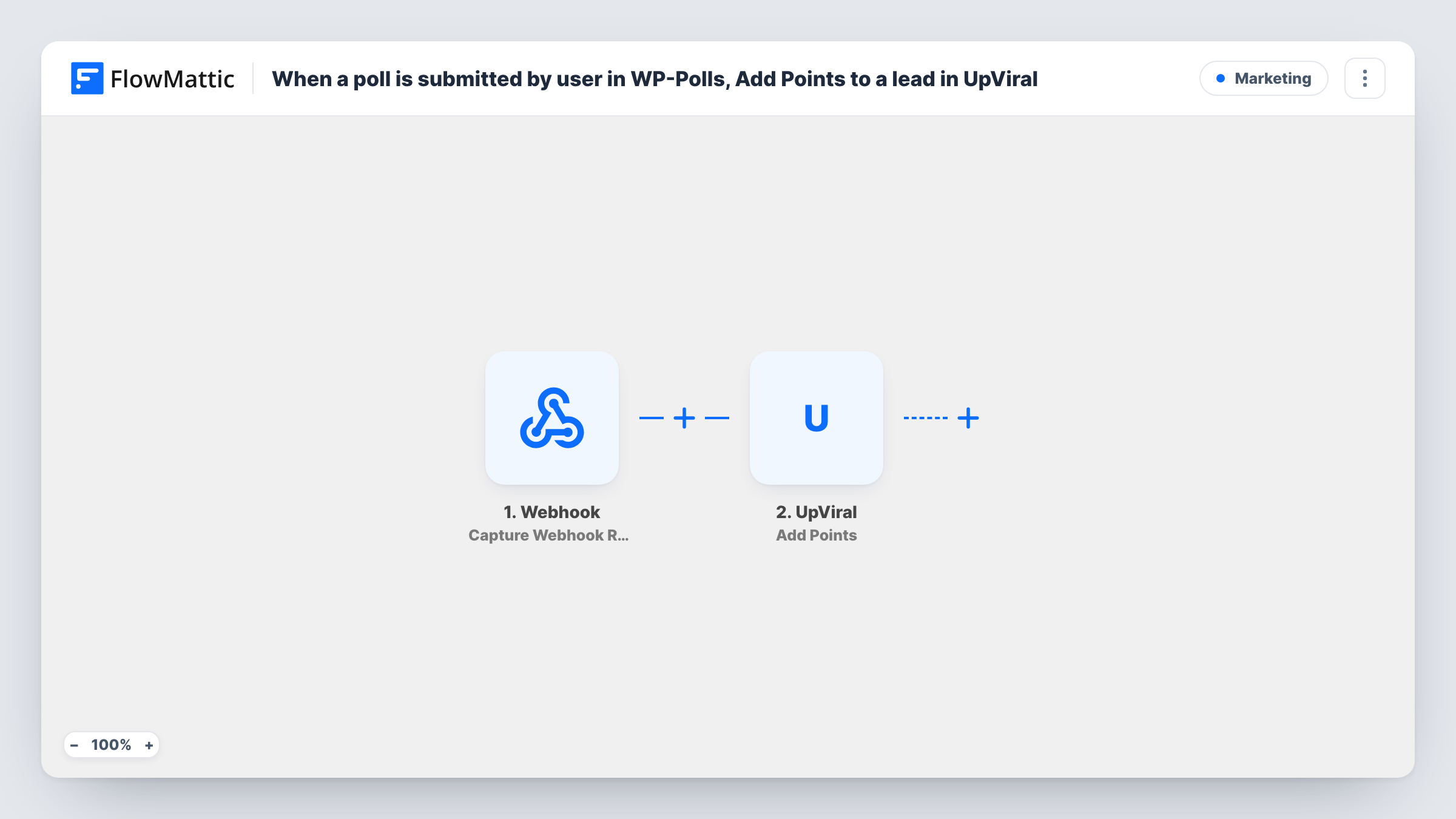
What this workflow does
UpViral campaigns usually reward referrals, but you may also want to reward people for taking part on your site. If you run polls with WP-Polls, this workflow gives a participant UpViral points each time they vote, which can move them towards the rewards in your campaign.
The WP-Polls trigger fires when a poll is submitted by a user. FlowMattic then runs the UpViral Add Points action, which adds points to a lead. The step ships unmapped: after import, choose the campaign, set how many points a vote earns, and map the voter's details so UpViral can identify the lead, usually by email.
Two conditions decide whether points arrive. First, the vote has to carry the voter's identity: votes from logged-in users may include user details, while anonymous votes may carry none. Second, the person must already be a lead in that UpViral campaign, because Add Points works on an existing lead.
Every vote runs the workflow, so someone who answers several polls earns points for each. Vote once while logged in and once while logged out, then compare the trigger data in Task History before you go live.
Points for community feedback
A creator running an UpViral giveaway asks fans to vote on the next video topic with WP-Polls and gives each voting fan extra points.
Product research during a pre-launch
A startup collecting waitlist sign-ups in UpViral rewards subscribers who vote in a feature poll on its WordPress blog.
Weekly poll streaks
A members' site posts a weekly WP-Polls question and members who already joined the referral campaign build points by voting every week.
How this workflow runs
What happens at each step once the workflow is on, and what you need before you import it.
 WP Polls User Submits a Poll
Starts when a user submits a vote in one of your WP-Polls polls. The poll, the answer and any user details WP-Polls provides are passed on; a logged-in test vote shows what is available.
- UpViral Add Points
Gives the matching UpViral lead extra points. Nothing is mapped yet: choose the campaign, set the points per vote, and map the voter's email so UpViral can find the lead. Test with a known lead.
What you need
- FlowMatticCore
- WP-Polls PluginPlugin
- UpViral AccountAccount
After importing, map your own data. To keep the template universal, not every step is pre-filled. Open each step in the builder and connect your accounts and fields (channels, lists, sheets, recipients) before you switch the workflow on.
Make it yours
Changes worth making after you import it.
- If it suits your site, limit voting in WP-Polls to registered users, so every vote carries a user the workflow can match to an UpViral lead.
- To reward one poll only, put a Filter between the WP-Polls trigger and the UpViral step on the poll ID, so votes in other polls don't add points.
- If you're unsure whether a voter is in your campaign, add UpViral's Get Lead Details by Email action between the trigger and Add Points, followed by a Filter that continues only when a lead was found.
Questions about this workflow
What happens when the WP-Polls voter isn't an UpViral lead?
Add Points works on an existing lead, so there is no one to give points to and Task History shows UpViral's response. Only people already in the campaign can earn points this way.
Do anonymous WP-Polls votes earn UpViral points?
Only if the vote carries something UpViral can match, such as an email. Anonymous votes may carry no user details, so compare a logged-out test vote with a logged-in one.
How many UpViral points does each WP-Polls vote give?
The number you set in the Add Points step. The template leaves it blank, so choose a value that fits the rewards in your campaign.
More Marketing workflows
Other ready-to-import templates from the same category.






Import this workflow into your WordPress site
Download the JSON, import it from the Workflows screen and connect your accounts. Every run stays on your server, with no per-task fees.
30-day money-back guarantee Unlimited workflows and runs Self-hosted