

When a post of any post type is imported in WP All Import, add the post data to Google Sheet
Each post WP All Import brings into your WordPress site, of any post type, is written as a new row in Google Sheets, giving you a record of what every import run added outside the WordPress admin.
 WP All Import
 Google Sheets
2 steps Setup ~5 min Used on 644 sites Free to import
What this workflow does
WP All Import can bring large batches of posts, products or listings into WordPress from a CSV or XML feed. Checking afterwards what actually came in, and with which values, means paging through the admin. This workflow writes a spreadsheet row for each imported post, so you can review an import in one place.
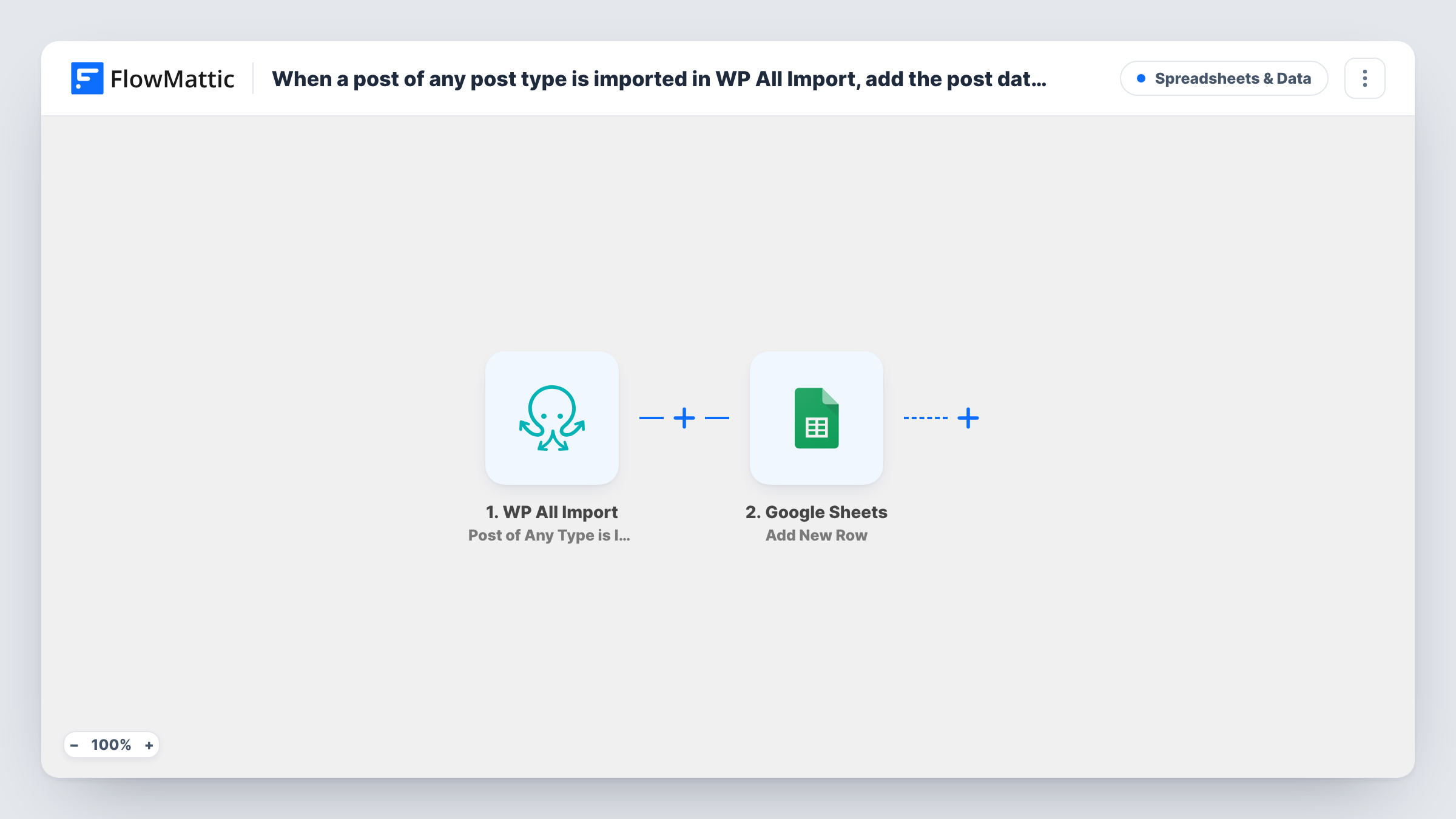
The WP All Import trigger fires when a post of any post type is imported: posts, pages, products or custom types. The post's data becomes values you can map. Google Sheets then appends a row for that post, filling the columns you mapped.
A large import produces one run, and one row, per post, so a long feed means a burst of runs in a short time. Nothing limits which post types are logged unless you add a condition. Task History shows each run and what was sent to Google Sheets.
Checking a product feed import
After importing a supplier's product feed, you scan the sheet for blank prices or odd titles instead of opening each product in WordPress.
Sharing import results with a client
An agency migrating a client's listings shares the sheet, so the client can see every imported item without a WordPress login.
Keeping an import history
Each WP All Import run adds rows, giving you a running record of which posts each feed brought in and when.
How this workflow runs
What happens at each step once the workflow is on, and what you need before you import it.
 WP All Import Post of Any Type is Imported
Fires when WP All Import imports a post of any post type on your site. The post's data from the import is passed on as values to map.
- Google Sheets Add New Row
Writes one row per imported post to the Google Sheets file you choose. Add column headers first, map each to a post value such as the title or ID, and connect your Google account on import.
What you need
- FlowMatticCore
- WP All Import PluginPlugin
- Google Sheets AccountAccount
After importing, map your own data. To keep the template universal, not every step is pre-filled. Open each step in the builder and connect your accounts and fields (channels, lists, sheets, recipients) before you switch the workflow on.
Make it yours
Changes worth making after you import it.
- Add a Filter after the trigger that continues only for one post type, such as products, if other imports should stay out of the sheet.
- Map the post ID into its own column, so you can find any imported item in WordPress straight from the spreadsheet.
- Run a small test import of two or three items after import, then map the captured values before you run a full feed.
Questions about this workflow
Does every WP All Import post type get logged in Google Sheets?
Yes, as imported. The trigger covers posts of any post type. Add a Filter on the post type if you only want some of them in the sheet.
Will a big WP All Import run slow things down?
Each imported post starts its own run, so a large feed creates many runs and many Google Sheets requests. Test with a small import first to see how your site handles it.
Do I need WP All Import on the same site as FlowMattic?
Yes. WP All Import is a WordPress plugin, and the trigger listens for its imports on the site where FlowMattic runs.
More Spreadsheets & Data workflows
Other ready-to-import templates from the same category.






Import this workflow into your WordPress site
Download the JSON, import it from the Workflows screen and connect your accounts. Every run stays on your server, with no per-task fees.
30-day money-back guarantee Unlimited workflows and runs Self-hosted