

When a response is finished in Formbricks, create or update a subscriber in MailerLite
When someone finishes a Formbricks survey, FlowMattic creates them as a MailerLite subscriber, or updates their existing subscriber record, with the answers you choose to map.
 Formbricks
 MailerLite
2 steps Setup ~5 min Used on 360 sites Free to import
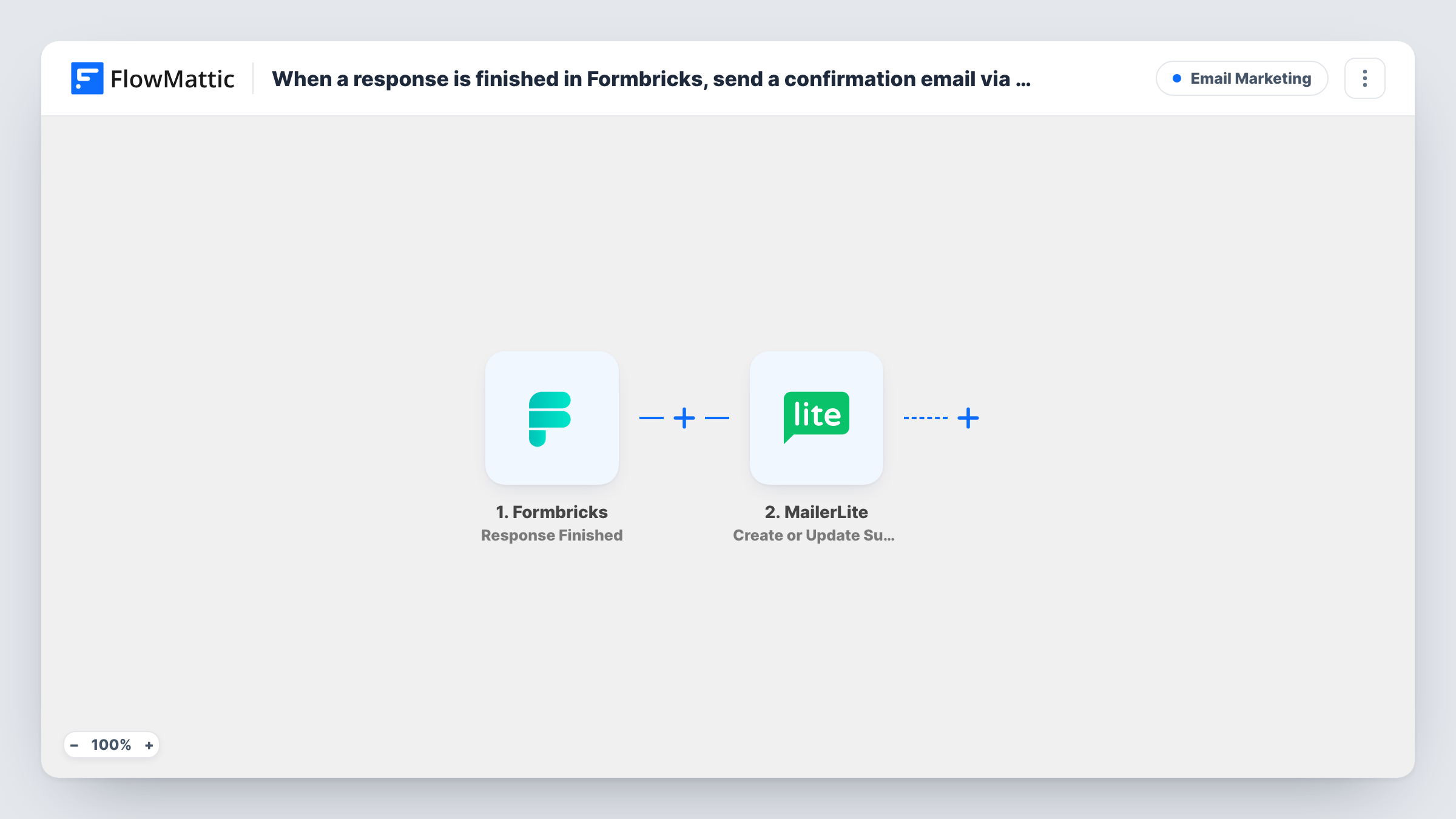
What this workflow does
Survey answers are most useful when they reach the place you email people from. A finished Formbricks response can tell you a respondent's role, interest or satisfaction, and MailerLite can use that to segment them. This workflow passes each completed response to MailerLite so your list reflects what people told you.
The Formbricks trigger fires when a response is marked as finished, so partial responses don't start a run. The response data, including any email question you asked, is passed on. Formbricks surveys can be anonymous, so make sure yours collects an email address before you rely on this workflow.
The MailerLite step then creates a new subscriber or updates one that already exists, with custom fields. It ships unmapped. After import you connect MailerLite, map the email from the response, and match any answers you want to keep to MailerLite fields you have created.
Because the step updates existing subscribers, someone who answers more than one survey keeps a single record with the latest values you map. Finish a test response and check Task History to see what Formbricks sent and what MailerLite returned.
Segmenting by survey answers
A software company asks new users their job role in a Formbricks survey and stores it as a MailerLite field, so onboarding emails differ for marketers and developers.
Feedback survey respondents on your list
A course creator runs an end-of-course survey and adds everyone who finishes it to MailerLite, so they hear about the next course.
Keeping preferences current
A newsletter asks readers which topics they want; each finished response updates the reader's MailerLite record with the topics they picked.
How this workflow runs
What happens at each step once the workflow is on, and what you need before you import it.
 Formbricks Response Finished
Starts a run when a Formbricks response is marked as finished. The respondent's answers, including any email question in your survey, become available for the MailerLite step.
- MailerLite Create or Update Subscriber
Creates a MailerLite subscriber, or updates the existing one with that email, including custom fields. The step ships unmapped: connect MailerLite, map the email from the response and match answers to your fields.
What you need
- FlowMatticCore
- Formbricks AccountAccount
- MailerLite AccountAccount
After importing, map your own data. To keep the template universal, not every step is pre-filled. Open each step in the builder and connect your accounts and fields (channels, lists, sheets, recipients) before you switch the workflow on.
Make it yours
Changes worth making after you import it.
- Create MailerLite custom fields that match your survey questions before you map them, so each answer has a place to go on the subscriber.
- Put a Filter between the Formbricks trigger and the MailerLite step that continues only when the email answer is not empty, so anonymous responses stop before MailerLite.
- Use a consent question in the survey and check it in that same Filter between Formbricks and MailerLite, so only respondents who agreed to emails are added.
Questions about this workflow
Does a half-finished Formbricks response reach MailerLite?
No. The trigger fires only when a response is marked as finished. FlowMattic's Formbricks integration also has Response Created and Response Updated triggers if you ever need earlier events.
What happens if the respondent is already a MailerLite subscriber?
The step updates the existing subscriber instead of adding a new one, using the values you mapped. Their record keeps a single entry.
Do I need an email question in my Formbricks survey?
Yes. MailerLite identifies subscribers by email, so the survey must collect one, or the response must carry it. Check a test response to see where the email arrives.
Which survey answers end up in MailerLite?
Only the ones you map. The template leaves the MailerLite step empty, so pick the answers you want and match each to a MailerLite field.
More Email Marketing workflows
Other ready-to-import templates from the same category.





Import this workflow into your WordPress site
Download the JSON, import it from the Workflows screen and connect your accounts. Every run stays on your server, with no per-task fees.
30-day money-back guarantee Unlimited workflows and runs Self-hosted