

When a response is updated in Formbricks, update the corresponding entry in Airtable
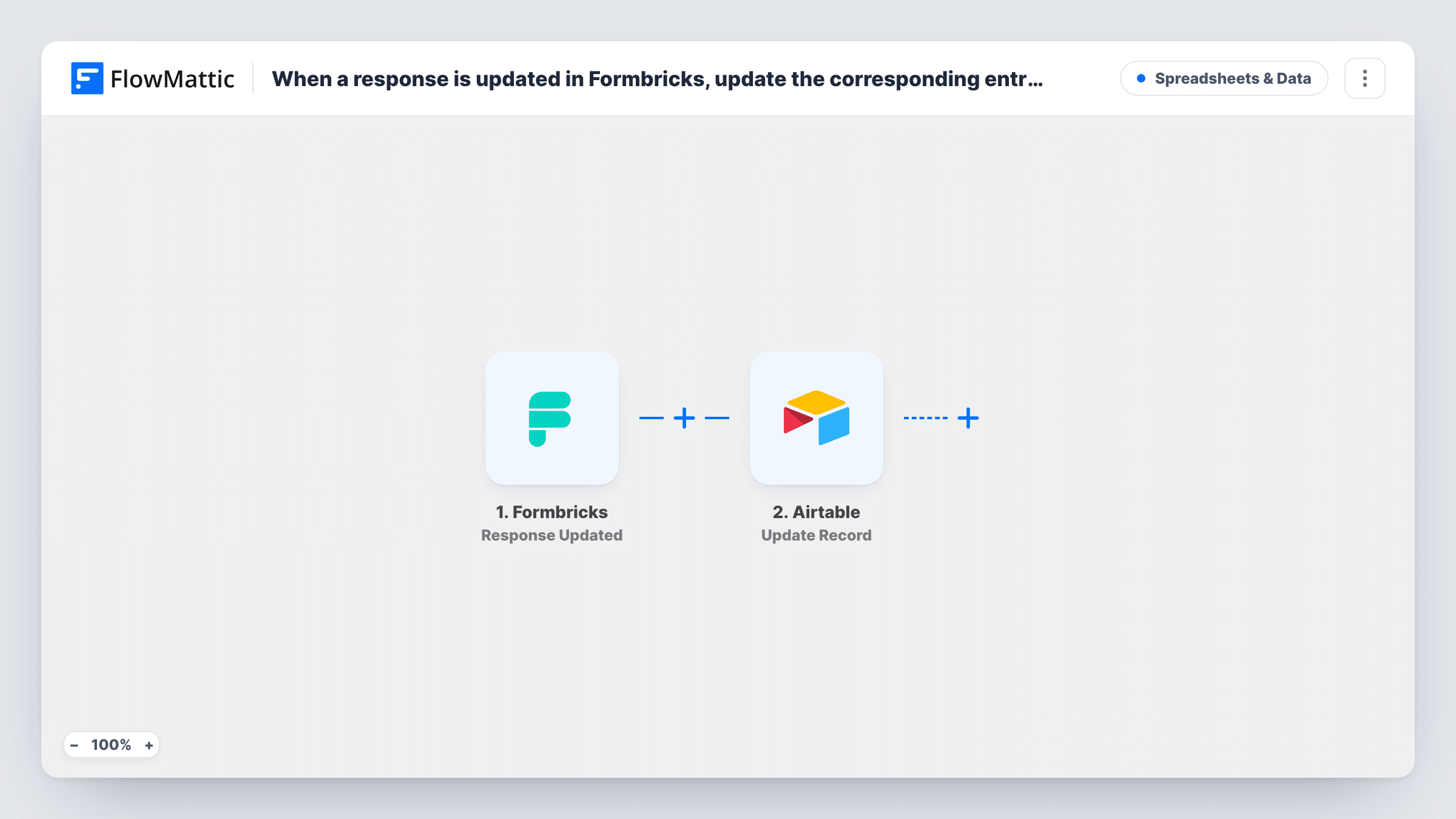
When a Formbricks survey response is updated, FlowMattic searches Airtable for the matching record, continues only if it found one, and updates that record with the new answers.
 Formbricks
 Airtable
 Filter
4 steps Setup ~8 min Used on 3.0k sites Free to import
What this workflow does
Survey answers change. A respondent goes back and edits a reply, or a multi-page survey fills in over time. If you copy responses into Airtable, the base falls behind unless the record follows those edits. This workflow keeps an existing Airtable record in step with its Formbricks response.
Each run begins with Formbricks reporting that an existing survey response has been changed. The first Airtable step then searches a table using a filter formula. It ships unmapped, so after import you pick the base and table and write the formula, for example matching a column that holds the Formbricks response ID against the ID in the trigger data.
A Filter checks that the search found more than zero records. With no match, the run stops there and Airtable is left alone. Otherwise the Update Record step changes the first record the search returned: its record ID is mapped in the template, and you map the updated answers into the columns you want refreshed.
This only updates records that already exist. Each Airtable row needs the value your formula searches on, which usually means an earlier workflow saved it when the response was first created. Test by editing a response that has a record, then check Task History.
Feedback base that follows edited answers
A product team logs every Formbricks response in Airtable. When a user revises their feedback, the same row is updated instead of going stale.
Multi-step onboarding surveys
A SaaS company's onboarding survey records answers as users move through it. Each update to the response refreshes the customer's row in the Airtable success tracker.
Research panels with corrections
A researcher lets panel members correct earlier replies. The Airtable record used for analysis picks up each correction without a manual export.
How this workflow runs
What happens at each step once the workflow is on, and what you need before you import it.
 Formbricks Response Updated
Runs each time Formbricks reports a change to an existing response in one of your surveys. The response data, including its answers and ID, is passed to the Airtable search and update steps.
- Airtable Search Record
Looks for the matching Airtable record with a filter formula. The step ships unmapped: choose the base and table, then write a formula that compares a stored identifier, such as the response ID, with the value from Formbricks.
- Filter Continue If Condition Meet
Checks that the Airtable search returned more than zero records. When the response has no matching record, the run stops at this Filter and nothing in Airtable is changed.
- Airtable Update Record
Updates the record the search found, using the first result's record ID, which the template already maps. After import, map the updated Formbricks answers into the Airtable columns you want to overwrite.
What you need
- FlowMatticCore
- Formbricks AccountAccount
- Airtable AccountAccount
After importing, map your own data. To keep the template universal, not every step is pre-filled. Open each step in the builder and connect your accounts and fields (channels, lists, sheets, recipients) before you switch the workflow on.
Make it yours
Changes worth making after you import it.
- Store the Formbricks response ID in its own Airtable column when you first add each response, and match on that column in the search formula. It identifies the record even when answers change.
- Keep the search formula strict enough to return a single record. The update step only changes the first match, so a loose formula could update the wrong row.
- Pair this with a second workflow on Formbricks' Response Created trigger that adds a new Airtable record, so every response has a row for this one to update.
Questions about this workflow
What happens when the Formbricks response has no record in Airtable?
The Filter checks the number of records the search found. If it is zero, the run stops at the Filter and no record is created or changed. Task History shows the empty search.
Does this workflow add new Formbricks responses to Airtable?
No. It only updates records that already exist. For new responses, use a separate workflow that starts on Formbricks' Response Created trigger and creates the record.
How does Airtable know which record belongs to the response?
It relies on the Airtable formula you set when configuring the search. Match a column that holds a value from the response, such as its ID or the respondent's email, against the same value from the trigger.
Which Airtable columns get overwritten when a response changes?
Just the columns you connect to Formbricks answers in step 4. The template maps the record ID for you and leaves the field values to you, so columns you don't map stay as they are.
More Spreadsheets & Data workflows
Other ready-to-import templates from the same category.




Import this workflow into your WordPress site
Download the JSON, import it from the Workflows screen and connect your accounts. Every run stays on your server, with no per-task fees.
30-day money-back guarantee Unlimited workflows and runs Self-hosted