

When a Runscope test run completes, log it in Google Sheets and ping the team in Slack
Each time a Runscope Radar test completes a run, this workflow adds the run to a Google Sheets log and then posts a note in Slack, giving your team a record and a message for every check.
 Runscope
 Google Sheets
 Slack
3 steps Setup ~5 min Used on 1.2k sites Free to import
What this workflow does
API monitoring is useful only when people see the results. A spreadsheet gives you the long history, and a Slack channel tells the team right away. Doing both from one event means you never have a run logged but unannounced, or announced but missing from the record.
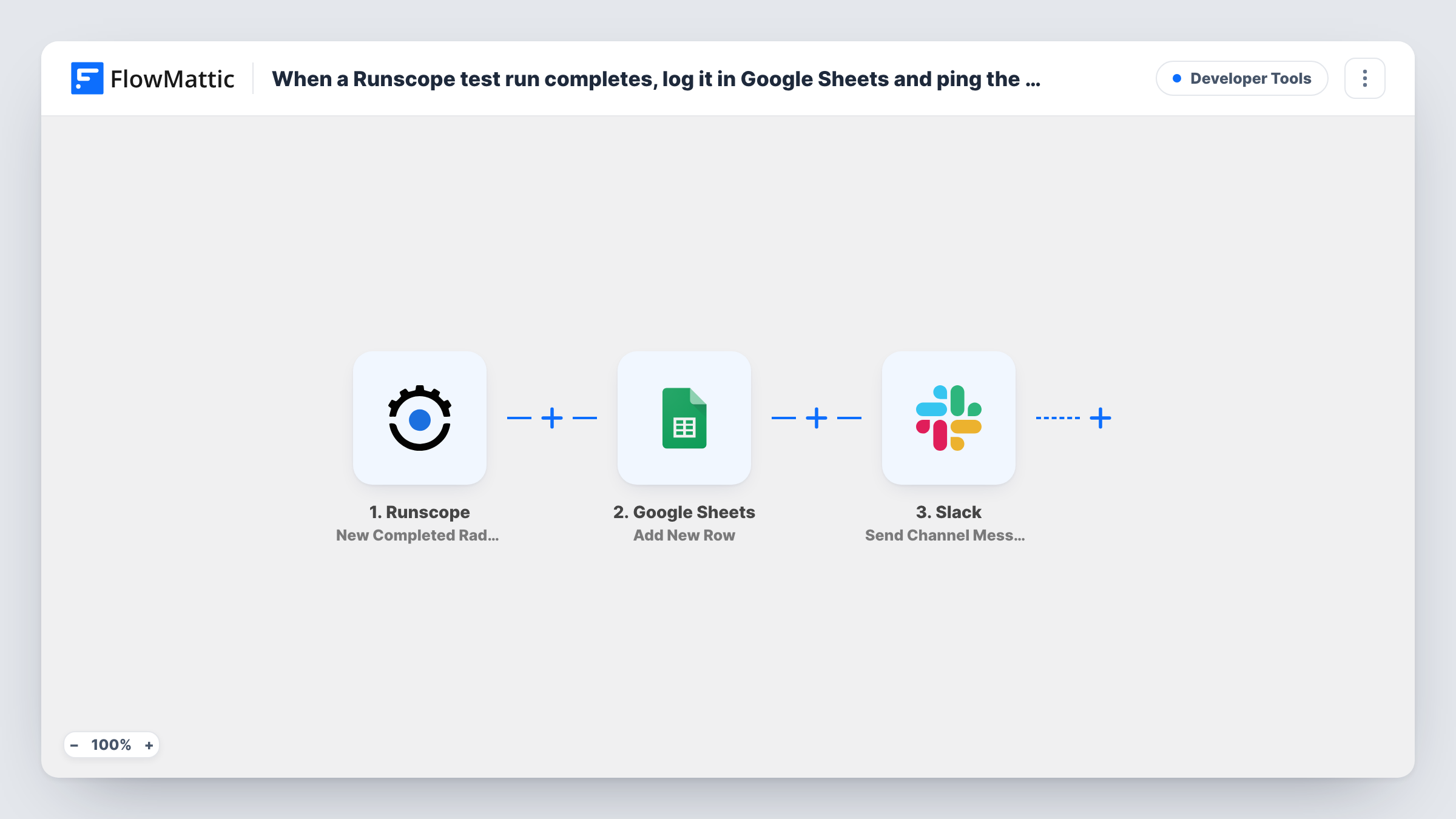
The flow starts with the Runscope trigger, which fires when a Radar API test completes a run. FlowMattic first writes the run's details to a new row in Google Sheets, using the column mapping you set. It then posts a message to a Slack channel, where you can include the test name, result or any other field Runscope sent.
As shipped, there is no condition, so every completed run is logged and announced, passed or failed. If your tests run often, the Slack channel will see a message for each one. The tips cover how to keep the full log while posting only failures.
Release-day monitoring
While a new API version rolls out, the team watches a Slack channel for each Radar run, and the sheet keeps the record for the post-release review.
A shared log for on-call engineers
On-call staff see each completed check in Slack, and the sheet tells the next person on shift what happened overnight.
Uptime evidence for clients
An agency keeps the Google Sheets log as proof that checks ran, while its own Slack channel shows each run as it finishes.
How this workflow runs
What happens at each step once the workflow is on, and what you need before you import it.
 Runscope New Completed Radar Test Run
Starts the flow each time a Radar test in Runscope finishes running. The run's details are handed to both later steps for mapping.
- Google Sheets Add New Row
Writes the completed run to a new row in the Google Sheets spreadsheet you select. Map run fields such as test name and result to columns and connect your Google account.
- Slack Send Channel Message
Posts a message about the run in the Slack channel you pick. Build the text from Runscope fields, and from the sheet step's output if useful, then connect your Slack workspace.
What you need
- FlowMatticCore
- Runscope AccountAccount
- Google Sheets AccountAccount
- Slack AccountAccount
After importing, map your own data. To keep the template universal, not every step is pre-filled. Open each step in the builder and connect your accounts and fields (channels, lists, sheets, recipients) before you switch the workflow on.
Make it yours
Changes worth making after you import it.
- To keep the full log but post only failures, add a Filter between the Google Sheets and Slack steps that continues when the run's result field shows a failure.
- Put the test name and result at the start of the Slack message so people can read the outcome from the channel list without opening each post.
- Let one Radar test complete after import, then map fields in both steps using the captured run before you switch the workflow on.
Questions about this workflow
Does Slack get a message for passing Runscope runs too?
Yes, as imported. Every completed run is written to the sheet and posted to Slack. If you only want messages for failures, put a Filter between the Google Sheets step and the Slack step that checks the run's result.
Which Slack channel gets the Runscope message, and what does it say?
The channel you pick in the Send Channel Message step after import. The template leaves the message text empty, so write it yourself and map Runscope fields such as the test name and result into it.
Can I log Runscope runs from more than one Radar test?
Each completed run the trigger receives goes through the flow. Run a test after import to see which runs reach FlowMattic and which test each row belongs to.
Can I send the Runscope alert somewhere other than Slack?
Yes. Replace the Slack step with another messaging or email action in FlowMattic and map the same Runscope fields into it.
More Developer Tools workflows
Other ready-to-import templates from the same category.





Import this workflow into your WordPress site
Download the JSON, import it from the Workflows screen and connect your accounts. Every run stays on your server, with no per-task fees.
30-day money-back guarantee Unlimited workflows and runs Self-hosted