

When a webhook response is received, create a product in WooCommerce, add product details to Google Spreadsheet
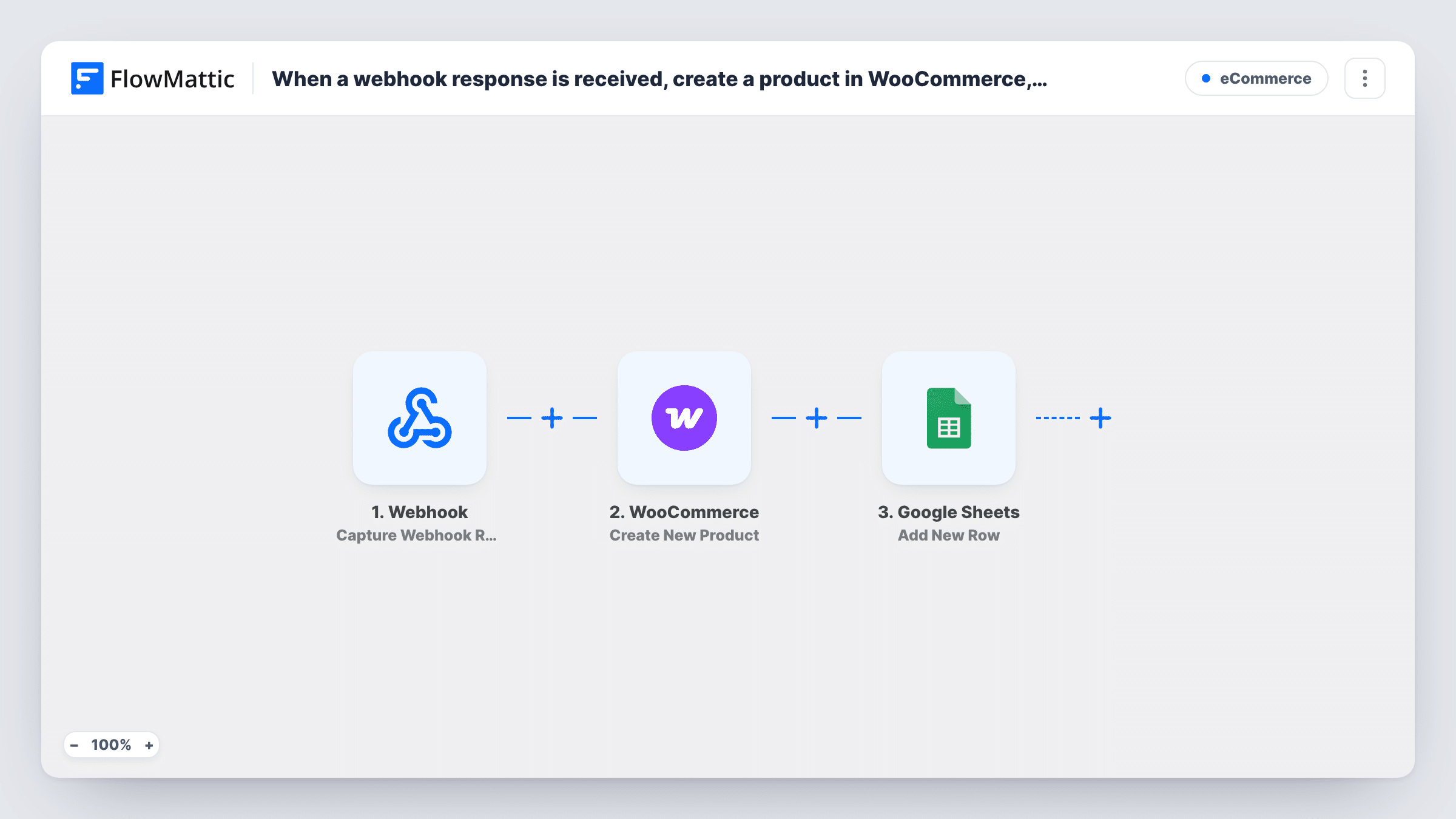
Product data sent to a FlowMattic webhook creates a new WooCommerce product, then the product’s details are written to a Google Sheets row, giving you a store listing and a log from one request.
 Webhook
 WooCommerce
 Google Sheets
3 steps Setup ~5 min Used on 1.4k sites Free to import
What this workflow does
Product data often starts outside WordPress: a supplier system, an inventory tool or a script you run. Typing each item into WooCommerce, then recording it in a spreadsheet, is slow and invites mistakes. This workflow takes the data from a webhook request and does both.
The Webhook trigger sits at a URL that FlowMattic creates for this workflow. Any system that can send an HTTP request to it starts the workflow, and the values in the request become data you can map. Next, Create New Product in WooCommerce creates a product in your store from the webhook values you map into it.
A final step writes to Google Sheets as a new row. You can fill it with the incoming data, with what the WooCommerce step returns about the new product, or both. Each webhook request creates one product and one row.
Supplier feed for new items
Your supplier's system sends a webhook for each new product. The item appears in your WooCommerce store, and the sheet keeps a list of everything added.
Products from an internal tool
A product team works in its own tool. When an item is ready, the tool calls the webhook, creating the WooCommerce product and logging it for the team.
Bulk loading with a script
A script posts one request per product to the webhook. Each request creates the product and a sheet row you can check for gaps.
How this workflow runs
What happens at each step once the workflow is on, and what you need before you import it.
 Webhook Capture Webhook Response
Gives you a webhook URL and runs each time a request reaches it. The values in the request become data for the WooCommerce and Google Sheets steps.
- WooCommerce Create New Product
Creates a new product in your WooCommerce store from the webhook values you map into it. Send a test request afterwards and open the product to confirm the details came through.
- Google Sheets Add New Row
Writes a new row to your chosen spreadsheet in Google Sheets. Map the incoming values, and anything the WooCommerce step returns about the new product, into the sheet's columns.
What you need
- FlowMatticCore
- WooCommerce PluginPlugin
- Google Sheets AccountAccount
After importing, map your own data. To keep the template universal, not every step is pre-filled. Open each step in the builder and connect your accounts and fields (channels, lists, sheets, recipients) before you switch the workflow on.
Make it yours
Changes worth making after you import it.
- Add a Filter after the webhook that continues only when a product name and price are present, so incomplete requests do not create empty products.
- If your source sends a list of products in one request, add an Iterator after the trigger so each item creates its own product and row.
- Send one sample request to the webhook URL after import so FlowMattic captures the field names, then map them in both steps.
Questions about this workflow
What happens if the same product is sent to the webhook twice?
Create New Product makes a new product each time, so you get a duplicate in WooCommerce and a second row. Avoid resending items, or add a check first.
Does the webhook need a particular data format for WooCommerce?
No fixed format is required. FlowMattic captures the fields of the first request, and you map them into the product and the sheet.
Are the WooCommerce products published straight away?
Check with a test request. The product's status depends on how the Create New Product step is set up, so confirm it before sending real data.
More E-Commerce workflows
Other ready-to-import templates from the same category.






Import this workflow into your WordPress site
Download the JSON, import it from the Workflows screen and connect your accounts. Every run stays on your server, with no per-task fees.
30-day money-back guarantee Unlimited workflows and runs Self-hosted