

When a WooCommerce order is completed, create a presentation export link
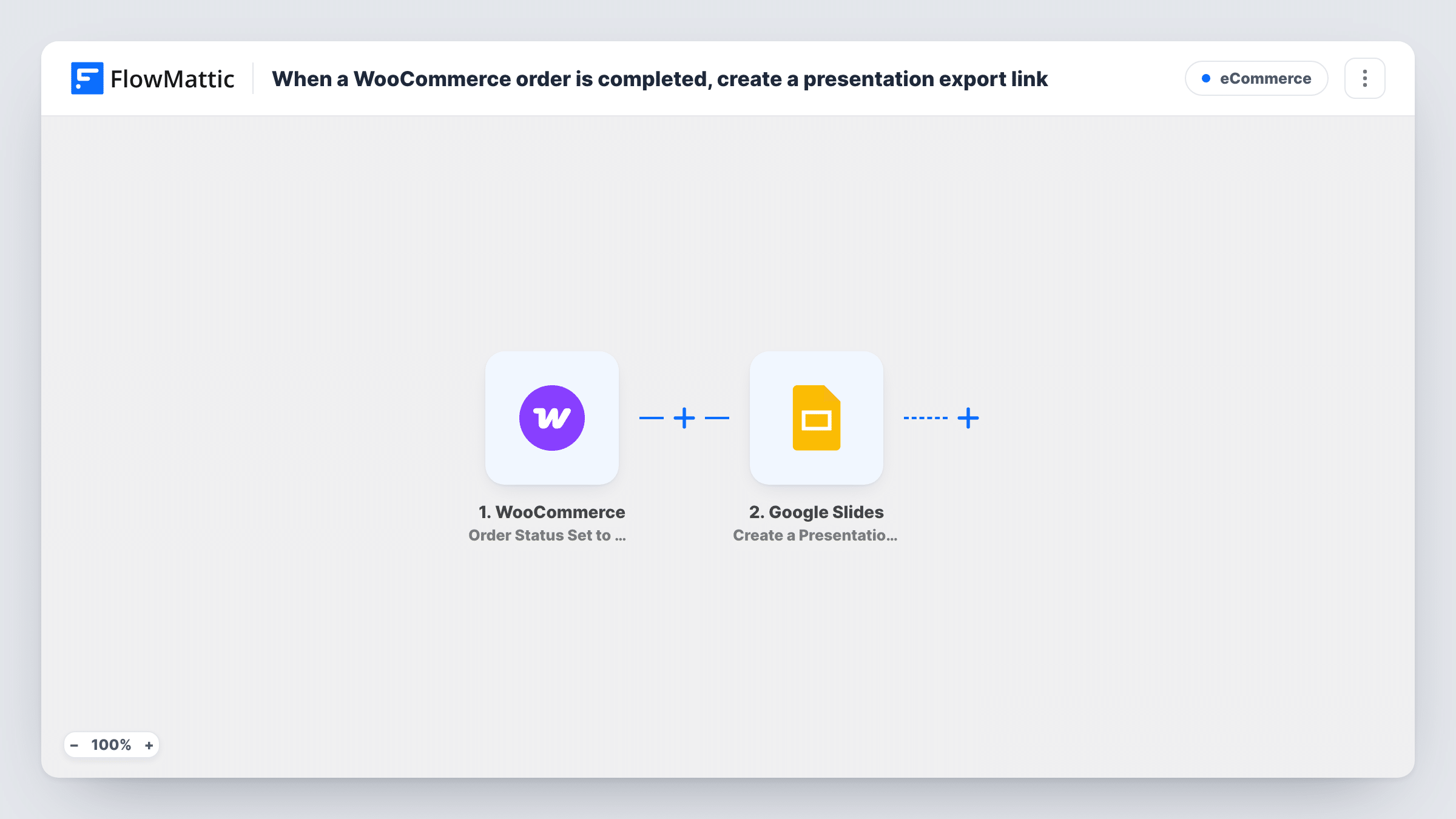
Each time a WooCommerce order is set to Completed, this workflow asks Google Slides for an export link to the presentation you select. As imported it only creates the link; add a step to send it.
 WooCommerce
 Google Slides
2 steps Setup ~5 min Used on 1.9k sites Free to import
What this workflow does
Some shops sell or deliver a Google Slides deck: a template pack, a course workbook, a branded proposal. Producing a download link by hand for every finished order is slow. This workflow creates that link as part of the order's completion, so it is ready for the next step you add.
The WooCommerce trigger fires when an order status is set to completed on your store, and passes on the order details. FlowMattic then runs Google Slides Create a Presentation Export Link, which creates an export link for a presentation in your connected Google account.
Be clear on what the template does as shipped. It creates the link and stops there: the customer is not emailed, and nothing is added to the order. The link is part of the run's data, which you can see in Task History, but you need to add a step that uses it, such as Gmail Send Email. Whoever opens the link also needs access under the presentation's own sharing settings in Google.
Selling a slide template pack
A customer buys your presentation template. Once the order is completed, an export link to the deck is created, and a Gmail step you add sends it to the buyer.
Workbook for a paid workshop
Each completed workshop booking creates an export link to the slide workbook, ready to send to the attendee in a follow-up email step.
Testing a delivery flow before going live
You complete a test order and check Task History to see the export link Google returned, before adding the email step that will deliver it.
How this workflow runs
What happens at each step once the workflow is on, and what you need before you import it.
 WooCommerce Order Status Set to Completed
Fires when a WooCommerce order's status is set to Completed. The order details, including the customer's billing information, are passed on and can be mapped in later steps.
- Google Slides Create a Presentation Export Link
Creates an export link for a Google Slides presentation in your connected Google account. The link is returned as data for a later step; nothing in this template sends it.
What you need
- FlowMatticCore
- WooCommerce PluginPlugin
- Google Slides AccountAccount
After importing, map your own data. To keep the template universal, not every step is pre-filled. Open each step in the builder and connect your accounts and fields (channels, lists, sheets, recipients) before you switch the workflow on.
Make it yours
Changes worth making after you import it.
- Add Gmail Send Email after the Google Slides step, map the customer's billing email as the recipient, and put the export link in the message body.
- If only one product comes with the deck, add a Filter after the trigger that continues only when the order's line items include that product name.
- Check the presentation's sharing in Google before going live. Open the export link from a browser that is signed out of Google to see what a customer will get.
Questions about this workflow
Does the WooCommerce customer receive the Google Slides link?
Not as imported. The workflow creates the link and stops. Add an email step, such as Gmail Send Email, that maps the link and the customer's address.
Which presentation is the export link for?
The one you set in the Google Slides step after import. Every completed order uses the same presentation unless you map a different presentation into the step.
Why does the trigger wait for Completed instead of a new order?
Completed means you have finished the order, so the link is only made once payment and fulfilment are done. Swap the trigger if you want it at an earlier status.
Can buyers open the export link without a Google account?
That depends on the presentation's sharing settings in Google. Test the link signed out before you send it to customers.
More E-Commerce workflows
Other ready-to-import templates from the same category.





Import this workflow into your WordPress site
Download the JSON, import it from the Workflows screen and connect your accounts. Every run stays on your server, with no per-task fees.
30-day money-back guarantee Unlimited workflows and runs Self-hosted