

When a new form entry is received, add a customer to WooCommerce
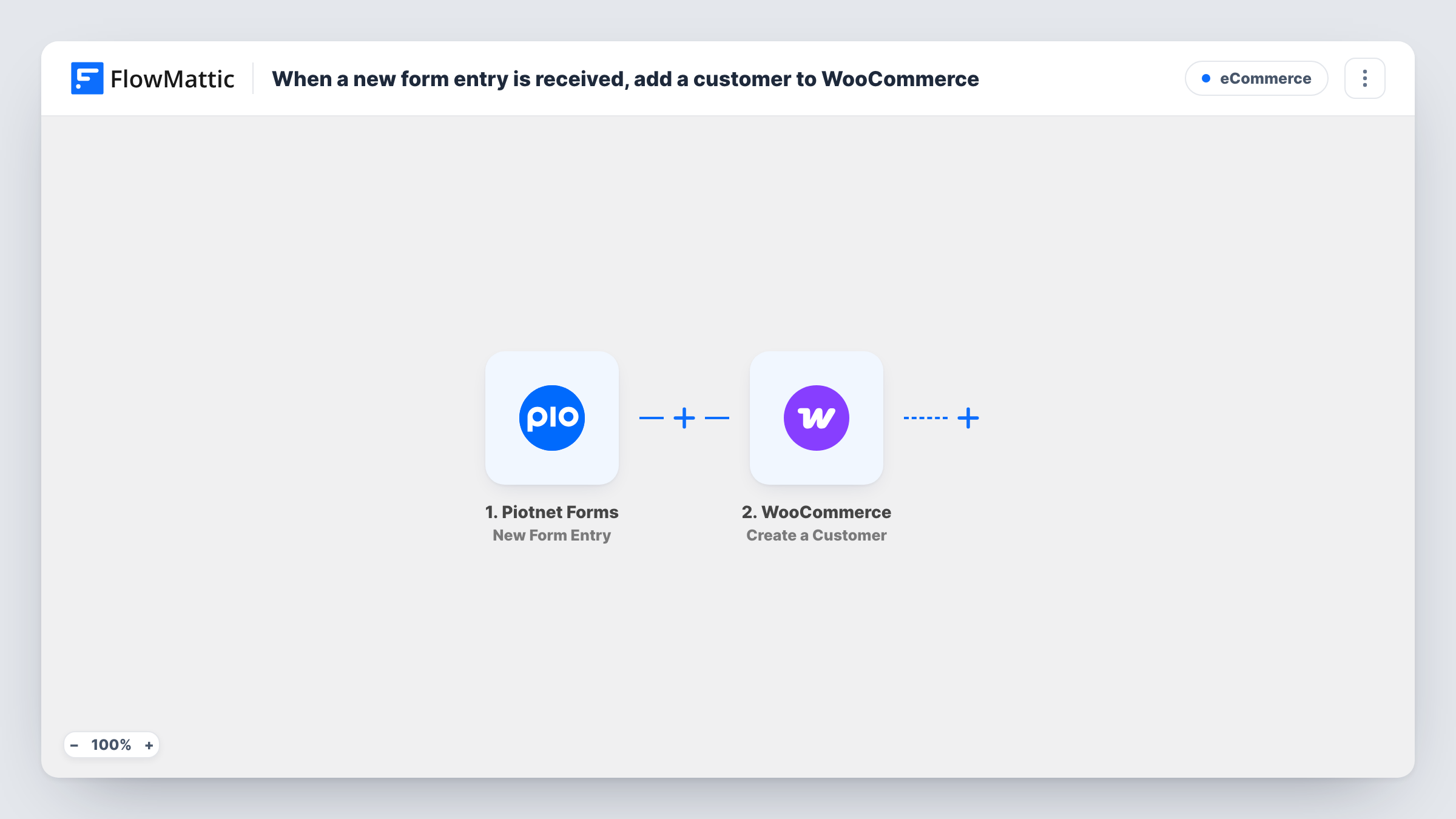
When someone submits a Piotnet Forms form, this workflow creates a WooCommerce customer from the details they entered, so people who register through your form have a customer account in your store.
 Piotnet Forms
 WooCommerce
2 steps Setup ~5 min Used on 2.1k sites Free to import
What this workflow does
Some stores collect sign-ups through a custom form rather than the WooCommerce registration page: a trade account request, a wholesale application or a styled sign-up built in Elementor. Turning each entry into a store customer by hand is slow. This workflow creates the customer for you.
Each new entry in Piotnet Forms starts the run. FlowMattic passes the entry to the WooCommerce step, which creates a new customer profile. You map the form's email, name and any address fields to the customer details.
Every entry tries to create a customer, so use this on a form meant for sign-ups rather than a general contact form. WordPress allows only one account per email address, so a repeat entry cannot produce a second account for the same person. Test with an email that already has an account to see how the step responds.
Wholesale account requests
Trade buyers fill in a Piotnet application form, and each one becomes a WooCommerce customer you can then assign wholesale pricing to.
Event sign-up that doubles as store registration
Attendees register through a Piotnet form on your event page and leave with a customer account for buying merchandise later.
Custom styled registration page
You want a registration form that matches your Elementor design. Piotnet handles the look and WooCommerce gets the customer.
How this workflow runs
What happens at each step once the workflow is on, and what you need before you import it.
 Piotnet Forms New Form Entry
Starts each time your Piotnet sign-up form receives an entry. The submitted fields are passed on so you can map them to the customer.
- WooCommerce Create a Customer
Creates a new WooCommerce customer profile from the form entry. Map the email field, plus the name and any billing fields your form collects.
What you need
- FlowMatticCore
- Piotnet Forms PluginPlugin
- WooCommerce PluginPlugin
After importing, map your own data. To keep the template universal, not every step is pre-filled. Open each step in the builder and connect your accounts and fields (channels, lists, sheets, recipients) before you switch the workflow on.
Make it yours
Changes worth making after you import it.
- Make the email field required in your Piotnet form so the WooCommerce step always has an address to create the customer with.
- Add a Filter after the trigger that checks a field only your sign-up form has, if other Piotnet forms on the site should not create customers.
- Submit a test entry after import so FlowMattic captures the form fields, then map them in the WooCommerce step before turning the workflow on.
Questions about this workflow
What if the email is already a WooCommerce customer?
WordPress keeps one account per email address, so a duplicate account is not possible. Submit a test entry with a known customer's email and check Task History to see what the WooCommerce step returns.
Does the workflow place a WooCommerce order for the new customer?
No. It only creates the customer profile. Orders come later, when that person shops in your store.
Do Piotnet Forms and WooCommerce need to be on the same site?
Yes. Both are WordPress plugins, and FlowMattic must run on the site where they are installed.
Are older Piotnet Forms entries turned into customers?
No. Only entries received after you turn the workflow on create WooCommerce customers.
More E-Commerce workflows
Other ready-to-import templates from the same category.






Import this workflow into your WordPress site
Download the JSON, import it from the Workflows screen and connect your accounts. Every run stays on your server, with no per-task fees.
30-day money-back guarantee Unlimited workflows and runs Self-hosted