

When an email is received in Email Parser, create a new contact in FunnelKit Automation ( Autonami )
Emails that reach your FlowMattic Email Parser address create a new contact in FunnelKit Automations (Autonami), using the sender or other details you map from the message.
 Email Parser by FlowMattic
 Autonami
2 steps Setup ~5 min Used on 353 sites Free to import
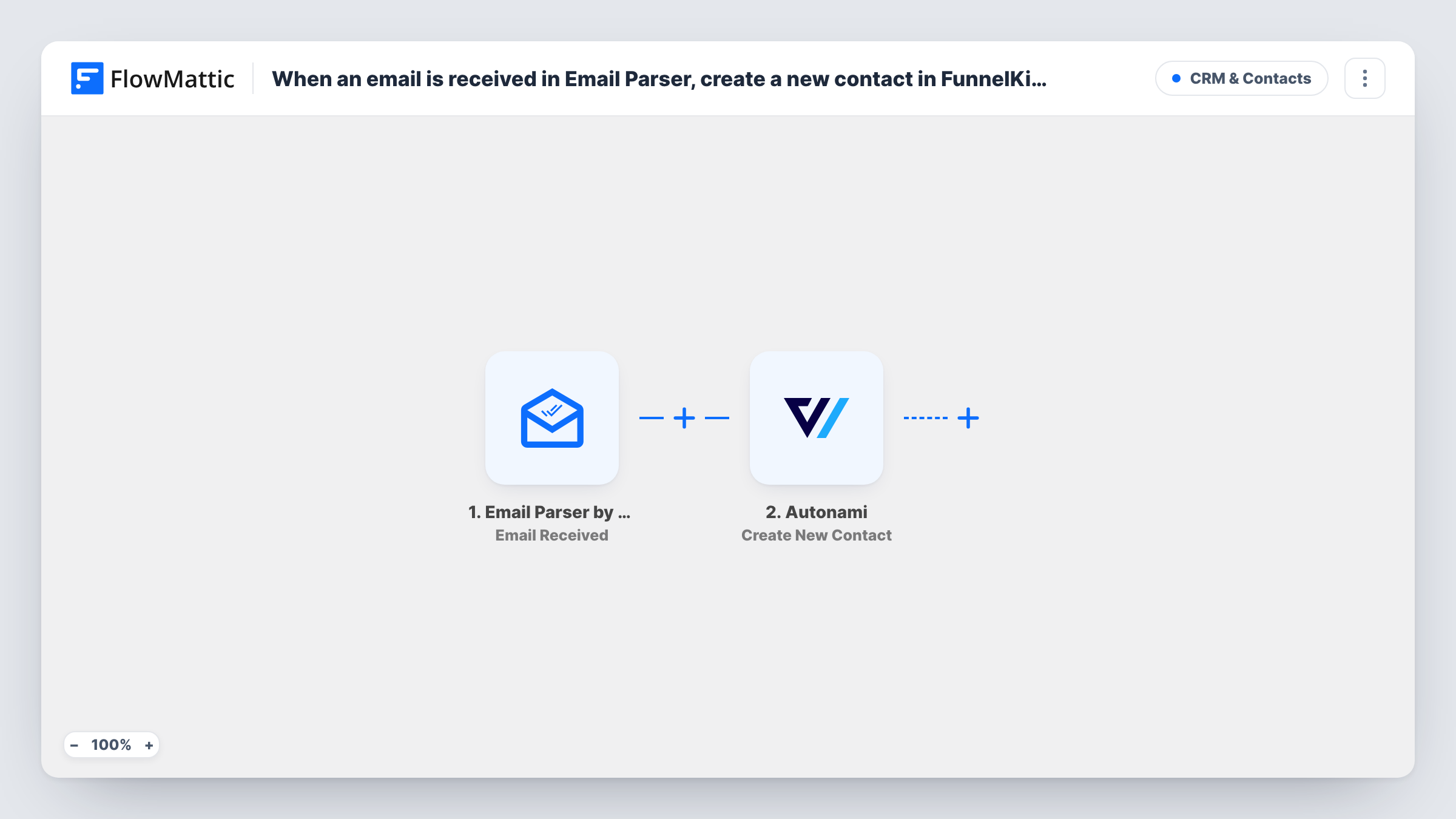
What this workflow does
Some leads never touch a form on your site. They come in as emails: enquiries forwarded from a marketplace, notifications from a lead provider, replies to an ad. If you run your email follow-up in FunnelKit Automations, those people need to be contacts there. This workflow creates them from the emails.
The Email Parser by FlowMattic trigger comes with its own inbox address. Each message received at that address starts a run, with the sender, subject and body available as data. FlowMattic then calls Autonami with Create New Contact, and you map an email address and any name details into the contact.
Every email that arrives creates a contact attempt, so point only the right messages at the parser address, and use Task History to see each run.
Marketplace enquiry notifications
Forward the enquiry emails a directory site sends you to the parser address, and each sender becomes a FunnelKit contact.
Partner referrals by email
A partner emails introductions to your parser address, and the person sending them is added to FunnelKit Automations for follow-up.
Moving an old inbox workflow into WordPress
Instead of copying addresses from a shared inbox, set a forwarding rule for the relevant messages to the parser address.
How this workflow runs
What happens at each step once the workflow is on, and what you need before you import it.
 Email Parser by FlowMattic Email Received
Starts a run each time an email arrives at your Email Parser by FlowMattic address. The sender, subject and message body can be mapped in the next step.
- Autonami Create New Contact
Creates a contact in FunnelKit Automations (Autonami) on your site. Map an email address from the parsed message, plus any name you want stored on the contact.
What you need
- FlowMatticCore
- FunnelKit Automations ( Autonami ) PluginPlugin
After importing, map your own data. To keep the template universal, not every step is pre-filled. Open each step in the builder and connect your accounts and fields (channels, lists, sheets, recipients) before you switch the workflow on.
Make it yours
Changes worth making after you import it.
- Send a sample email to the parser address after import, then open the run to see exactly how the sender and body come through before mapping.
- If the lead's address is inside the message body rather than in the From line, add a Text Formatter step with Extract Pattern to pull it out and map that value instead.
- Add a Filter after the trigger that checks the subject or sender, so only the emails you mean to turn into contacts reach FunnelKit.
Questions about this workflow
Do I need a separate mailbox for FunnelKit leads to reach the Email Parser?
No. Email Parser by FlowMattic provides the receiving address. You forward or send messages to it from any mailbox.
What if the sender is already a FunnelKit contact?
The step is Create New Contact. Test with a known address and check the response in Task History to see how FunnelKit Automations handles it.
Can the Email Parser read a lead's details from the body of the email?
The body arrives as data. To use a single value from it, such as an address inside the text, add a Text Formatter step before the FunnelKit step.
More CRM & Contacts workflows
Other ready-to-import templates from the same category.






Import this workflow into your WordPress site
Download the JSON, import it from the Workflows screen and connect your accounts. Every run stays on your server, with no per-task fees.
30-day money-back guarantee Unlimited workflows and runs Self-hosted