

When an event occurs in WordPress, capture the data with custom action, and store it to Google Spreadsheet
Fire FlowMattic’s Custom Action trigger from your own WordPress code at any event you choose, and this workflow writes the data you pass to a new Google Sheets row, giving you a log of events no ready-made trigger covers.
 Custom Action
 Google Sheets
2 steps Setup ~5 min Used on 900 sites Free to import
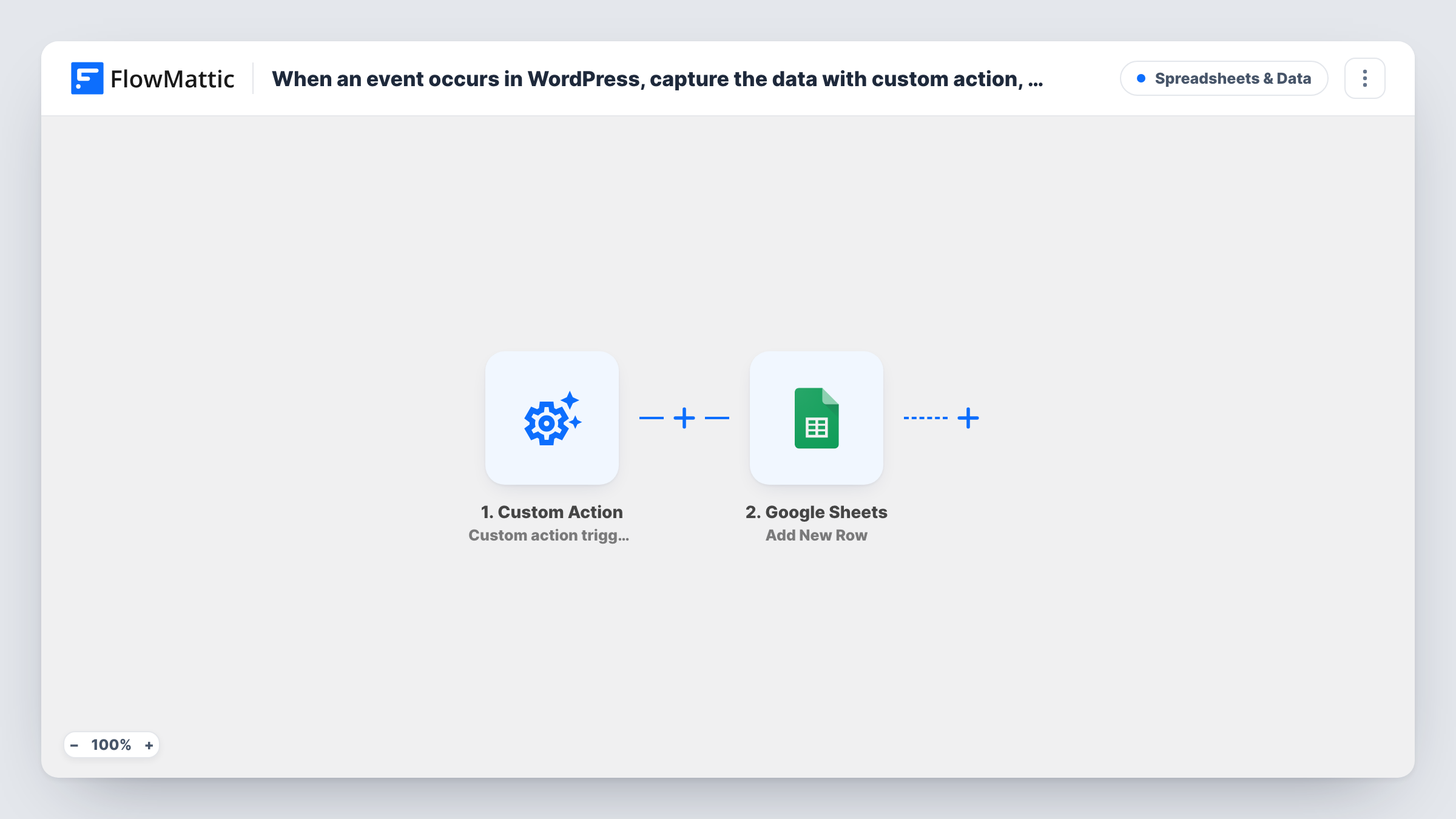
What this workflow does
Not every WordPress event has a ready-made trigger. A custom plugin, a theme function or a snippet might handle something your business cares about, such as a status change in your own code, and there is no app to listen for it. If you can add one line of PHP at that point, FlowMattic can pick it up.
The Custom Action trigger works through a WordPress action hook. FlowMattic shows you the code to call, and you place it in your code wherever the event happens, passing along the data you want. Each time that code runs, the workflow starts with your data as its input.
The second step sends that data to Google Sheets as a new row in the spreadsheet you choose. You map each value you passed to a column. The result is a plain record of every time your event fired, which you can sort, chart or share with people who don't log in to WordPress.
Logging events from a custom plugin
A developer's in-house plugin approves listings. Calling the Custom Action at approval logs each listing ID, title and time to a sheet the client reviews.
Tracking a theme function's usage
A theme feature that generates quotes calls the hook each time it runs, so the site owner sees every quote request in Google Sheets.
Audit trail for manual admin actions
Code that runs when an editor clicks a custom admin button passes the user and the item they changed, building a simple audit log in a spreadsheet.
How this workflow runs
What happens at each step once the workflow is on, and what you need before you import it.
 Custom Action Custom action triggered
Starts the workflow when your WordPress code runs the action hook FlowMattic gives you for this trigger. Whatever data you pass in that call becomes available to the Google Sheets step.
- Google Sheets Add New Row
Adds a row to the Google Sheets spreadsheet you pick with the data your code passed. Map each value to a column and connect your Google account on import.
What you need
- FlowMatticCore
- Google Sheets AccountAccount
After importing, map your own data. To keep the template universal, not every step is pre-filled. Open each step in the builder and connect your accounts and fields (channels, lists, sheets, recipients) before you switch the workflow on.
Make it yours
Changes worth making after you import it.
- Pass the data as named values rather than one long string, so each value appears separately in FlowMattic and maps to its own sheet column.
- Include a timestamp and a short event name in the data you pass. One sheet can then log several kinds of events and still be easy to sort.
- Call the hook once from a test page or a WP-CLI command after import, so FlowMattic captures sample data you can map before the real event happens.
Questions about this workflow
Do I need to write code to use the Custom Action trigger?
A little. You add the action hook call FlowMattic shows you to your theme, plugin or snippet at the point where the event happens. No other coding is needed.
What data can the custom action send to Google Sheets?
Whatever your code passes in the hook call, such as IDs, names, emails or statuses. Map each value to a column in the Google Sheets step.
Does the custom action fire on its own after import?
No. Nothing happens until your code calls the hook. If the code never runs, the workflow never starts and no rows are added.
Can several places in my WordPress code log to the same sheet?
Yes. Call the same hook from each place and pass an event name with the data, so you can tell rows apart in the spreadsheet.
More Spreadsheets & Data workflows
Other ready-to-import templates from the same category.




Import this workflow into your WordPress site
Download the JSON, import it from the Workflows screen and connect your accounts. Every run stays on your server, with no per-task fees.
30-day money-back guarantee Unlimited workflows and runs Self-hosted