

When booking is rescheduled in Probooking, send WhatsApp message to contact using WA.Team
When a Probooking booking is rescheduled, this workflow sends the contact a WhatsApp template message through WA.Team with the new details, so they know their appointment has moved.
 Probooking
 WhatsApp by WA.Team
2 steps Setup ~5 min Used on 2.0k sites Free to import
What this workflow does
When an appointment moves, the client may still have the old time in mind. Unless someone tells them, they can turn up on the wrong day or not at all. This workflow sends them a WhatsApp message whenever their booking is rescheduled in Probooking.
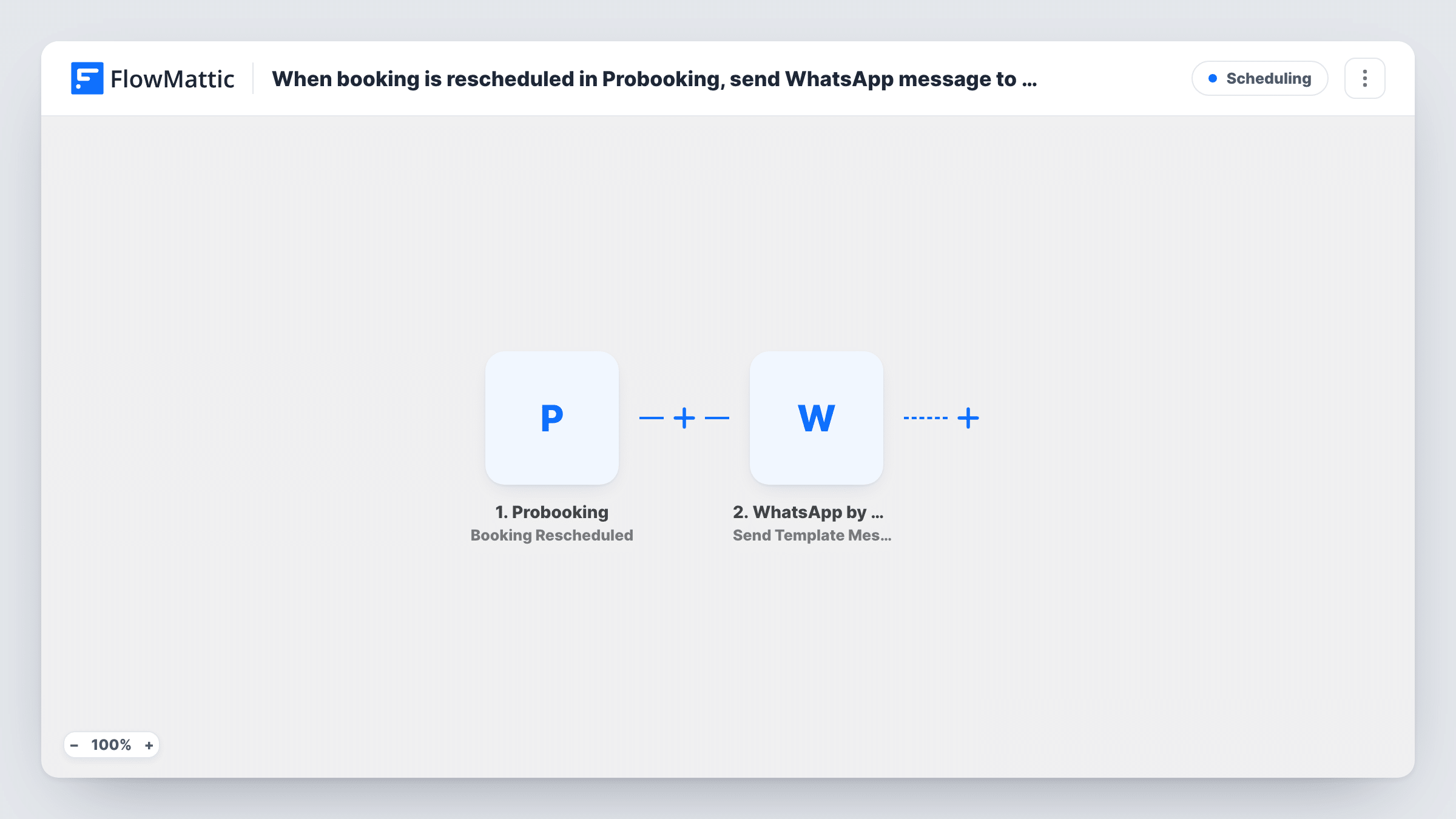
The Probooking trigger fires when a booking is rescheduled. FlowMattic passes the booking data to WhatsApp by WA.Team, which sends a template message from your WA.Team account. You pick an approved template and fill its variables with booking values, such as the client's name and the new date and time, if the event carries them.
The message goes to the phone number you map, so the booking needs one in a format WhatsApp accepts. Run a test reschedule after import to see which fields Probooking sends. Task History shows each send and the WA.Team response.
Salon appointments moved by staff
A stylist is off sick and the front desk moves her clients to other days in Probooking. Each client gets a WhatsApp template with the new slot.
Clinic visits shifted to a new time
A physiotherapy practice reschedules a session. The patient receives the updated appointment on WhatsApp alongside any email the practice already sends.
Consultations rearranged by the client
A client moves their own consultation in Probooking. The WhatsApp message confirms the change back to them in a familiar app.
How this workflow runs
What happens at each step once the workflow is on, and what you need before you import it.
 Probooking Booking Rescheduled
Fires when a booking is rescheduled in your Probooking account. The booking's data becomes available to fill the WhatsApp template.
- WhatsApp by WA.Team Send Template Message
Sends a WhatsApp template message from your WA.Team account to the contact's number. Choose the template and map the booking values into its variables.
What you need
- FlowMatticCore
- Probooking AccountAccount
- WhatsApp by WA.Team AccountAccount
After importing, map your own data. To keep the template universal, not every step is pre-filled. Open each step in the builder and connect your accounts and fields (channels, lists, sheets, recipients) before you switch the workflow on.
Make it yours
Changes worth making after you import it.
- Use a template written for changes, with variables for the new date and time, so the message is clearly about a move rather than a fresh booking.
- Add a Filter after the trigger that continues only when the phone field, if a test run shows Probooking sends one, is not empty, so bookings taken without a number don't produce failed sends.
- Import a second copy for Probooking's Booking Cancelled trigger, with its own template, so cancellations get a different WhatsApp message.
Questions about this workflow
Does the contact need to have messaged my WhatsApp number first?
No. Approved template messages can be sent outside WhatsApp's 24-hour service window, which is why this flow uses a template.
What if a Probooking booking is moved more than once?
The trigger fires on each reschedule, so the contact may get one WhatsApp message per move. Test it with a booking you move twice.
Which phone number does WA.Team send to?
The one you map from the Probooking booking data. Check in a test run that the number includes the country code WhatsApp expects.
Does it send a message for new Probooking bookings?
No. It only reacts to reschedules. Probooking also has a New Booking Created trigger you can use in a separate workflow.
More Scheduling workflows
Other ready-to-import templates from the same category.







Import this workflow into your WordPress site
Download the JSON, import it from the Workflows screen and connect your accounts. Every run stays on your server, with no per-task fees.
30-day money-back guarantee Unlimited workflows and runs Self-hosted