

When Checkout Complete in HeySummit, Create DNS Record in Cloudflare
When an attendee buys a ticket in HeySummit, this workflow creates a DNS record in your Cloudflare domain. It fits events that hand each buyer their own subdomain, such as a lab or demo site.
 HeySummit
 Cloudflare
2 steps Setup ~5 min Used on 3.4k sites Free to import
What this workflow does
Some events give every paying attendee something of their own on the web: a practice site for a hands-on workshop, a sandbox for a developer summit, or a personal page for a course cohort. Each one needs a DNS record before it resolves. Creating those by hand after every sale is slow and easy to get wrong. This workflow creates the record as part of the checkout.
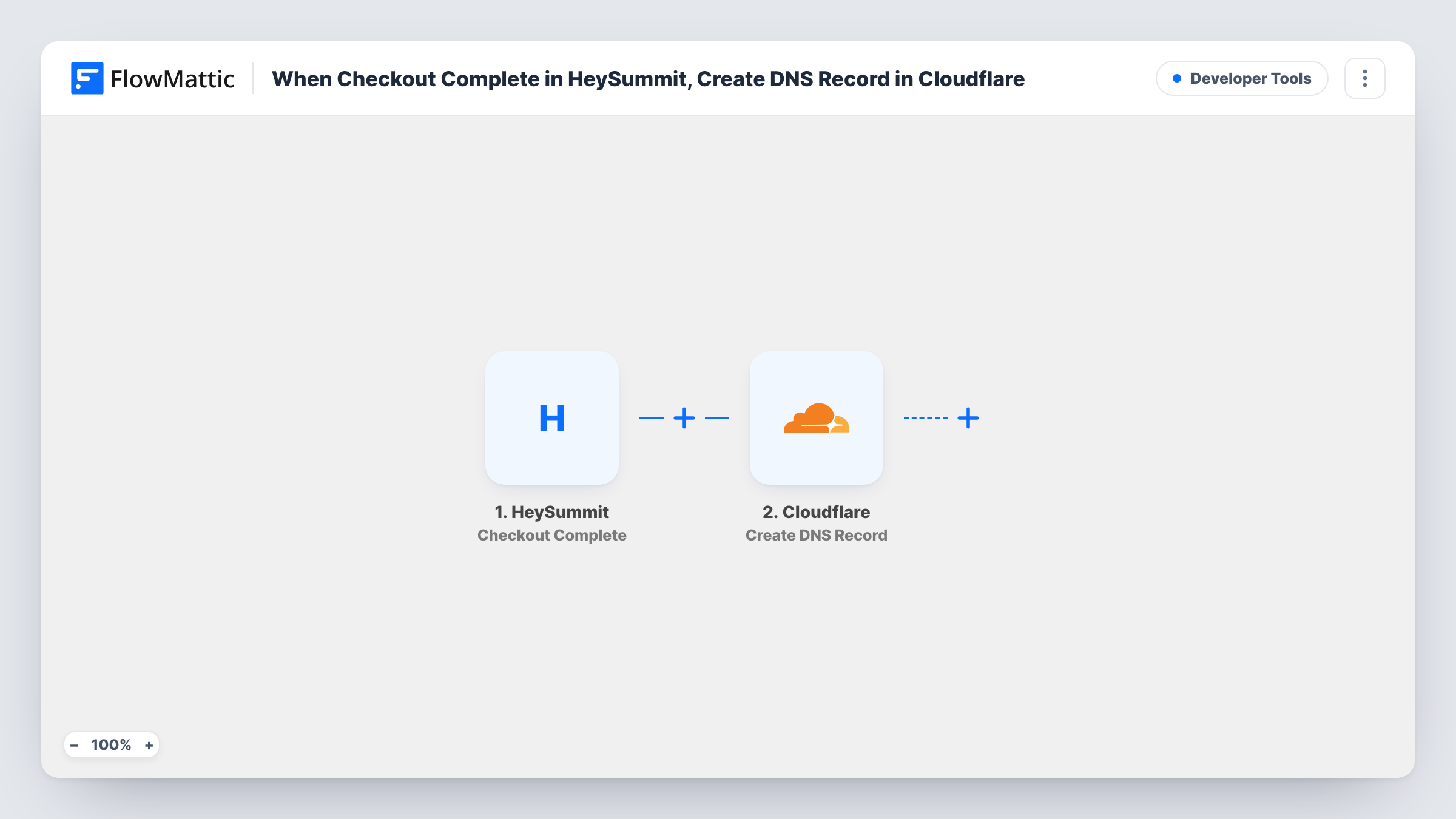
The HeySummit trigger fires when an attendee purchases a ticket. FlowMattic then runs Create DNS Record in Cloudflare, which adds a record for your domain. You build the record from the checkout data, for example a subdomain made from the attendee's name or order reference, pointed at the server that hosts their space.
One record is created for every checkout, and nothing in the template checks for an existing record first. Cloudflare may refuse a record that clashes with one already on the domain, and Task History shows its response on that step. Test with a single purchase before you open sales.
Hands-on WordPress workshop
Each ticket buyer gets a subdomain such as their first name on your training domain, pointed at the server where you set up their practice site before day one.
Developer summit sandboxes
A paid summit gives every attendee an API sandbox. The checkout creates the Cloudflare record so the sandbox address works when you hand out logins.
Cohort pages for a paid course launch
Selling a cohort through HeySummit, you create a DNS record per buyer for the personal progress page your platform hosts.
How this workflow runs
What happens at each step once the workflow is on, and what you need before you import it.
 HeySummit Checkout Complete
Fires when an attendee purchases a ticket in HeySummit. The checkout data, such as the attendee's details, is passed on for the Cloudflare step to use.
- Cloudflare Create DNS Record
Adds the new DNS record to the domain you keep on Cloudflare. Map checkout data into the record you build, then check the created record in Cloudflare after a test purchase.
What you need
- FlowMatticCore
- HeySummit AccountAccount
- Cloudflare AccountAccount
After importing, map your own data. To keep the template universal, not every step is pre-filled. Open each step in the builder and connect your accounts and fields (channels, lists, sheets, recipients) before you switch the workflow on.
Make it yours
Changes worth making after you import it.
- Run checkout values through a Text Formatter step before Cloudflare to make a DNS-safe name: lowercase, with spaces and symbols removed.
- Add a Filter after the trigger if only some ticket types should get a record, so free or general tickets stop at the Filter.
- Add an Email step after Cloudflare that sends you the new record name and the buyer's details, so you know which attendee space to prepare next.
Questions about this workflow
Does every HeySummit ticket purchase create a Cloudflare record?
Yes. The template has no Filter, so each completed checkout runs the Cloudflare step once. Add a Filter after the trigger if only certain tickets should create one.
What if the subdomain already exists in Cloudflare?
Cloudflare may reject a record that conflicts with an existing one. The workflow doesn't look up records first, so Task History shows the response and you fix the clash by hand or change how the name is built.
Do I need my domain on Cloudflare?
Yes. The step creates records in a domain managed in your Cloudflare account, which you connect when you import the workflow.
Does this set up the attendee's site or sandbox too?
No. It only creates the DNS record. The server or service the record points to has to be ready separately.
More Developer Tools workflows
Other ready-to-import templates from the same category.






Import this workflow into your WordPress site
Download the JSON, import it from the Workflows screen and connect your accounts. Every run stays on your server, with no per-task fees.
30-day money-back guarantee Unlimited workflows and runs Self-hosted