

When data received from Pabbly Connect, create a new WordPress user
When a Pabbly Connect workflow sends data to FlowMattic, this workflow creates a new user on your WordPress site from it, so sign-ups or purchases handled elsewhere get a site account.
 Pabbly Connect
 WordPress
2 steps Setup ~5 min Used on 965 sites Free to import
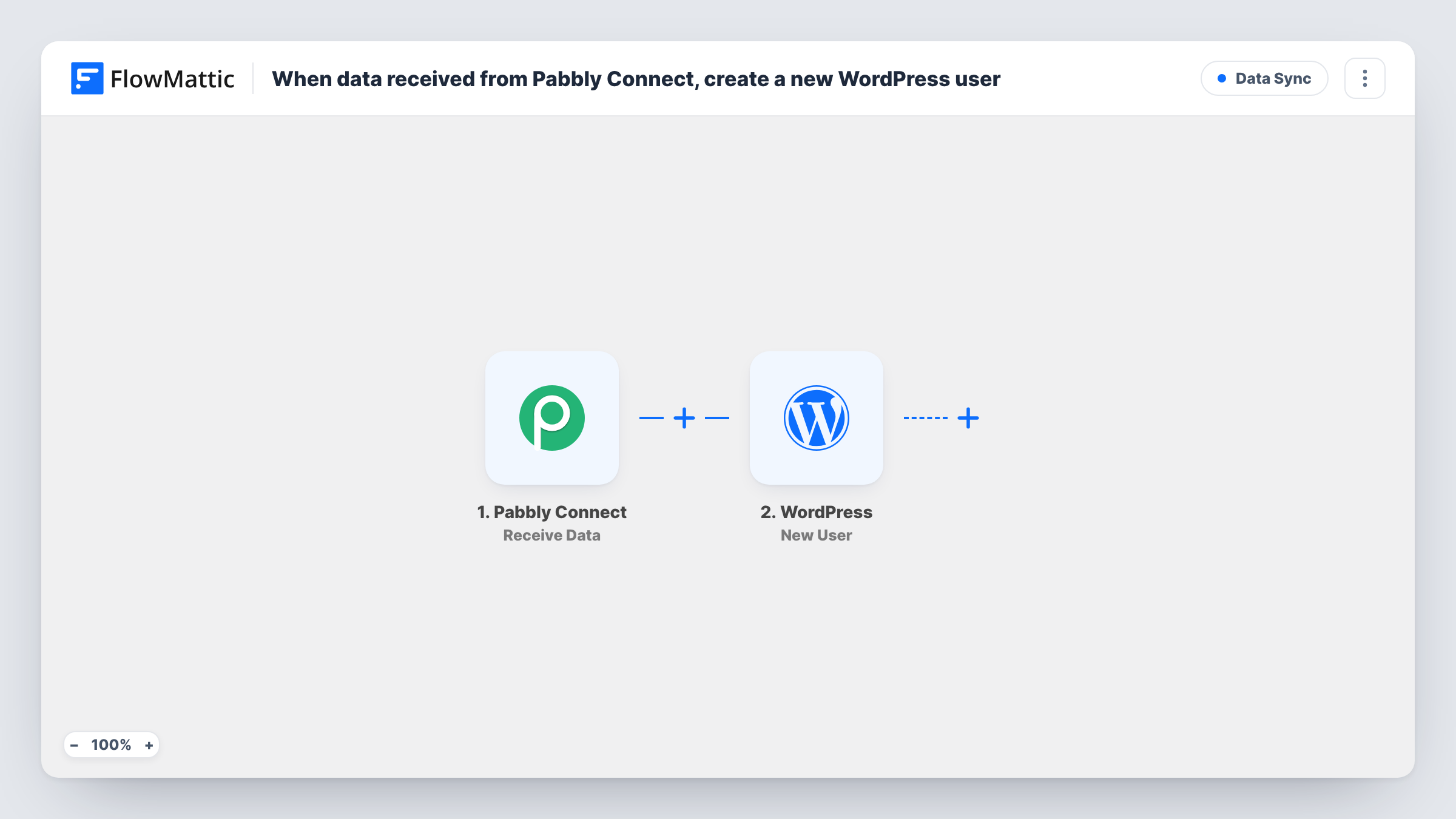
What this workflow does
Many sites sell or sign people up through apps outside WordPress, then need an account on the site for each person. If those apps already connect to Pabbly Connect, this workflow lets Pabbly pass the person's details to FlowMattic, which creates the WordPress user.
The Pabbly Connect trigger receives the data your Pabbly workflow sends. Whatever that payload holds, such as an email address and name, becomes available to map. The WordPress step then runs New User on your site with the values you map, creating the account.
Every payload Pabbly sends starts a run. Send a test with an email address that already has an account, and check Task History to see how the New User step responds. Make sure your Pabbly workflow sends the details a WordPress account needs, such as an email address and username.
Course access after a payment elsewhere
A payment app connected to Pabbly Connect records a sale. Pabbly sends the buyer's details, and FlowMattic creates their WordPress account for your course content.
Members signing up through an outside form tool
An external form collects membership sign-ups. Pabbly passes them on, and each person gets a user account on your site.
Moving user creation into WordPress
You keep upstream steps in Pabbly Connect for now, and let FlowMattic handle the account creation on the site itself.
How this workflow runs
What happens at each step once the workflow is on, and what you need before you import it.
 Pabbly Connect Receive Data
Runs when your Pabbly Connect workflow sends data to this FlowMattic workflow. Every field in the payload is passed on for mapping. Include the person's email address in what Pabbly sends.
- WordPress New User
Creates a new WordPress user on your site from the Pabbly data. Map the email address and the other details you send, then run a test to check the account is created as expected.
What you need
- FlowMatticCore
- Pabbly Connect AccountAccount
After importing, map your own data. To keep the template universal, not every step is pre-filled. Open each step in the builder and connect your accounts and fields (channels, lists, sheets, recipients) before you switch the workflow on.
Make it yours
Changes worth making after you import it.
- Add a Filter after the trigger that continues only when the email field in the payload is not empty, so incomplete data doesn't reach the New User step.
- Send one test payload from Pabbly Connect after import so FlowMattic captures its fields for mapping.
- Add an email step after the user is created if you want to send your own welcome message to the new user.
Questions about this workflow
What happens if the email from Pabbly Connect already has a WordPress account?
The workflow still runs the New User step. Test with an address that already has an account and check Task History for the result.
Do I need anything besides FlowMattic on the WordPress site?
No other plugin is needed to create the user. You need a Pabbly Connect account to send the data.
Which role do new users get?
Create a test user after import and look at the role it was given under Users in WordPress, before you rely on it for real accounts.
Can Pabbly Connect send data for several users at once?
Each payload creates one user. If Pabbly sends a list, add an Iterator before the New User step to handle each item.
More Data Sync workflows
Other ready-to-import templates from the same category.






Import this workflow into your WordPress site
Download the JSON, import it from the Workflows screen and connect your accounts. Every run stays on your server, with no per-task fees.
30-day money-back guarantee Unlimited workflows and runs Self-hosted