

When data received from Zapier, update post meta in WordPress
When a Zap sends data to FlowMattic, this workflow writes it into the post meta of a WordPress post on your site, so values from apps connected in Zapier land in your posts’ custom fields.
 Zapier
 WordPress
2 steps Setup ~5 min Used on 2.3k sites Free to import
What this workflow does
Some of the data you want on your WordPress posts lives in other apps. A price, a status or a rating might change in a tool you already link up through Zapier. Instead of pasting those values into custom fields by hand, you can have a Zap hand them to WordPress directly.
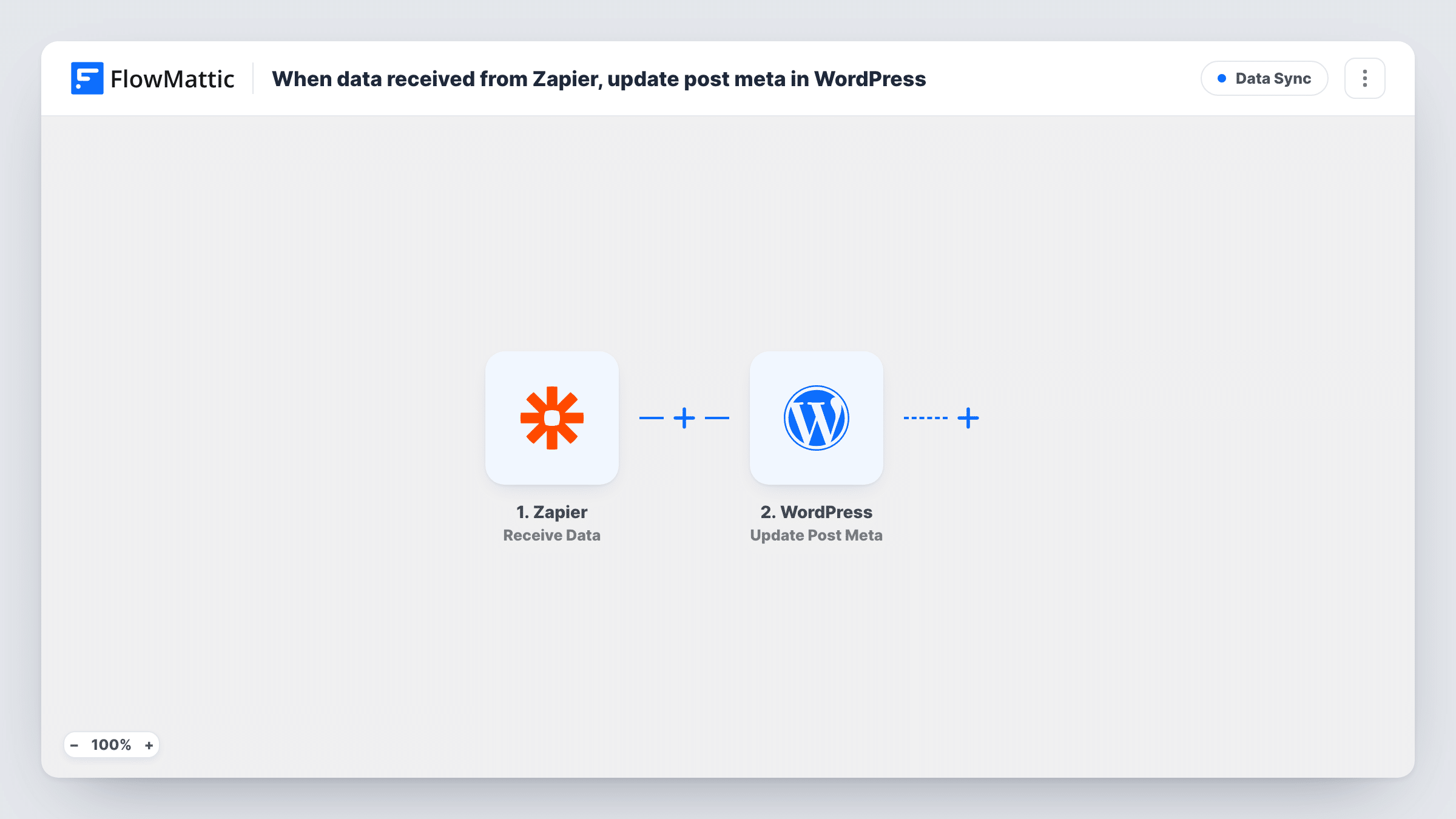
The Zapier trigger waits for data that one of your Zaps sends to FlowMattic. Each time a Zap sends something, the workflow runs once with that data. The WordPress step then updates post meta on a post, using the values you map from the incoming data.
Post meta belongs to one specific post, so the Zap has to send the ID of the post you want changed, along with the value to write. Send a test from your Zap after import and check the post to confirm the right one was updated. Task History keeps a record of each run and what arrived from Zapier.
Sync a status from a project tool
A Zap watches your project tool and sends the post ID and new status whenever a task moves, so the matching WordPress post shows the same status in a custom field.
Update listing details from a spreadsheet
Your Zap sends a row's post ID and price when the row changes in a spreadsheet app, and the workflow writes that price into the post's meta.
Store review scores on posts
A Zap collects a score from a review or survey app and passes it, with the post ID, to FlowMattic, which saves it as post meta for your theme to display.
How this workflow runs
What happens at each step once the workflow is on, and what you need before you import it.
 Zapier Receive Data
Starts when one of your Zaps sends data to FlowMattic. Whatever fields the Zap includes become available to map in the WordPress step.
- WordPress Update Post Meta
Updates post meta on a WordPress post using the data from Zapier. Map the post ID and the value from the incoming data, then run a test with a known post to check what the step writes.
What you need
- FlowMatticCore
- Zapier AccountAccount
After importing, map your own data. To keep the template universal, not every step is pre-filled. Open each step in the builder and connect your accounts and fields (channels, lists, sheets, recipients) before you switch the workflow on.
Make it yours
Changes worth making after you import it.
- Add a Filter after the Zapier trigger that continues only when the post ID is not empty, so a Zap run that is missing it does not reach the WordPress step.
- Send a test from your Zap before mapping, so FlowMattic captures the exact field names the Zap uses.
- If you need to change several meta values for the same post, add another Update Post Meta step and map a different value into each one.
Questions about this workflow
How does WordPress know which post to update from the Zapier data?
It uses the post ID you map in the WordPress step. Your Zap must send that ID, so the app on the Zapier side needs to know it, or your Zap needs to look it up first.
Do I need a Zapier account to use this workflow?
Yes. The data comes from a Zap on your Zapier account, which you set up to send its data to FlowMattic.
Can a Zap create new WordPress posts with this template?
No. The WordPress step updates meta on an existing post. To create posts, swap it for a WordPress action that creates a post and map the Zapier data into it.
Does each Zap run update the post again?
Yes. Every time the Zap sends data, the workflow runs and writes the mapped value to the post, replacing what was there for that meta field.
More Data Sync workflows
Other ready-to-import templates from the same category.




Import this workflow into your WordPress site
Download the JSON, import it from the Workflows screen and connect your accounts. Every run stays on your server, with no per-task fees.
30-day money-back guarantee Unlimited workflows and runs Self-hosted