

When Elementor Pro form is submitted, create a new post in WordPress and create shortlink using Replug
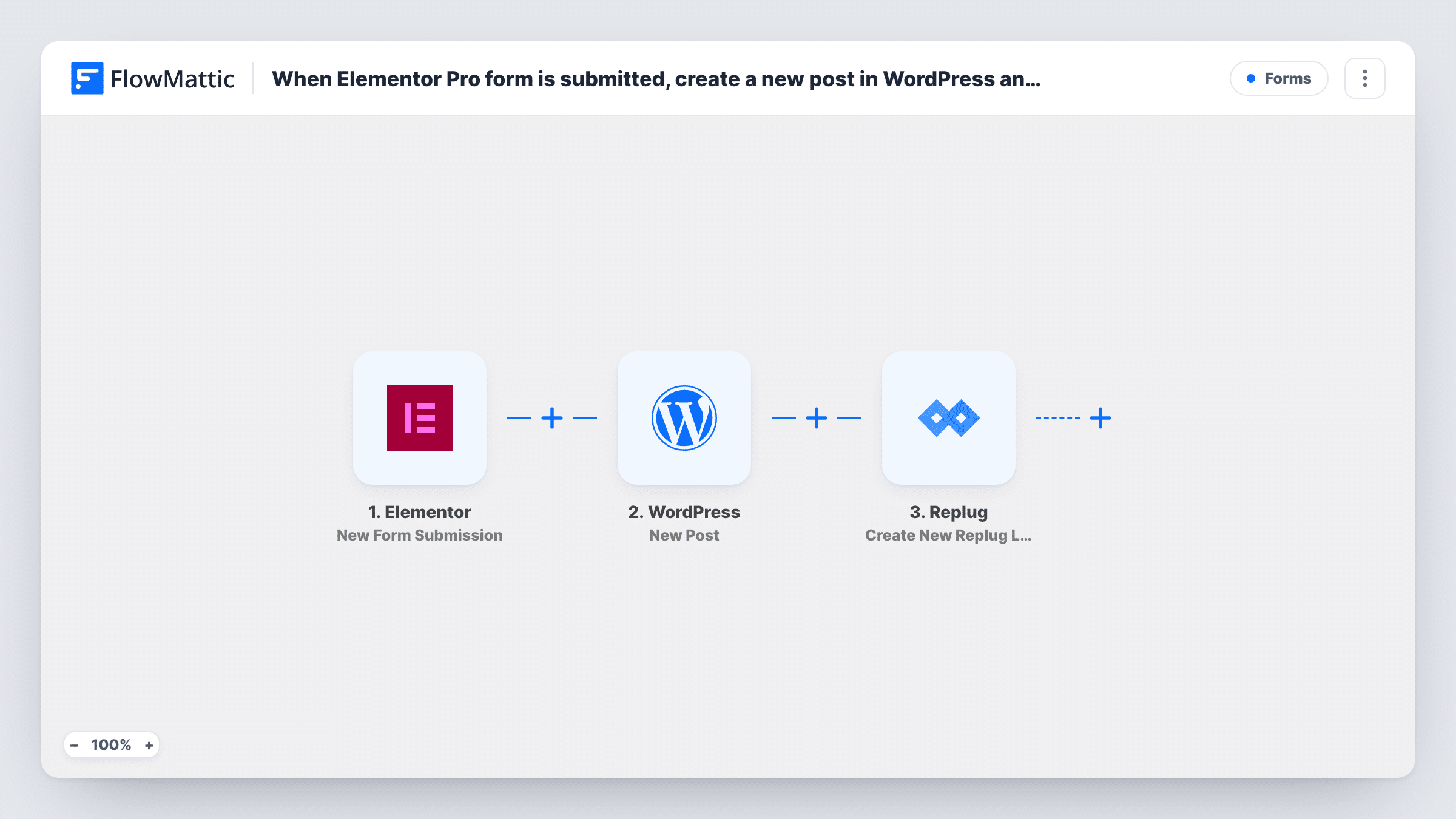
An Elementor Pro form submission becomes a new WordPress post, and a Replug short link is then created for it, so submitted content gets a post and a link to share.
 Elementor
 WordPress
 Replug
3 steps Setup ~5 min Used on 838 sites Free to import
What this workflow does
Some sites take content from visitors: guest articles, event listings, job ads or testimonials sent through a form. Copying each one into a new post and then making a short link for sharing is repetitive. This workflow does both from the form entry.
The Elementor trigger runs when someone submits an Elementor Pro form and passes every field to FlowMattic. The New Post action in WordPress then creates a post on your site from the fields you map, such as a title and the body text.
Last, Create New Replug Link sends a URL to Replug to shorten. Map the new post's link from the WordPress step into it. Whether that link works for the public depends on the post status the WordPress step uses, so check it with a test entry before you share any links.
Community event listings
Local organisers submit events through an Elementor Pro form. Each event becomes a WordPress post with a Replug link you can put in newsletters and social posts.
Guest post submissions for review
Writers send articles through a form. A post is created for each one, and the Replug link is ready when the article goes live.
Job board entries
Employers fill in an Elementor job form. Every entry creates a job post on your site and a short link to the listing for sharing.
How this workflow runs
What happens at each step once the workflow is on, and what you need before you import it.
 Elementor New Form Submission
Starts when a visitor submits an Elementor Pro form on your site. All submitted fields become data for the WordPress and Replug steps.
- WordPress New Post
Creates a new WordPress post from the form data. Map the form's fields to the post title and content, then use a test entry to check the post that is created.
- Replug Create New Replug Link
Creates a short link in Replug. Map the new post's URL from the WordPress step into it and connect your Replug account; Task History shows the link Replug returns.
What you need
- FlowMatticCore
- Elementor PluginPlugin
- Replug AccountAccount
After importing, map your own data. To keep the template universal, not every step is pre-filled. Open each step in the builder and connect your accounts and fields (channels, lists, sheets, recipients) before you switch the workflow on.
Make it yours
Changes worth making after you import it.
- Add a Filter after the trigger if the same Elementor form serves other purposes, so only entries meant for publishing create posts.
- Add an email or Slack step at the end that sends the Replug link to you or the person who submitted the form.
- Keep posts as drafts while you test, then decide whether to publish them by hand, since anyone can submit the form.
Questions about this workflow
Does every Elementor Pro form entry create a WordPress post?
Yes, as imported. There is no Filter, so each submission runs both actions. Spam or test entries also become posts unless you add a condition.
Can I use this with the free Elementor plugin?
No. Elementor's form widget is part of Elementor Pro, so you need Pro on the same site as FlowMattic.
Where does the Replug short link appear?
In Replug and in the step's response in Task History. The template does not send the link anywhere, so add a step if you want it emailed or posted.
More Forms workflows
Other ready-to-import templates from the same category.





Import this workflow into your WordPress site
Download the JSON, import it from the Workflows screen and connect your accounts. Every run stays on your server, with no per-task fees.
30-day money-back guarantee Unlimited workflows and runs Self-hosted