

When Image Deleted in AltText.ai, send an SMS via Twilio
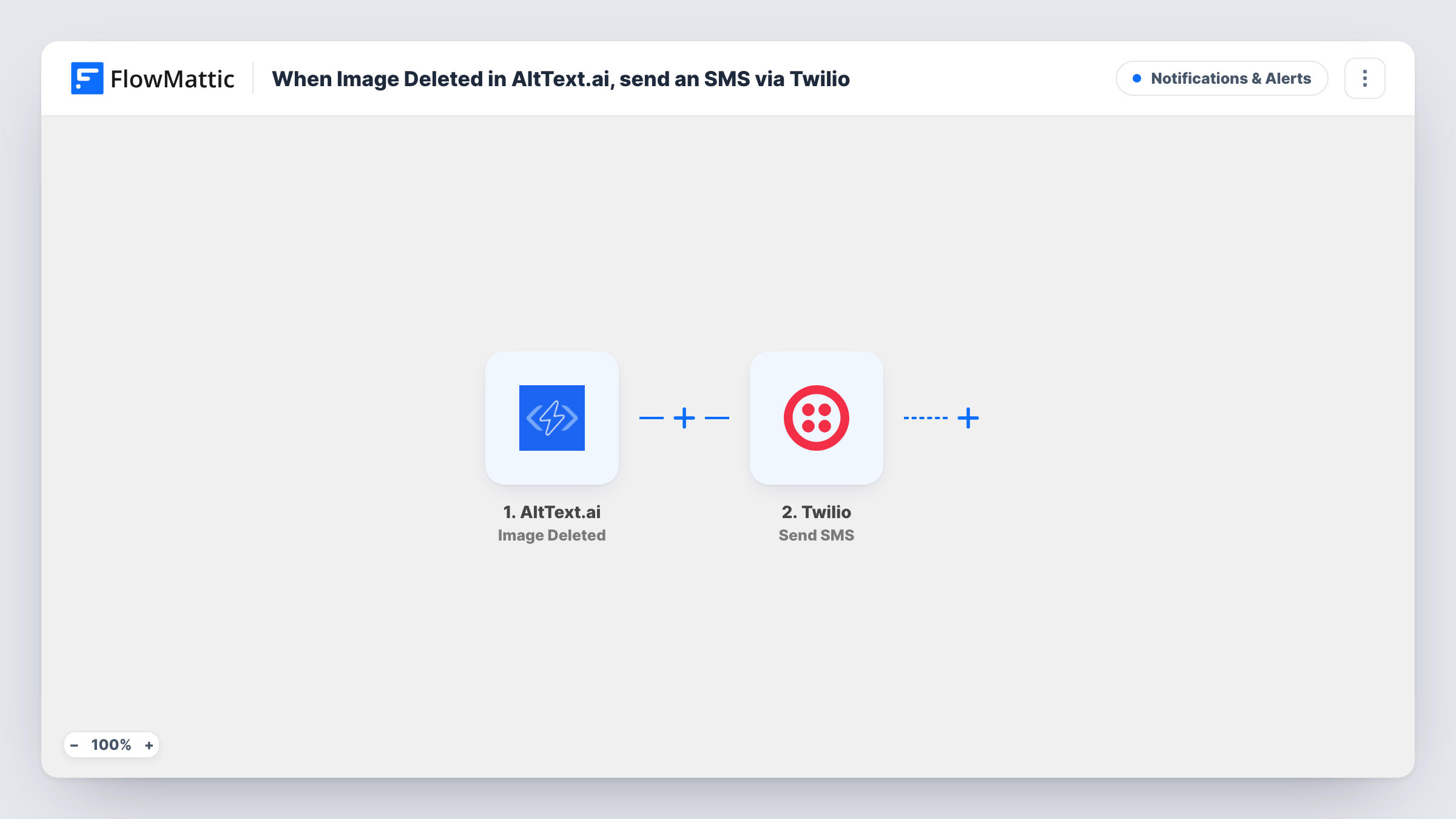
When images are deleted from your AltText.ai library, this workflow sends an SMS through Twilio, so the person who looks after your image library knows something was removed.
 AltText.ai
 Twilio
2 steps Setup ~5 min Used on 2.6k sites Free to import
What this workflow does
AltText.ai keeps a library of images and the alt text it writes for them. If several people work in the account, a deletion can go unnoticed until a page or report is missing an image. This workflow sends a text message whenever images are removed.
The AltText.ai Image Deleted trigger fires when images are deleted from the library. FlowMattic passes the event data to Twilio, whose Send SMS action texts the number you set from your Twilio account. You write the message and can include details from the deletion event.
The workflow only reports the deletion. It does not restore the image or its alt text, and it changes nothing in AltText.ai. Every deletion event sends one SMS, so a large clean-up of the library may produce a lot of texts. Turn the workflow off while you tidy up, or add a Filter. Task History shows each send and Twilio's response.
Agency managing client image libraries
The account owner gets a text when someone on the team deletes images in AltText.ai, and can check whether it was intended.
Audit trail for a content team
An SEO lead who signs off on alt text gets an SMS for each deletion and keeps track of what left the library.
Catching accidental removals
A site owner who rarely logs into AltText.ai hears about deletions by text and can re-upload an image that should have stayed.
How this workflow runs
What happens at each step once the workflow is on, and what you need before you import it.
 AltText.ai Image Deleted
Fires when images are deleted from your AltText.ai library. The data from the deletion event is passed to the Twilio step so you can include it in the text.
- Twilio Send SMS
Sends an SMS from your Twilio account to the number you set. Write the message and map AltText.ai values into it. Delete a test image to see what the text looks like.
What you need
- FlowMatticCore
- AltText.ai AccountAccount
- Twilio AccountAccount
After importing, map your own data. To keep the template universal, not every step is pre-filled. Open each step in the builder and connect your accounts and fields (channels, lists, sheets, recipients) before you switch the workflow on.
Make it yours
Changes worth making after you import it.
- Want to hear about additions too? Build a matching workflow on AltText.ai's Image Uploaded trigger with its own SMS wording.
- Add a Filter after the trigger if only some deletions matter, using a value from the deletion event you see after a test run.
- Keep the SMS short and put the most useful detail first, since long messages may be split into several parts by the carrier.
Questions about this workflow
Can this AltText.ai workflow bring a deleted image back?
No. It only sends a text message about the deletion. Restoring an image means uploading it to AltText.ai again.
Will deleting many AltText.ai images at once send many texts?
It sends one SMS per Image Deleted event. Test a bulk delete with a few images to see how AltText.ai reports it before relying on the count.
Do I need a Twilio phone number to send the alert?
Yes. Twilio sends the SMS from a number in your Twilio account, which you connect to FlowMattic when you set up the step.
More Notifications & Alerts workflows
Other ready-to-import templates from the same category.




Import this workflow into your WordPress site
Download the JSON, import it from the Workflows screen and connect your accounts. Every run stays on your server, with no per-task fees.
30-day money-back guarantee Unlimited workflows and runs Self-hosted