

When Member Added to Level in Wishlist Member, Add a new row in Google Spreadsheet
Whenever a member is added to one or more levels in Wishlist Member, this workflow adds a row to Google Sheets with the member and level details you map, building a running membership log.
 Wishlist Member
 Google Sheets
2 steps Setup ~5 min Used on 2.8k sites Free to import
What this workflow does
Wishlist Member tracks who belongs to which level inside WordPress. When you want to count sign-ups per level, share them with a partner or a bookkeeper, or keep a history outside your site, a spreadsheet is easier. This workflow adds to that sheet every time someone joins a level.
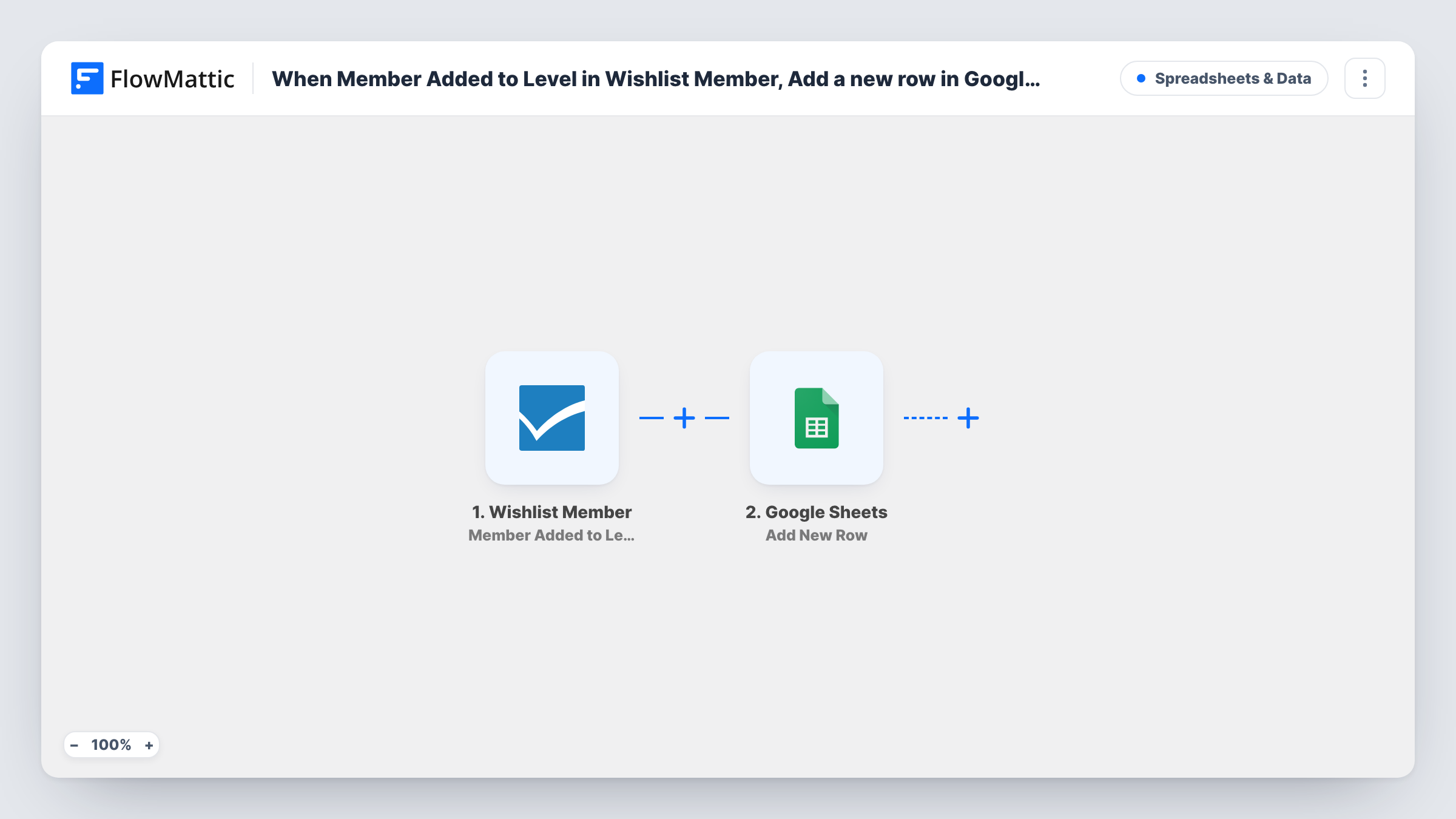
The Wishlist Member trigger fires when a member is added to one or more levels. That covers new sign-ups and existing members you or a purchase move into another level. FlowMattic passes the member and level data to Google Sheets, where the Add New Row step writes a row to the spreadsheet you pick. You decide which values go in which column, such as name, email, level and date.
Each level addition adds one row, and rows are never edited afterwards. If a member is later removed from a level, the sheet doesn't change. Run a test with a member added to two levels at once to see how the data for several levels arrives.
Sign-ups per level each month
A course creator with Bronze, Silver and Gold levels totals the rows per level each month to see which offer people join.
Shared record for a business partner
Two partners run a membership site. The spreadsheet gives the partner without WordPress access a current list of who joined which level.
Upgrade tracking
When existing members move up to a higher level, the new rows show who upgraded and when, next to the original sign-ups.
How this workflow runs
What happens at each step once the workflow is on, and what you need before you import it.
 Wishlist Member Member Added to Level
Fires when a member is added to one or more levels in Wishlist Member. The member's details and the level data are passed on for the sheet.
- Google Sheets Add New Row
Writes a row to the Google Sheets spreadsheet you pick. Map Wishlist Member values, such as the member's email and level, into the columns and connect your Google account.
What you need
- FlowMatticCore
- Wishlist Member PluginPlugin
- Google Sheets AccountAccount
After importing, map your own data. To keep the template universal, not every step is pre-filled. Open each step in the builder and connect your accounts and fields (channels, lists, sheets, recipients) before you switch the workflow on.
Make it yours
Changes worth making after you import it.
- Build a second workflow on Wishlist Member's Member Removed From Level trigger that logs to another tab, so the sheet shows people leaving levels as well.
- Add a Filter after the trigger if you only want to log certain levels, using the level name or ID the trigger sends.
- Map a date into its own column so you can sort and total sign-ups by month with a pivot table.
Questions about this workflow
Does a Wishlist Member upgrade add a row too?
Yes. The trigger fires whenever a member is added to a level, so moving an existing member into another level adds a row, the same as a new sign-up.
What happens to the Google sheet when a member is removed from a level?
Nothing. Rows are written on level additions and never removed by this flow. Use the Member Removed From Level trigger in another workflow if you want removals logged.
Are my existing Wishlist Member members added to the sheet?
No. Only level additions after you turn the workflow on create rows. Export current members from Wishlist Member if you want them in the sheet.
More Spreadsheets & Data workflows
Other ready-to-import templates from the same category.






Import this workflow into your WordPress site
Download the JSON, import it from the Workflows screen and connect your accounts. Every run stays on your server, with no per-task fees.
30-day money-back guarantee Unlimited workflows and runs Self-hosted