

Create Zoho Analytics tables for new Tutor LMS courses
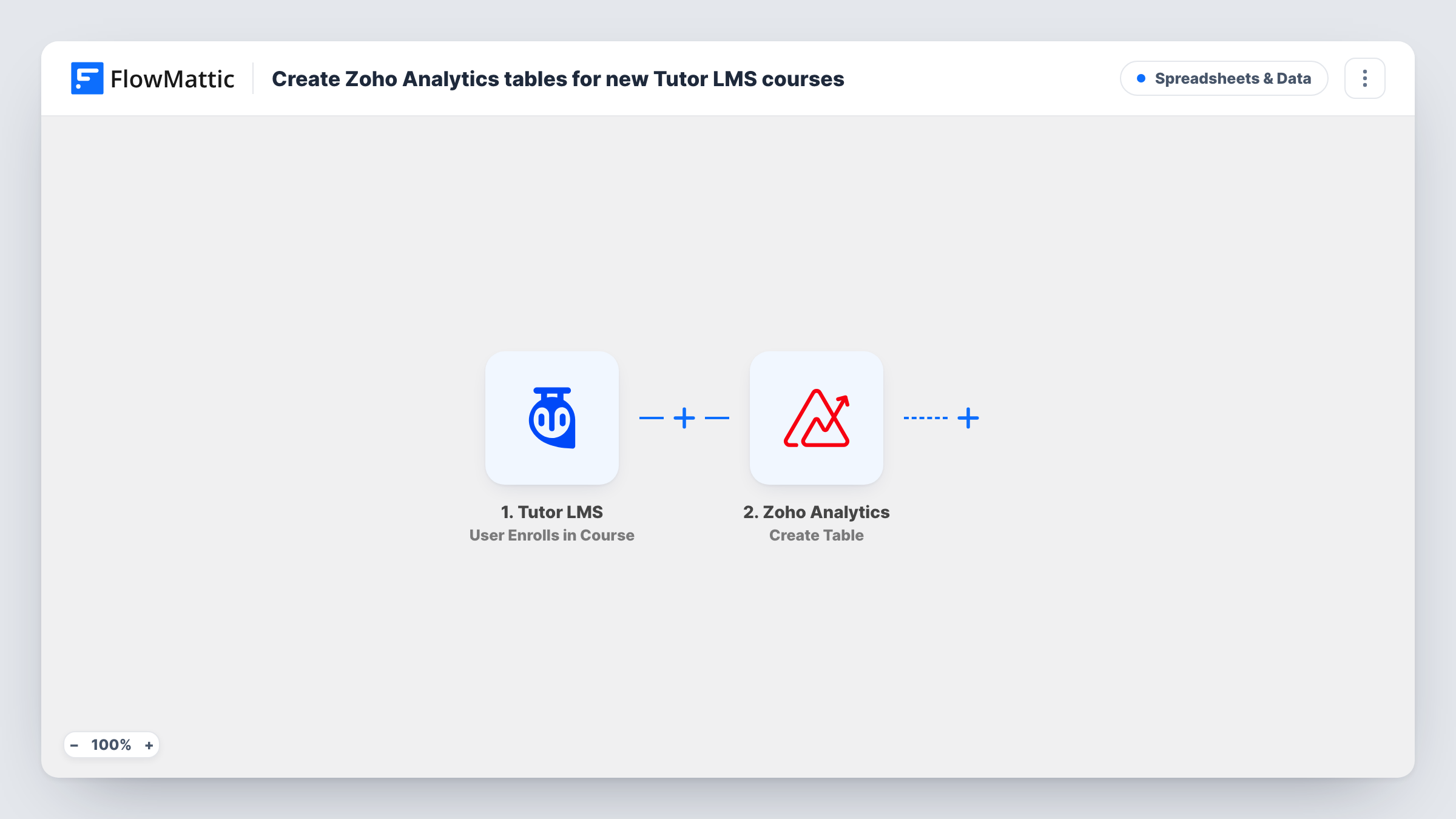
When a new Tutor LMS course is published on your WordPress site, a Filter checks the post type and Zoho Analytics creates a new table for that course in your workspace.
 WordPress
 Filter
 Zoho Analytics
3 steps Setup ~5 min Used on 1.8k sites Free to import
What this workflow does
If you report on each course separately in Zoho Analytics, for enrolments, completions or revenue, every new course needs its own table before data can go into it. This workflow creates that table as soon as the course goes live, named after the course, so nobody has to remember to set it up.
The WordPress New Post trigger runs a single time per post, at the moment it is first published. It covers custom post types as well as blog posts, which is why a Filter comes next. The Filter continues only when the post type exactly matches courses, the post type Tutor LMS uses for courses. Blog posts and other types stop there. Editing a course that is already live doesn't fire the trigger again.
Courses reach Zoho Analytics, where Create Table makes a new table in a workspace. The step ships unmapped: after import you connect Zoho Analytics, choose the workspace and map the course title from the post into the table name. A test run shows whether the table came out as you expect.
The table starts empty. Add steps of your own, or a separate workflow, to fill it later. Publish a test course and check Task History for Zoho's response.
Per-course reporting for an online academy
A training provider gives each course its own Zoho Analytics table, ready for enrolment and completion data, the moment the course is published.
Instructor dashboards built on new tables
A multi-instructor site builds a Zoho Analytics report per course, and the table for a new course already exists when the instructor asks for figures.
Keeping analytics in step with the catalog
An LMS admin no longer creates tables by hand each term, because every newly published course gets one automatically.
How this workflow runs
What happens at each step once the workflow is on, and what you need before you import it.
 WordPress New Post
Fires once when a post of any type is first published in WordPress, including Tutor LMS courses. The post title, type, author ID and permalink are passed on.
- Filter Continue If Condition Meet
Lets the run continue only when the post type exactly matches courses, ignoring case. Blog posts and other post types stop here, so they never create a Zoho table.
- Zoho Analytics Create Table
Creates a new table in your Zoho Analytics workspace for the course. The step ships unmapped: choose the workspace and map the course title from WordPress into the table name.
What you need
- FlowMatticCore
- Zoho Analytics AccountAccount
After importing, map your own data. To keep the template universal, not every step is pre-filled. Open each step in the builder and connect your accounts and fields (channels, lists, sheets, recipients) before you switch the workflow on.
Make it yours
Changes worth making after you import it.
- Add the post ID to the table name along with the course title, so two courses with similar names never end up with confusing tables.
- To also log each new course in one shared table, add Zoho Analytics' Add Row action after Create Table and map the course title, ID and permalink into it.
- To give each new table its columns straight away, add Zoho Analytics' Add Column action after Create Table, once per column, and map the new table from step 3 into each one.
Questions about this workflow
Do blog posts create Zoho Analytics tables too?
No. The WordPress New Post trigger fires for them, but the Filter continues only for the courses post type, so other posts stop before the Zoho step.
Does updating an existing Tutor LMS course create another table?
No. New Post fires only when a post first moves to published, so changing a live course's content or settings starts no run.
Is any data added to the new Zoho Analytics table?
No. Create Table only makes the table. Filling it with enrolments, completions or sales takes further steps or another workflow that adds rows.
What happens if a table with that name already exists?
Zoho Analytics decides how to handle a duplicate table name. Publish a test course with a familiar title and check Zoho's response in Task History.
More Spreadsheets & Data workflows
Other ready-to-import templates from the same category.




Import this workflow into your WordPress site
Download the JSON, import it from the Workflows screen and connect your accounts. Every run stays on your server, with no per-task fees.
30-day money-back guarantee Unlimited workflows and runs Self-hosted