

When New Appointment in WP Amelia, New Row in Google Sheets
Each appointment booking completed in WP Amelia is added as a row in Google Sheets, giving you a spreadsheet of bookings with the customer, service and time details you map.
 WP Amelia
 Google Sheets
2 steps Setup ~5 min Used on 692 sites Free to import
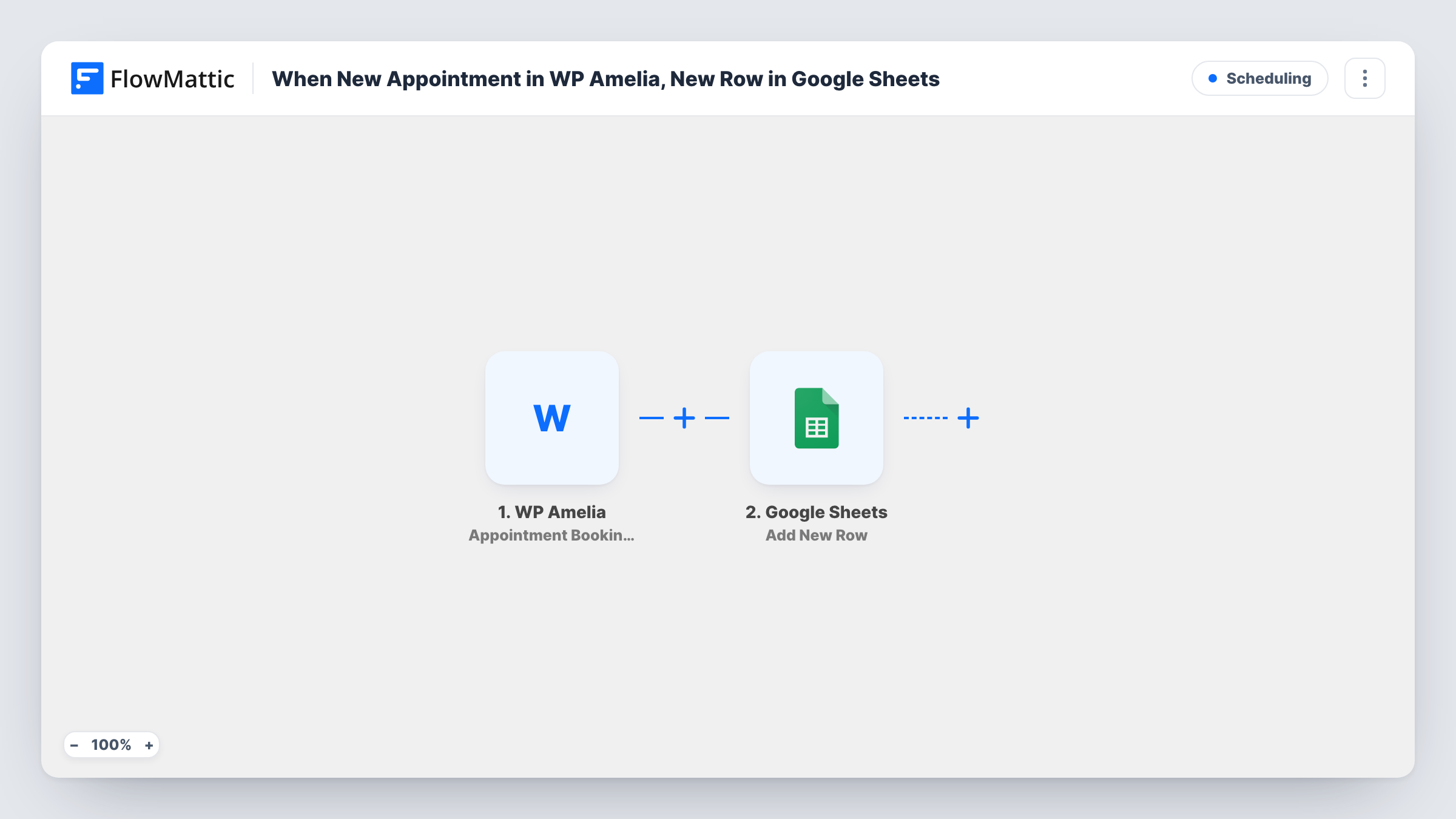
What this workflow does
Amelia keeps your bookings inside WordPress, but a spreadsheet is handier for sharing with staff, planning shifts or totalling bookings by service. Copying each appointment over by hand doesn't last. This workflow adds a row to Google Sheets for every completed booking.
The WP Amelia trigger is Appointment Booking Completed, which fires when an appointment's booking is completed on your site. The booking data, such as the customer's details, the service and the appointment time, becomes available to map.
The Google Sheets step uses Add New Row in the spreadsheet you pick. Match each column to a booking field. Rescheduled or cancelled bookings don't fire this trigger, so the sheet shows each booking as it was first made. Task History lists every run if a booking seems to be missing.
Salon with several stylists
Each Amelia booking appears in a shared sheet with the stylist and time, so the front desk can see the day's appointments without logging in to WordPress.
Consultant tracking sessions per client
Bookings land in a sheet you can sort by client, which makes it easy to count sessions for monthly invoicing.
Clinic reporting by service
A spreadsheet of every booking lets the practice manager chart which services are booked most each week.
How this workflow runs
What happens at each step once the workflow is on, and what you need before you import it.
 WP Amelia Appointment Booking Completed
Fires when an appointment booking is completed in WP Amelia. The booking data is passed on for mapping. Make a test booking after import so the customer and service fields appear.
- Google Sheets Add New Row
Writes one row per completed booking to the Google Sheets spreadsheet you choose. Map customer, service, employee and time fields to the columns you want.
What you need
- FlowMatticCore
- WP Amelia AccountAccount
- Google Sheets AccountAccount
After importing, map your own data. To keep the template universal, not every step is pre-filled. Open each step in the builder and connect your accounts and fields (channels, lists, sheets, recipients) before you switch the workflow on.
Make it yours
Changes worth making after you import it.
- To record Amelia cancellations as well, build a second workflow from Amelia's Appointment Booking Canceled trigger that adds a row to another tab.
- Put the booking ID in a column, if Amelia sends one, so you can match a later cancellation or reschedule back to the original row.
- If you only need bookings for one service, add a Filter after the trigger on the service field and continue only when it matches.
Questions about this workflow
Does a rescheduled Amelia appointment update the sheet?
No. This trigger fires when a booking is completed, not when it is rescheduled. Amelia has a separate Appointment Booking Rescheduled trigger you could use in another workflow.
Are Amelia event bookings included?
No. This template uses the appointment trigger. Amelia's events have their own Event Booking Completed trigger in FlowMattic.
Will existing Amelia bookings be added to Google Sheets?
No. Only bookings completed after you turn the workflow on start a run.
More Scheduling workflows
Other ready-to-import templates from the same category.






Import this workflow into your WordPress site
Download the JSON, import it from the Workflows screen and connect your accounts. Every run stays on your server, with no per-task fees.
30-day money-back guarantee Unlimited workflows and runs Self-hosted