

When new form submission is received in ARForms, send the data to external app using Outgoing Webhooks
Every new ARForms entry on your WordPress site is posted as JSON to a webhook URL you set, so an external app, an in-house API or another automation tool receives the form data as it arrives.
 ARForms
 Webhook Outgoing
2 steps Setup ~5 min Used on 2.5k sites Free to import
What this workflow does
ARForms collects the entries, but the system that has to act on them often lives elsewhere: a CRM with no FlowMattic app, a custom backend or a partner's endpoint. When that system can take a webhook, this workflow is the simplest link between the two.
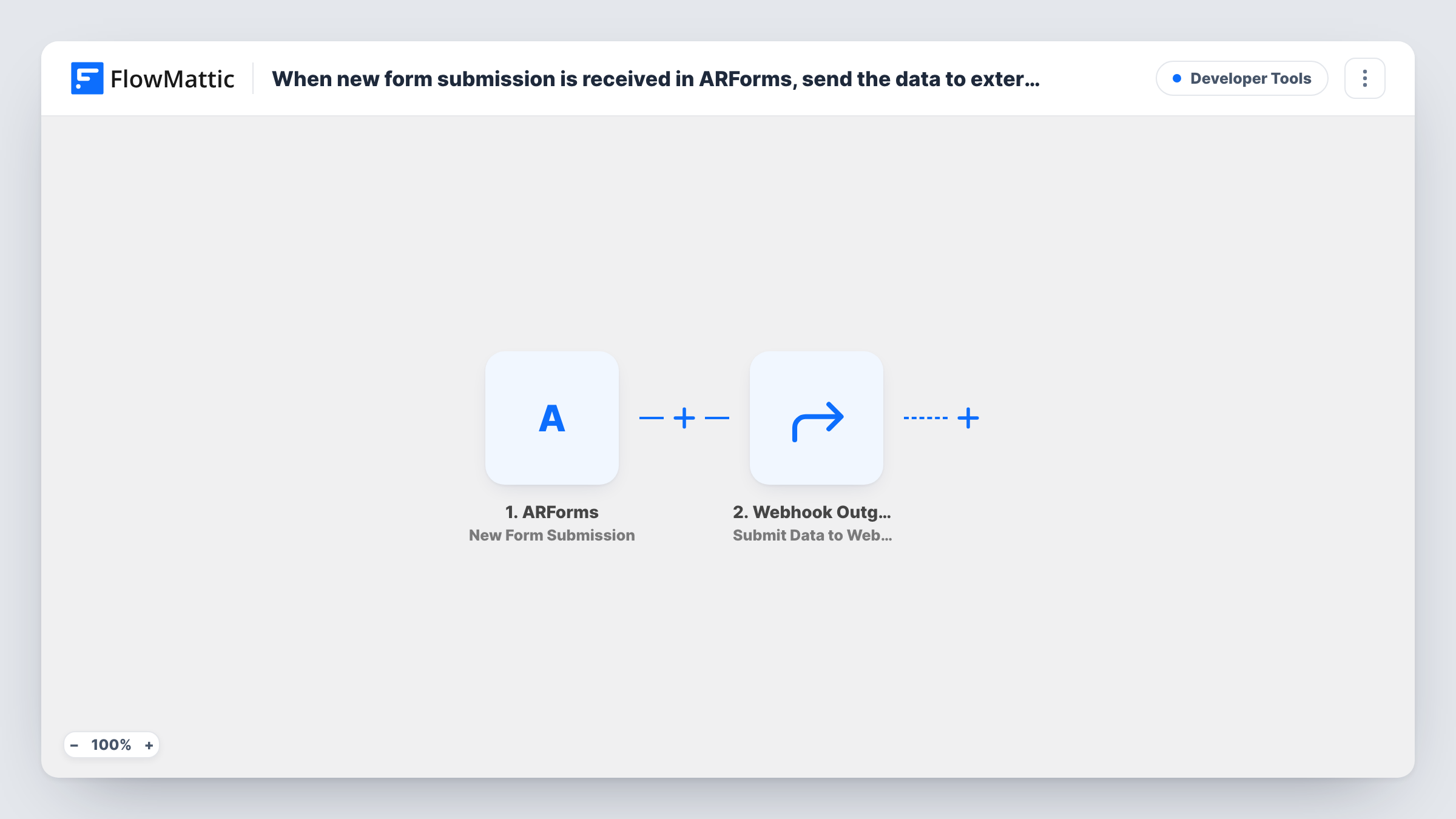
The ARForms New Form Submission trigger starts a run when a new entry is received. The values the visitor entered are handed to the next step for mapping.
The Webhook Outgoing step, Submit Data to Webhook, then sends a POST request in JSON format to the address you give it. As shipped, the step has no URL and no data mapped. After import you paste in the external app's webhook URL and choose which ARForms fields to include, naming each key the way the receiver expects.
One entry leads to one request, with nothing in between. That keeps the setup quick, but it also means every entry is sent, including test ones. Submit the form yourself after setup and open Task History, which shows the values captured from ARForms and the reply the external app sent.
Leads into a CRM without a FlowMattic app
A consultancy whose CRM accepts inbound webhooks sends each ARForms enquiry straight into it, with the name, email and message mapped as JSON keys.
Orders for a fulfilment partner
A print shop takes custom job requests in ARForms and posts each one to its production partner's endpoint for quoting.
Triggering a custom backend process
A SaaS team sends trial sign-up forms from ARForms to its own API, which provisions the account from the posted data.
How this workflow runs
What happens at each step once the workflow is on, and what you need before you import it.
 ARForms New Form Submission
Starts the workflow when ARForms receives a new form submission. Each field the visitor filled in becomes available to include in the webhook request.
- Webhook Outgoing Submit Data to Webhook
Posts the mapped ARForms data in JSON format to the external webhook URL. Both the URL and the data ship empty, so add the address and map each field the receiver should get.
What you need
- FlowMatticCore
- ARForms PluginPlugin
After importing, map your own data. To keep the template universal, not every step is pre-filled. Open each step in the builder and connect your accounts and fields (channels, lists, sheets, recipients) before you switch the workflow on.
Make it yours
Changes worth making after you import it.
- Ask the receiving app for a sample payload first, then name your mapped keys to match it, so the data lands in the right place without changes on their side.
- To send only certain entries, put a Filter between the ARForms trigger and the webhook step on a field such as a dropdown or checkbox answer.
- Add a fixed key with the form's name to the request, so a receiver that handles several of your forms knows which one each entry came from.
- If the receiver needs a method other than POST or custom headers, swap the step for API by FlowMattic, which can send other request types.
Questions about this workflow
What does the external app receive from ARForms?
A POST request with a JSON body made of the fields you map. The template maps nothing, so you decide which ARForms answers to send and under which key names.
Do I need coding skills to send ARForms entries to a webhook?
No coding is needed in FlowMattic: you paste a URL and map fields. The receiving app must already offer a webhook URL that accepts JSON.
How do I know the webhook received an ARForms entry?
Each run in Task History shows the data sent and the response from the webhook URL. A success code or message from the receiver means it accepted the request.
Can ARForms entries go to more than one webhook?
Yes. Add another Submit Data to Webhook step after the first and give it the second URL, mapping the same or different fields.
More Developer Tools workflows
Other ready-to-import templates from the same category.







Import this workflow into your WordPress site
Download the JSON, import it from the Workflows screen and connect your accounts. Every run stays on your server, with no per-task fees.
30-day money-back guarantee Unlimited workflows and runs Self-hosted