

When new form submission is received in Divi Form, add a new subscriber in Mailbluster
Each time someone submits a Divi form on your WordPress site, FlowMattic creates a new lead in Mailbluster from the entry, so the person joins your email audience without an export.
 Divi Forms
 Mailbluster
2 steps Setup ~5 min Used on 2.9k sites Free to import
What this workflow does
Divi makes it quick to drop a newsletter or contact form onto any page, but the entries stay on your site until someone exports them. If you send your campaigns through Mailbluster, this workflow moves each new sign-up across the moment the form is submitted.
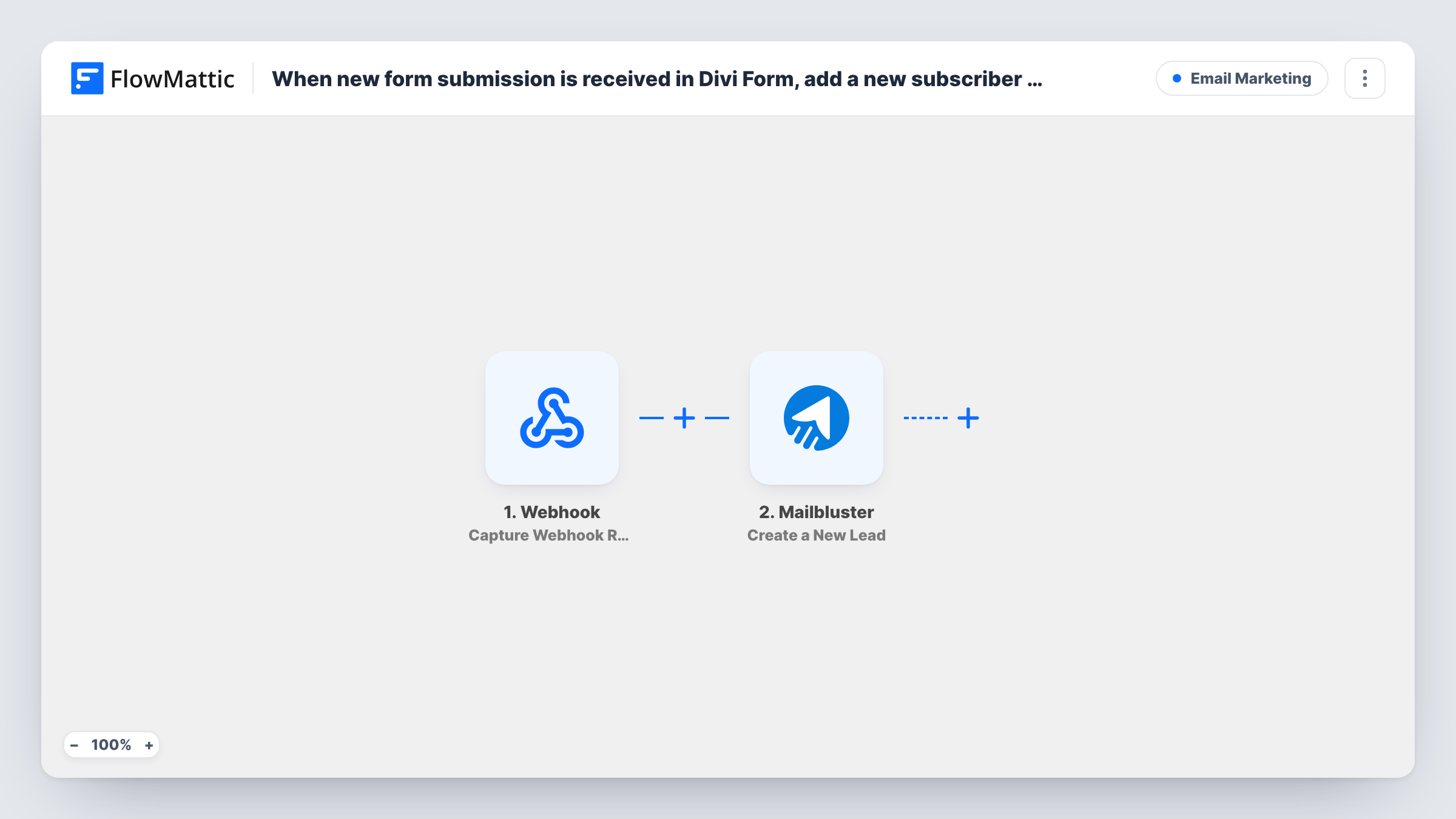
The Divi Forms trigger fires when a Divi form on your site is submitted, and hands the entered values to the next step. The Mailbluster step then creates a new lead in your Mailbluster account from them.
The Mailbluster step ships unmapped. After import, connect your account and map the form's email field, plus first and last name or any other values you collect. Without an email address, Mailbluster has nothing to create the lead from, so make that field required on the form.
Every Divi form on the site can start the workflow, and each submission runs it once. If you use Divi forms for other purposes, such as support requests, narrow it with a Filter so only sign-ups become leads. Submit a test entry and look at Task History to see what Mailbluster returned.
Footer newsletter sign-up
A recipe blog built with Divi has a short sign-up form in its footer. Each entry becomes a Mailbluster lead that receives the weekly recipe email.
Lead magnet download page
A marketing consultant offers a checklist through a Divi form. People who request it are added to Mailbluster for the follow-up email that delivers the link.
Event interest list
A local theatre collects interest in upcoming shows with a Divi form and keeps those people in Mailbluster for ticket release announcements.
How this workflow runs
What happens at each step once the workflow is on, and what you need before you import it.
 Divi Forms New Form Submission
Starts the workflow whenever a Divi form on your site is submitted. The values the visitor typed in, such as their email address and name, are made available to the Mailbluster step.
- Mailbluster Create a New Lead
Creates a new lead in Mailbluster from the form entry. The step comes unmapped, so connect Mailbluster and map at least the email address, then any name fields you collect.
What you need
- FlowMatticCore
- Divi Forms PluginPlugin
- Mailbluster AccountAccount
After importing, map your own data. To keep the template universal, not every step is pre-filled. Open each step in the builder and connect your accounts and fields (channels, lists, sheets, recipients) before you switch the workflow on.
Make it yours
Changes worth making after you import it.
- Put a Filter between the Divi trigger and the Mailbluster step that checks a value only your sign-up form sends, so contact or support forms elsewhere on the site don't add leads.
- Add a consent checkbox to the Divi form and check it in that same Filter between the trigger and Mailbluster, so only people who agreed to receive emails are added.
- Make the email field required in the Divi form settings, so every submission carries an address Mailbluster can use.
Questions about this workflow
Can a Divi visitor who is already a Mailbluster lead submit again?
They can, and the run still sends the entry, but how an existing address is treated is up to Mailbluster. Submit a test entry with an existing lead's email and read the response in Task History.
Do all my Divi forms send leads to Mailbluster?
Yes, as imported, any Divi form submission starts a run. Use a Filter between the Divi trigger and the Mailbluster step to limit it to one form.
Which Divi form fields become part of the Mailbluster lead?
Only those you connect to the lead after importing the template. The template leaves the Create a New Lead step empty, so match the form's email and name fields to the lead fields yourself.
Are people who submitted before I turned this on added?
No. Only submissions made while the workflow is active start a run. Import earlier sign-ups into Mailbluster separately.
More Email Marketing workflows
Other ready-to-import templates from the same category.








Import this workflow into your WordPress site
Download the JSON, import it from the Workflows screen and connect your accounts. Every run stays on your server, with no per-task fees.
30-day money-back guarantee Unlimited workflows and runs Self-hosted