

When a new Mailchimp subscriber is added, generate a QR code for subscriber email in QR Generator, then upload it to Google Drive
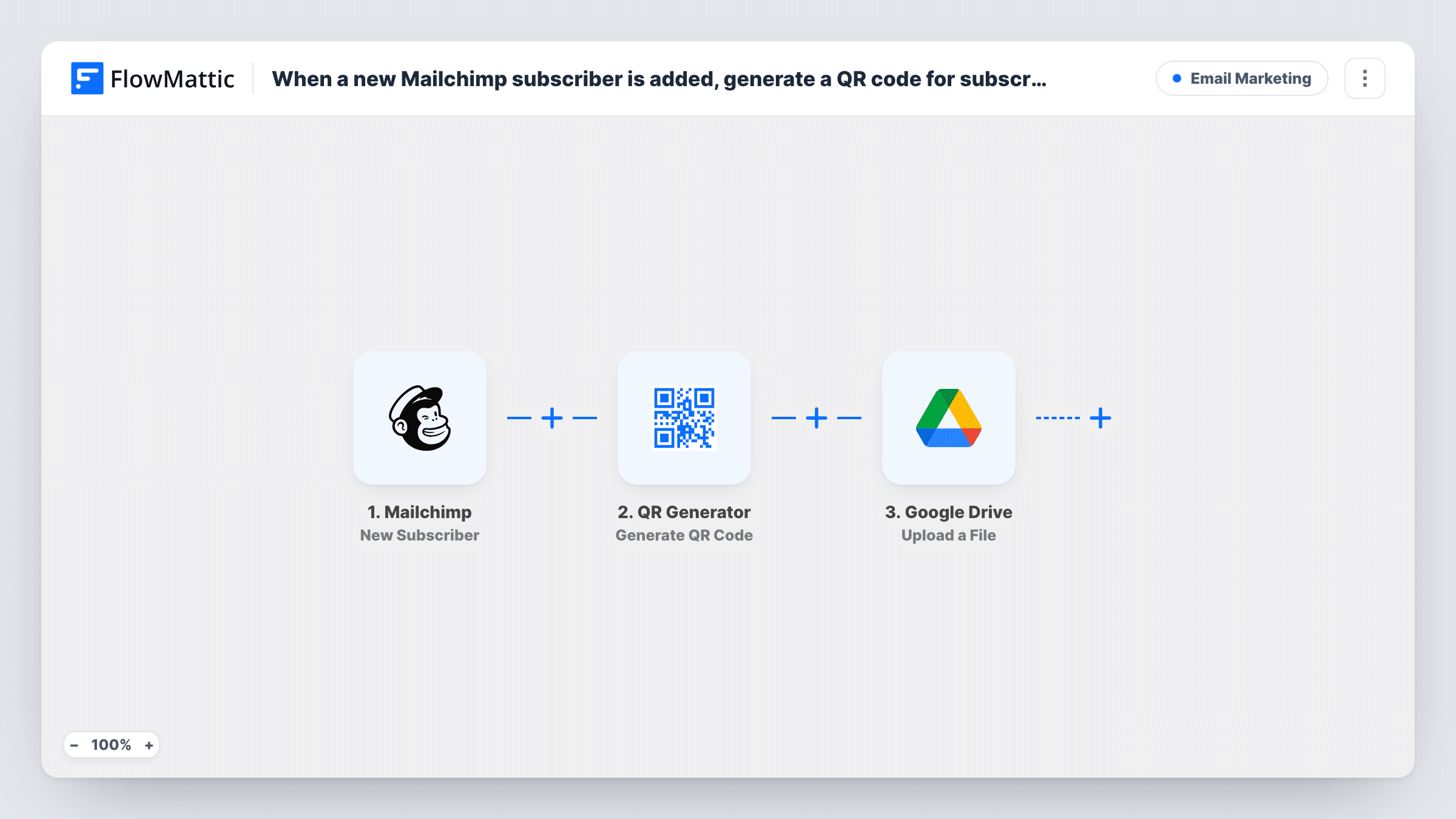
Each new Mailchimp subscriber gets a QR code that encodes their email address, made by FlowMattic’s QR Generator and saved to your media library, then uploaded as a file to a Google Drive folder.
 Mailchimp
 QR Generator
 Google Drive
3 steps Setup ~5 min Used on 1.4k sites Free to import
What this workflow does
A QR code per subscriber is handy when people show up in person: at an event door, a pop-up shop or a members' evening. Scanning a code holding their email is quicker than typing it, and it gives you a way to match the person to your list. Making those codes one by one is slow once your audience grows.
Each person who joins your list starts a run through the Mailchimp New Subscriber trigger. FlowMattic passes the subscriber's email address to QR Generator, which builds a QR code from it and saves the image to your WordPress media library. The last step uses Google Drive to upload that file to the folder you pick.
The QR code holds only what you map into it, which in this template is the email address. The workflow does not send the code to the subscriber. If you want them to have it, add an email step after the upload. Each run, with the file it produced, appears in Task History.
Check-in codes for an event list
People join a Mailchimp audience to register for your event. Their QR codes collect in a Drive folder that your door staff can open on the night.
Loyalty cards for a local shop
New subscribers each get a code you can print on a loyalty card, so staff scan it at the till to look the customer up by email.
Backup of codes for a print vendor
Share the Drive folder with the company printing your badges or cards, so they always have the latest subscriber codes to work from.
How this workflow runs
What happens at each step once the workflow is on, and what you need before you import it.
 Mailchimp New Subscriber
Starts the workflow whenever someone new joins your Mailchimp audience. Their email address is passed on so the next step can encode it.
- QR Generator Generate QR Code
Builds a QR code from the subscriber's email with FlowMattic's QR Generator and saves the image to your WordPress media library. The file's details are available to the Drive step.
- Google Drive Upload a File
Uploads the QR code image to the Google Drive folder you choose. Map the file from the QR Generator step, then check after a test run that the upload looks right in Drive.
What you need
- FlowMatticCore
- Mailchimp AccountAccount
- Google Drive AccountAccount
After importing, map your own data. To keep the template universal, not every step is pre-filled. Open each step in the builder and connect your accounts and fields (channels, lists, sheets, recipients) before you switch the workflow on.
Make it yours
Changes worth making after you import it.
- Add FlowMattic's Email step after Google Drive and attach the QR image saved on your site, so each subscriber receives their code and can show it on their phone at your event.
- Use Google Drive's Share File action after the upload if each subscriber should get a link to their own code.
- Subscribe a test address to your Mailchimp audience after import. Then check the media library and the Drive folder to confirm the image arrived and can be scanned.
Questions about this workflow
Where is each subscriber's QR code saved?
In two places: your WordPress media library, where QR Generator saves it, and the Google Drive folder the upload step points to.
Does the QR Generator step need a separate account?
No account is listed for it in this template. It runs inside FlowMattic on your WordPress site and saves its images there.
Will existing Mailchimp subscribers get QR codes?
No. Only people added after the workflow is turned on get a code. Older subscribers need a separate run if you want codes for them.
Can the QR code hold a link instead of the subscriber's email?
Yes. Map a URL, for example a personal page or a check-in link, into the QR Generator step instead of the email address.
More Email Marketing workflows
Other ready-to-import templates from the same category.





Import this workflow into your WordPress site
Download the JSON, import it from the Workflows screen and connect your accounts. Every run stays on your server, with no per-task fees.
30-day money-back guarantee Unlimited workflows and runs Self-hosted