

When new form submission is received in Fluent Forms, add a new subscriber in Mailbluster
Every Fluent Forms submission on your WordPress site creates a lead in Mailbluster, so form sign-ups join the audience you email from.
 Fluent Forms
 Mailbluster
2 steps Setup ~5 min Used on 1.7k sites Free to import
What this workflow does
Fluent Forms keeps every entry on your site, but your email campaigns run from Mailbluster. Moving people between the two by CSV is slow and leaves recent sign-ups out. This workflow sends each new submitter to Mailbluster as they submit.
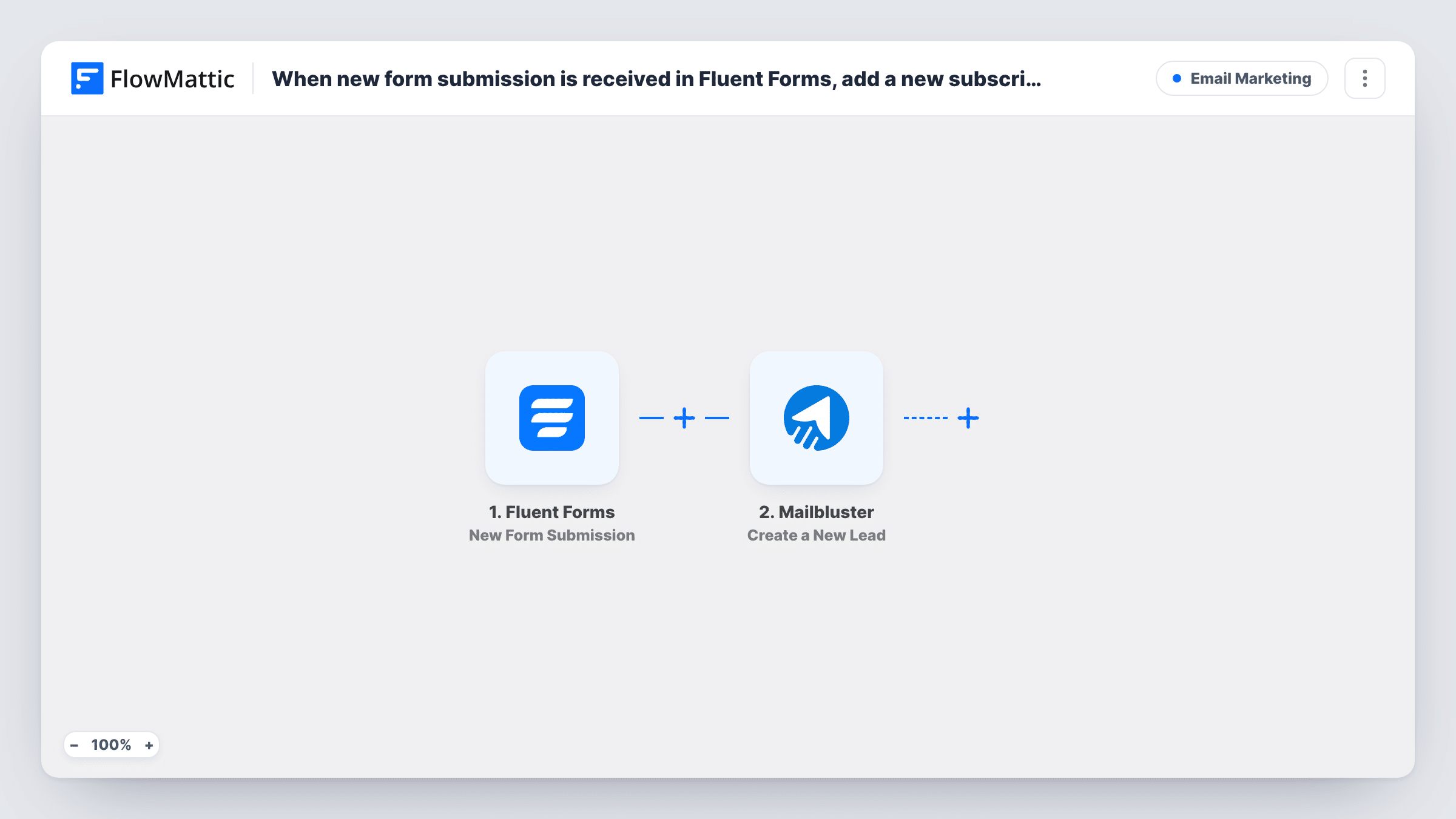
The Fluent Forms trigger runs when a new submission is received on the form you select. FlowMattic passes the answers to Mailbluster and runs Create a New Lead. You map the submitted email address, plus any name fields, into that step.
Fluent Forms still saves the entry as usual, so you keep the full record on your site while Mailbluster gets the contact details. To learn how Mailbluster responds to an address it already holds, submit a test using one and read its reply in Task History.
Free consultation form
Visitors book a consultation through Fluent Forms. Each one becomes a Mailbluster lead for your nurture emails before the call.
Event interest list
A Fluent Forms sign-up collects people interested in a workshop. Mailbluster holds them so one campaign can announce the date.
Resource library access
Readers fill in a form to access templates. Their addresses join Mailbluster so you can send new resources as you publish them.
How this workflow runs
What happens at each step once the workflow is on, and what you need before you import it.
 Fluent Forms New Form Submission
Starts the workflow when a new submission is received on your chosen Fluent Forms form. The answers become available to map.
- Mailbluster Create a New Lead
Adds the submitter to Mailbluster as a new lead. Map the email field and any name fields, and check the result with one test entry.
What you need
- FlowMatticCore
- Fluent Forms PluginPlugin
- Mailbluster AccountAccount
After importing, map your own data. To keep the template universal, not every step is pre-filled. Open each step in the builder and connect your accounts and fields (channels, lists, sheets, recipients) before you switch the workflow on.
Make it yours
Changes worth making after you import it.
- Add a Filter after the trigger that continues only when a marketing consent field is checked, so only people who agreed become leads.
- Make the email field required in Fluent Forms so every run has an address to send to Mailbluster.
- Clone the workflow and point the copy at another Fluent Forms form if several forms should feed Mailbluster.
Questions about this workflow
Will my Fluent Forms entries list stay complete once Mailbluster is connected?
Yes. Fluent Forms stores the submission as it normally does. The workflow only copies the details to Mailbluster.
What if the address is already a Mailbluster lead?
How Mailbluster handles a repeat address for Create a New Lead isn't shown in the template. Test with an existing address and check the response in Task History.
Are older Fluent Forms entries sent to Mailbluster?
No. Only submissions made after the workflow is turned on are sent. Older entries stay in Fluent Forms.
More Email Marketing workflows
Other ready-to-import templates from the same category.




Import this workflow into your WordPress site
Download the JSON, import it from the Workflows screen and connect your accounts. Every run stays on your server, with no per-task fees.
30-day money-back guarantee Unlimited workflows and runs Self-hosted