

When new form submission is received in FormCrafts, send the data to external app using Outgoing Webhooks
Each new FormCrafts submission is sent as a JSON POST request to the webhook URL you enter, so another app, a custom script or an internal system receives the answers as they come in.
 FormCrafts
 Webhook Outgoing
2 steps Setup ~5 min Used on 2.2k sites Free to import
What this workflow does
Some tools you use won't have a ready-made FlowMattic app: an in-house system, a niche CRM or a script on your own server. If it can receive a webhook, it can still get your form data. This workflow forwards every FormCrafts submission to the URL you name, in JSON.
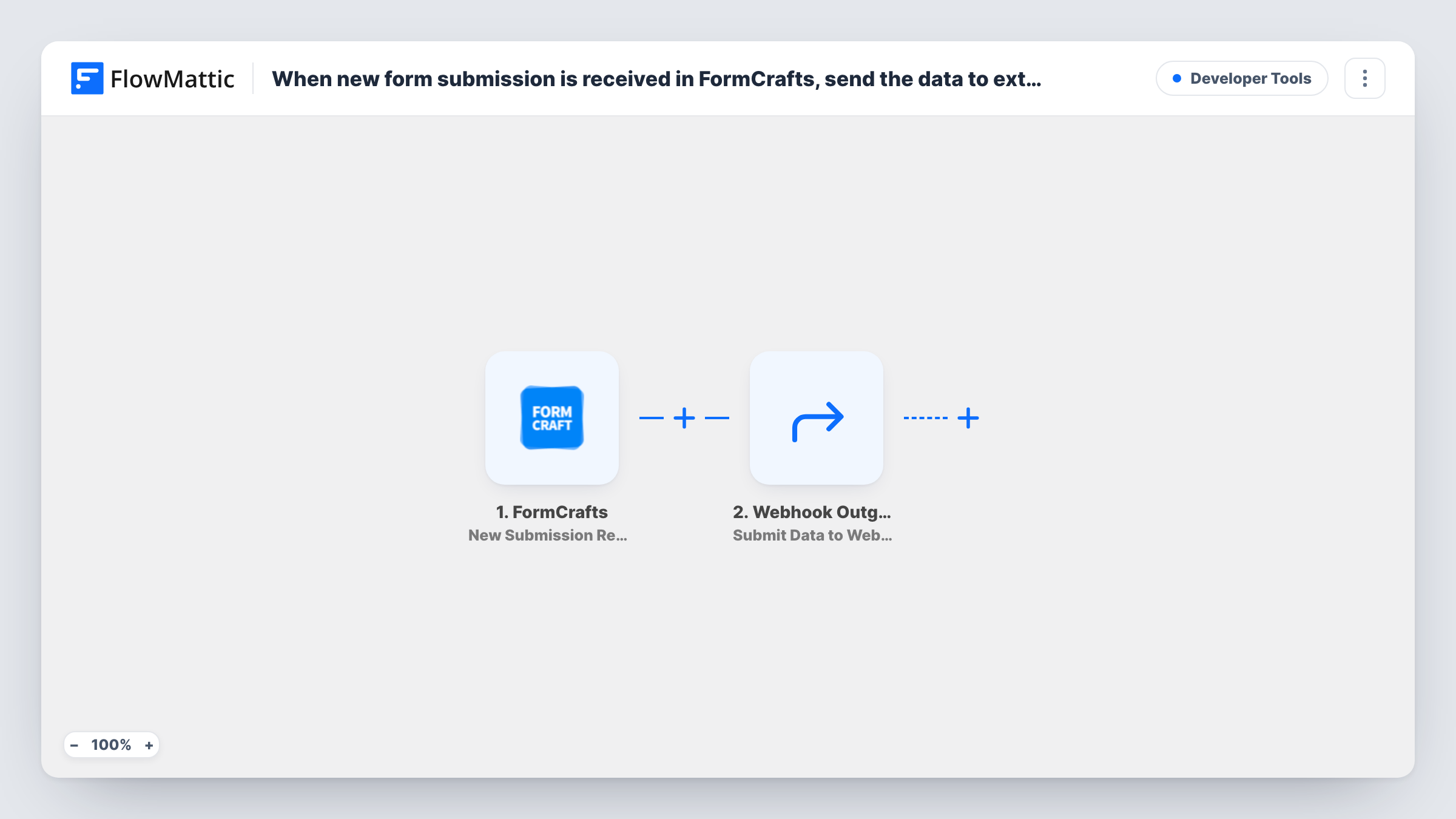
The FormCrafts trigger starts a run when a new submission is received and passes the form's answers on. The Webhook Outgoing step then sends the data to a webhook URL using the POST method in JSON format.
Webhook Outgoing comes with no URL or data set. After import you paste in the receiving app's webhook URL and choose which FormCrafts answers to include, with the key names the other side expects. Check that system's documentation for the format it wants, and whether it needs a key or token with each request.
Every submission is forwarded, including test entries. Submit one yourself once it's set up, then open Task History to see the JSON FlowMattic sent and the response the receiving app returned.
Feeding an in-house CRM
A company with a custom-built CRM gives it a webhook endpoint, and each FormCrafts enquiry arrives there as a new lead record.
Handing data to another automation tool
A team that keeps some automations elsewhere sends FormCrafts answers to that tool's catch-hook URL, so both systems start from the same entry.
Developer-built processing
A developer points the webhook at a small script that checks the submission against a database and stores the result.
How this workflow runs
What happens at each step once the workflow is on, and what you need before you import it.
 FormCrafts New Submission Received
Starts the workflow when FormCrafts receives a new submission. Every answer on the form becomes available to map into the outgoing request.
- Webhook Outgoing Submit Data to Webhook
Posts the FormCrafts answers as JSON to the address you provide. Enter the receiving app's URL after import and map the FormCrafts answers into the request data, using the key names that app expects.
What you need
- FlowMatticCore
- FormCrafts AccountAccount
After importing, map your own data. To keep the template universal, not every step is pre-filled. Open each step in the builder and connect your accounts and fields (channels, lists, sheets, recipients) before you switch the workflow on.
Make it yours
Changes worth making after you import it.
- Point the URL at a request inspection service first, so you can see the exact JSON FlowMattic sends before you switch to the real endpoint.
- Put a Filter between the FormCrafts trigger and the Webhook Outgoing step if only some submissions should be forwarded, for example when a form choice equals a value you set.
- Send only the fields the other system needs, and use its own key names, so the receiving side doesn't have to rename or discard data.
Questions about this workflow
What format does the FormCrafts data arrive in?
JSON, sent with a POST request. FlowMattic describes the Submit Data to Webhook action that way, and the keys are the ones you set when you map the answers.
Can the receiving app send something back to FormCrafts?
No. The workflow only sends data out. The reply from the receiving app appears in Task History, and you could map it into a later step you add.
Do I need to know how the receiving webhook works?
Yes. You need its URL and the data format it accepts. If it requires a token or key, check how it expects one and test that the step can send it before going live.
More Developer Tools workflows
Other ready-to-import templates from the same category.





Import this workflow into your WordPress site
Download the JSON, import it from the Workflows screen and connect your accounts. Every run stays on your server, with no per-task fees.
30-day money-back guarantee Unlimited workflows and runs Self-hosted