

Create a ClickUp task when a CircleCI workflow fails
When a CircleCI workflow finishes with the status failed, FlowMattic creates a task in ClickUp, so the broken build goes on your team’s board instead of sitting in a notification.
 Circleci
 Filter
 ClickUp
3 steps Setup ~5 min Used on 651 sites Free to import
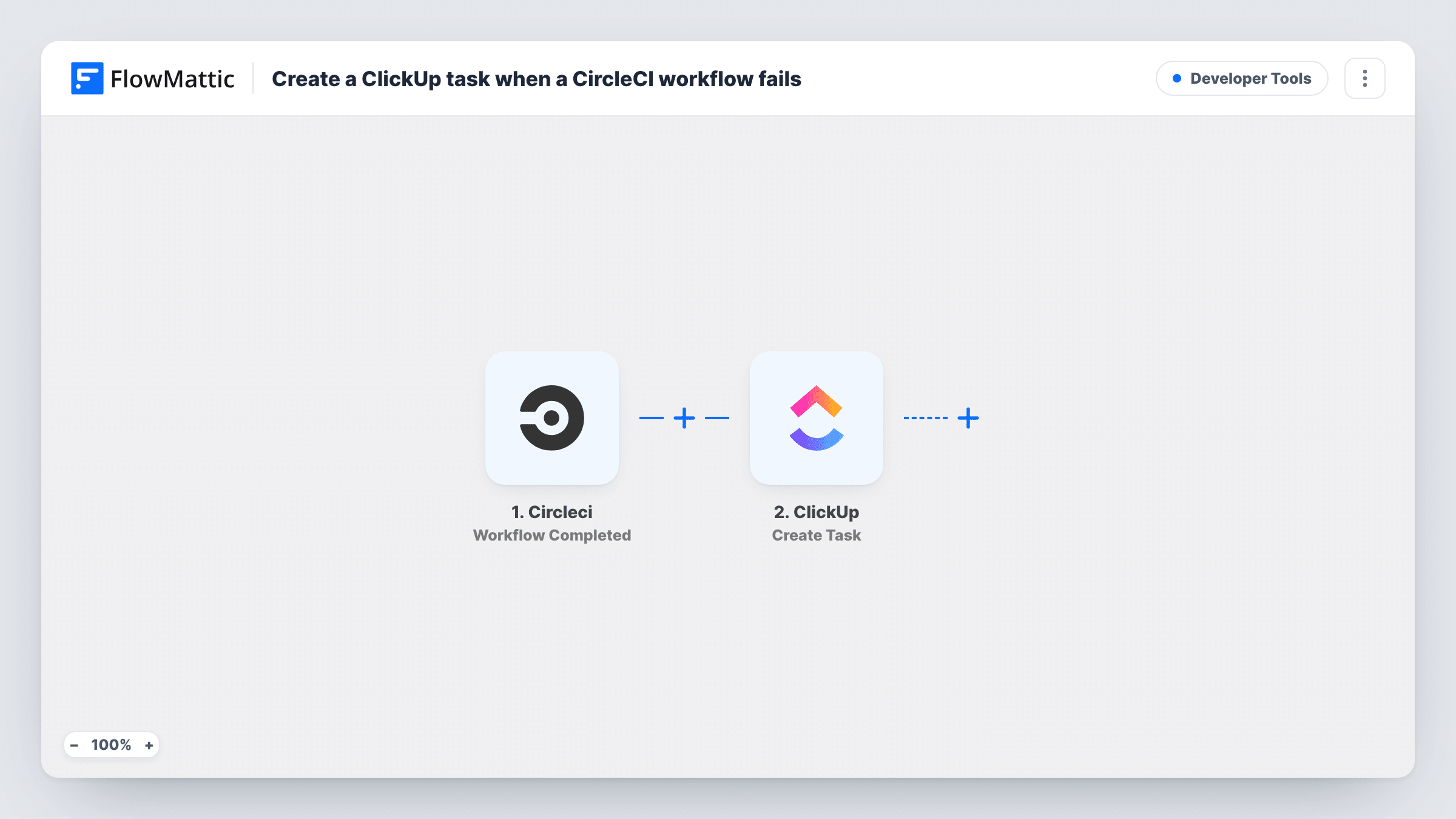
What this workflow does
A failed pipeline is easy to miss when the alert lands in a busy inbox or chat. Teams that plan work in ClickUp often want the failure to become a task with an owner, a due date and a place to discuss the fix. This workflow does that each time a CircleCI workflow fails.
The CircleCI trigger starts a run when a workflow reaches a terminal state, whether it passed, failed or ended another way. The next step is a Filter that is already set: it continues only when the workflow status exactly matches failed. Successful runs, and any other end state, stop at the Filter and create nothing.
Failed runs go on to ClickUp, where the Create Task step adds a task. That step ships unmapped, so after import you choose the list and build the task from the CircleCI data, for example the project and workflow name in the title and a link to the pipeline in the description. A test failure in Task History shows exactly which CircleCI values are available.
Each failed run creates its own task, so a workflow that fails several times in a row produces several tasks.
Failed main-branch builds as sprint work
A product team's ClickUp sprint list gets a task whenever the deploy workflow on CircleCI fails, so the fix is planned like any other ticket.
Nightly test failures for QA
A QA lead finds a ClickUp task each morning for every nightly CircleCI test workflow that failed overnight, ready to assign.
Client project pipelines at an agency
An agency running CircleCI for several client sites puts the project name in each task title, so it knows which client's build broke.
How this workflow runs
What happens at each step once the workflow is on, and what you need before you import it.
 Circleci Workflow Completed
Fires when a CircleCI workflow reaches a terminal state. The workflow's status and the other details CircleCI sends are passed to the Filter and ClickUp.
- Filter Continue If Condition Meet
Continues only when the CircleCI workflow status exactly matches failed, ignoring case. Runs with any other status stop here, so no task is made for passing builds.
- ClickUp Create Task
Creates a task in ClickUp for each failed workflow. Choose the list after import and map the project, workflow name and pipeline link into the task title and description.
What you need
- FlowMatticCore
- CircleCI AccountAccount
- ClickUp AccountAccount
After importing, map your own data. To keep the template universal, not every step is pre-filled. Open each step in the builder and connect your accounts and fields (channels, lists, sheets, recipients) before you switch the workflow on.
Make it yours
Changes worth making after you import it.
- Add a second condition in an OR group of the existing Filter, between the CircleCI trigger and the ClickUp step, if other end states such as error should also create a task. Check a test run for the exact status value.
- Map the branch name into the task title, if your test run shows it, so the team can see at a glance whether main or a feature branch broke.
- If the Create Task step offers assignee or priority options, set them to whoever is on build duty, so failures don't sit unowned.
Questions about this workflow
Will successful CircleCI workflows create ClickUp tasks?
No. The Filter only continues when the status is failed, so passing workflows stop there and never reach ClickUp.
What about CircleCI workflows that are cancelled?
They have a different status, so the Filter stops them too. If you want tasks for those, add their status as an OR condition in the existing Filter between the CircleCI trigger and the ClickUp step.
Does a new ClickUp task get created every time the same CircleCI workflow fails?
Yes. Each failed run is a separate event, so each one creates its own task in ClickUp.
More Developer Tools workflows
Other ready-to-import templates from the same category.







Import this workflow into your WordPress site
Download the JSON, import it from the Workflows screen and connect your accounts. Every run stays on your server, with no per-task fees.
30-day money-back guarantee Unlimited workflows and runs Self-hosted