

When a page is deleted in Brizy Cloud, update the RSS Feed
When pages are deleted in Brizy Cloud, this workflow adds a new item to an RSS feed with the details you map, giving you and your team a running feed of removed pages to follow in any feed reader.
 Brizy Cloud
 RSS Feed
2 steps Setup ~5 min Used on 2.6k sites Free to import
What this workflow does
On a site built by several people, pages disappear without anyone else hearing about it. A designer cleans up old landing pages, and a week later someone finds a broken link in a campaign. A simple record of deletions helps, and an RSS feed is one that anyone can follow in the reader they already use.
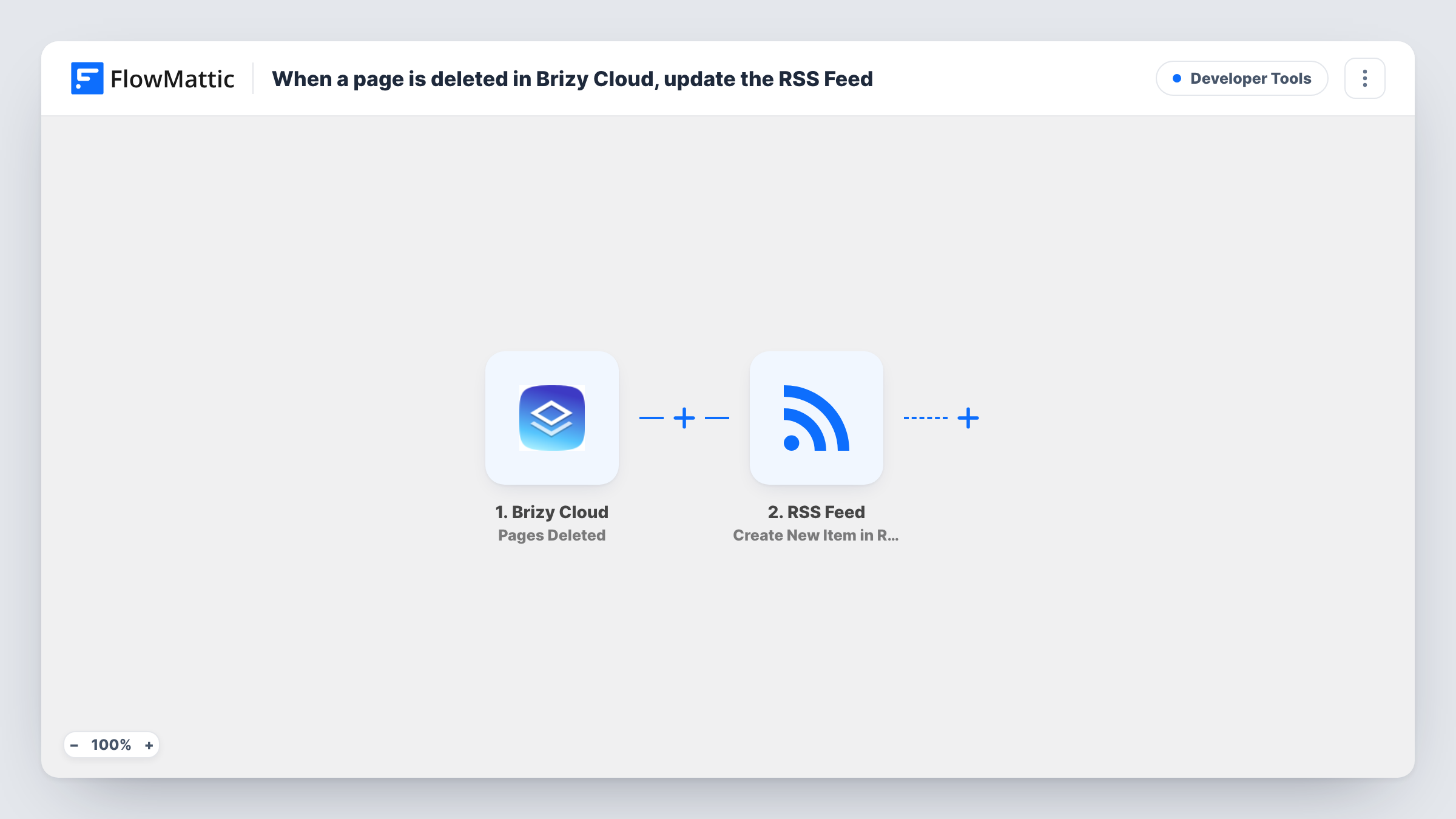
The Brizy Cloud trigger runs on Pages Deleted and gives FlowMattic the details of the deleted page. The second step uses Create New Item in RSS Feed from the RSS Feed app to add an entry for it.
Both steps arrive unmapped. After import, connect Brizy Cloud, delete a test page, and map the page details you want, such as its title, into the feed item. This workflow adds an entry each time; it does not remove anything from a feed or fix links pointing at the deleted page. Each run shows in Task History.
Agency maintaining client sites in Brizy Cloud
Project managers follow the deletions feed in their reader and see when a designer removes a page, before the client asks where it went.
Checking campaign links after a clean-up
The marketing team watches the feed during a site tidy-up and checks whether any ads or emails still point at a removed page.
Audit trail for a small site team
Each deleted page gets an entry with its details, giving a dated list you can look back on when someone asks what changed.
How this workflow runs
What happens at each step once the workflow is on, and what you need before you import it.
 Brizy Cloud Pages Deleted
Runs when pages are deleted in your Brizy Cloud account. The deleted page's details become available to map into the feed item.
- RSS Feed Create New Item in RSS Feed
Adds a new entry to an RSS feed for the deleted page. The template ships unmapped, so after a test deletion map the page details into the item and check that it appears in your feed.
What you need
- FlowMatticCore
- Brizy Cloud AccountAccount
After importing, map your own data. To keep the template universal, not every step is pre-filled. Open each step in the builder and connect your accounts and fields (channels, lists, sheets, recipients) before you switch the workflow on.
Make it yours
Changes worth making after you import it.
- Put the page title and the date in the feed item's title, so a feed reader shows at a glance which page went and when.
- Follow the feed with a Slack or email RSS reader if your team prefers alerts there, or add a Slack step after the RSS step in FlowMattic instead.
- Add a Filter after the trigger if only some deletions matter, for example pages from one project, using a field you see in a test run.
Questions about this workflow
Does this remove the deleted Brizy Cloud page from my site's RSS feed?
No. It adds a new item to an RSS feed about the deletion. It does not edit or remove existing items in any feed.
What information about the deleted page goes into the RSS item?
Whatever you map after import. Delete a test page first so FlowMattic shows which Brizy Cloud details it receives.
Can I be told about deleted pages somewhere other than RSS?
Yes. Replace the RSS step, or add one after it, with a Slack, Telegram or email step that uses the same page details.
Does deleting several Brizy Cloud pages at once create several items?
Test this with your account. Delete two test pages and check Task History to see whether you get one run per page or one run for the batch.
More Developer Tools workflows
Other ready-to-import templates from the same category.





Import this workflow into your WordPress site
Download the JSON, import it from the Workflows screen and connect your accounts. Every run stays on your server, with no per-task fees.
30-day money-back guarantee Unlimited workflows and runs Self-hosted