

When new form submission is received in Formidable Forms, create a new customer account in Pabbly Subscriptions
Each new Formidable Forms entry creates a customer record in Pabbly Subscription Billing from the details your visitor typed, ready for invoices and subscriptions later.
 Formidable Forms
 Pabbly Subscriptions
2 steps Setup ~5 min Used on 1.9k sites Free to import
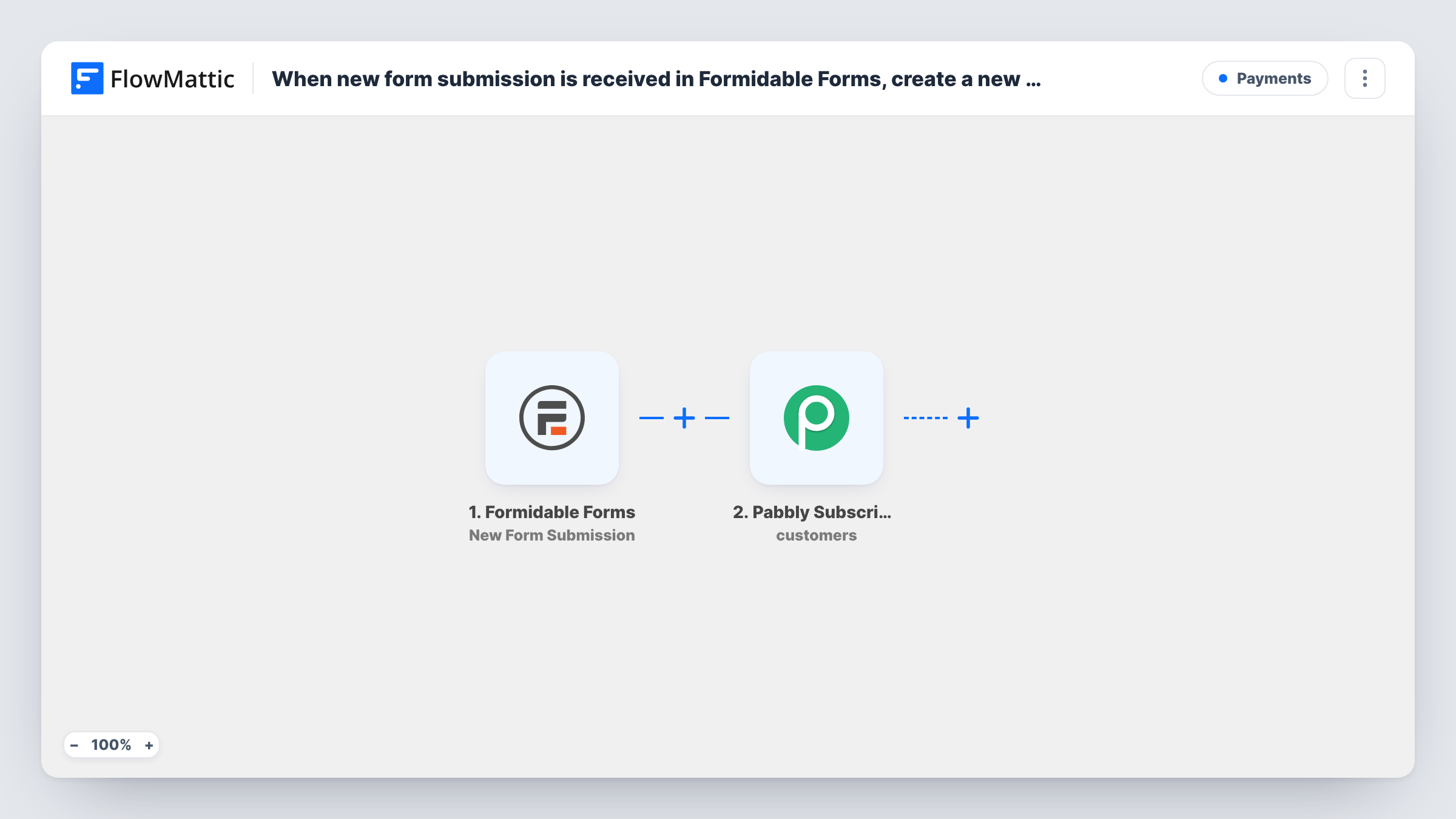
What this workflow does
When a form on your WordPress site is the first place people give you their billing details, copying them into Pabbly by hand is slow and invites typos. This workflow sends each Formidable Forms entry straight into Pabbly Subscription Billing as a new customer.
The Formidable Forms trigger fires when a form is submitted and passes every field of the entry to FlowMattic.
The Pabbly Subscriptions step then creates a customer. It ships unmapped: after import you connect your Pabbly account and map the form's fields, such as first name, last name and email, into the customer record. The step only creates the customer. It doesn't start a subscription or take a payment, so plan how those happen next.
Every submission makes a run, so a person who fills in the form twice reaches Pabbly twice. Pabbly may answer the second attempt with an error for an email it already holds; open Task History to see what it returned. Submit a test entry before you put the form live.
Application form before billing starts
A coaching business collects applications with Formidable Forms and wants accepted applicants already set up as Pabbly customers when it's time to invoice them.
Quote request that becomes a billing record
An agency's Formidable quote form saves the client's name, company and email as a Pabbly customer, so the account manager only has to add the plan.
Offline sign-ups entered on a tablet
Staff at a gym's front desk fill in a Formidable form for each new member, and the member appears in Pabbly Subscription Billing without retyping.
How this workflow runs
What happens at each step once the workflow is on, and what you need before you import it.
 Formidable Forms New Form Submission
Starts a run for each new Formidable Forms entry on your WordPress site. Every field from the entry is available to map into the Pabbly customer.
- Pabbly Subscriptions Create Customer
Adds the person who filled in the form as a Pabbly Subscription Billing customer. Nothing is mapped in the template, so connect Pabbly and map the form's name and email fields, plus any other details you collect.
What you need
- FlowMatticCore
- Formidable Forms PluginPlugin
- Pabbly Subscriptions AccountAccount
After importing, map your own data. To keep the template universal, not every step is pre-filled. Open each step in the builder and connect your accounts and fields (channels, lists, sheets, recipients) before you switch the workflow on.
Make it yours
Changes worth making after you import it.
- Make the email field required in your Formidable form, so every customer record that reaches Pabbly has an address you can bill and contact.
- To start billing right away, add Pabbly's Create Subscription action after the Create Customer step and map the customer from step 2 into it.
- If the form also collects people you don't bill, put a Filter between the Formidable trigger and the Pabbly step on a field such as a dropdown choice.
- Add an Email step after the Pabbly step to confirm to the visitor that their account has been set up.
Questions about this workflow
Does this start a Pabbly subscription for the Formidable visitor?
No. The workflow only creates the customer record. Add Pabbly's Create Subscription action after it, with the new customer mapped in, if each submission should also start a plan.
What happens if the same email submits my Formidable form twice?
Both entries start a run and both try to create a customer. Pabbly may reject or duplicate the second one depending on your account; check the response in Task History.
Which Formidable Forms fields should I map into Pabbly?
At least the name and email. Add phone, company or address fields if your form collects them and you want them on the customer record.
Does editing a Formidable entry later update the Pabbly customer?
No. The trigger fires on new submissions only, and the step creates customers rather than updating them. FlowMattic's Pabbly integration has an Update Customer Details action if you build a separate flow for changes.
More Payments workflows
Other ready-to-import templates from the same category.




Import this workflow into your WordPress site
Download the JSON, import it from the Workflows screen and connect your accounts. Every run stays on your server, with no per-task fees.
30-day money-back guarantee Unlimited workflows and runs Self-hosted