

When new media file is uploaded, save it to Google Drive
Each file you upload to the WordPress media library is also uploaded to a Google Drive folder you choose, giving you a copy of your images and documents outside your site.
 WordPress
 Google Drive
2 steps Setup ~5 min Used on 3.2k sites Free to import
What this workflow does
Your media library holds images, PDFs and other files you have uploaded over the years. Keeping a copy in Google Drive gives you a second place to find them, makes them easy to share with people who never log in to WordPress, and helps if a file goes missing from the site. This workflow makes that copy as each file is added.
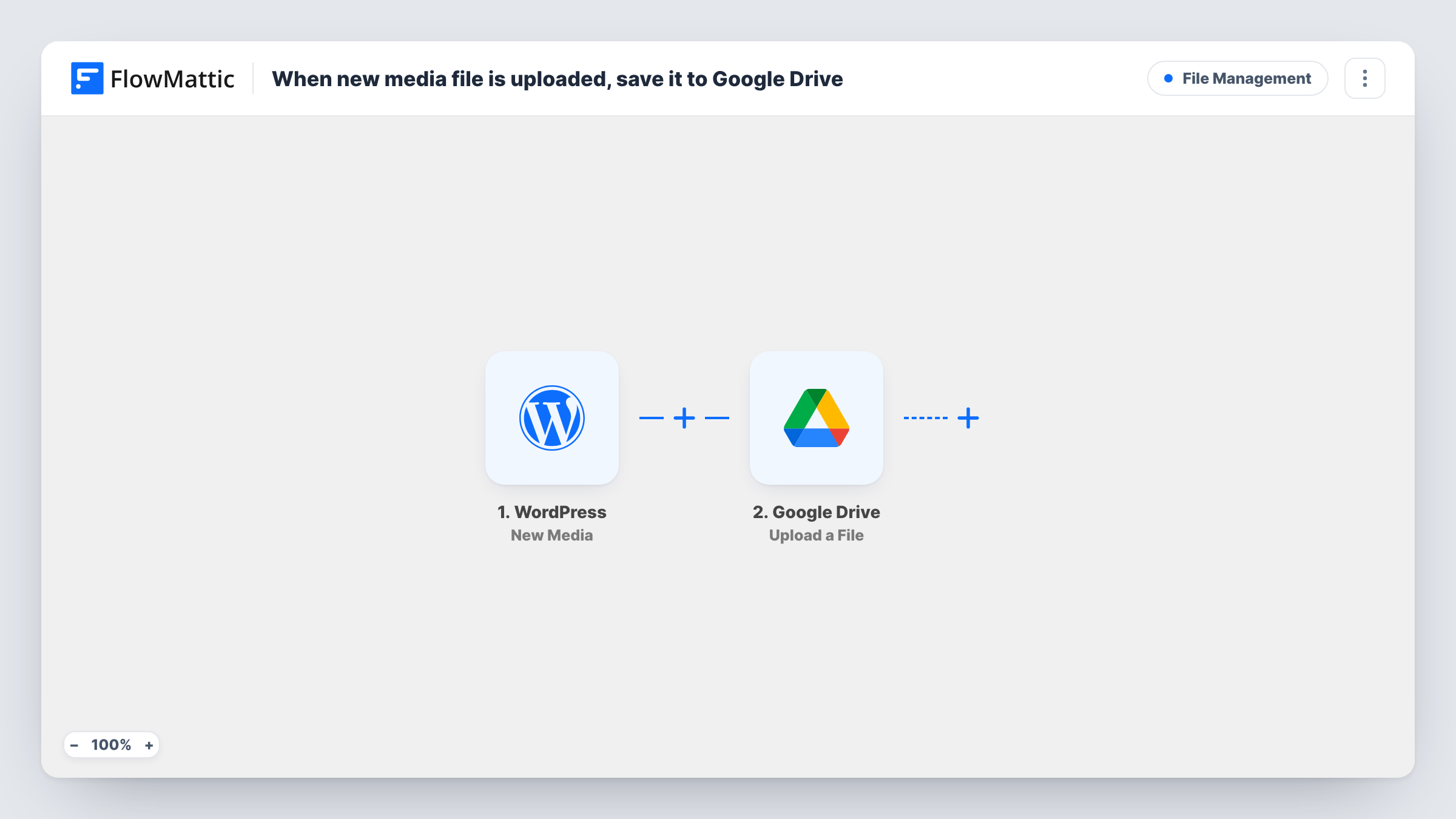
The WordPress New Media trigger runs when a file is uploaded to your media library and passes its details, such as its URL and file name, to FlowMattic. The Google Drive Upload a File action then uploads the file to the Drive folder you select.
Only new uploads are copied. Files already in the library stay where they are, and editing or deleting a file in WordPress later does not change the copy in Drive. Each upload shows up in Task History, which helps you confirm a file reached Drive.
Sharing images with a designer
Your designer works from a shared Google Drive folder, and every image you upload to WordPress appears there without you sending it separately.
Keeping client deliverables together
An agency uploads PDFs and graphics to a client site, and the same files collect in the client's Drive folder for their records.
A second copy of new uploads
A blogger who uploads photos for each post keeps an off-site copy of every new file in Google Drive, alongside the site's own backups.
How this workflow runs
What happens at each step once the workflow is on, and what you need before you import it.
 WordPress New Media
Runs when a new file is uploaded to your WordPress media library. The file's details from the media library are passed on for the Google Drive step.
- Google Drive Upload a File
Uploads the file to the Google Drive folder you pick. Connect your Google account, choose the folder, and map the media file from the trigger, then upload a test image to check the result.
What you need
- FlowMatticCore
- Google Drive AccountAccount
After importing, map your own data. To keep the template universal, not every step is pre-filled. Open each step in the builder and connect your accounts and fields (channels, lists, sheets, recipients) before you switch the workflow on.
Make it yours
Changes worth making after you import it.
- Upload one test image after import and open the Drive folder to confirm the file arrived with the name you expect before relying on the workflow.
- Add a Filter after the trigger with a condition on the file type, if the trigger provides it, so only PDFs or only images are copied to Drive.
- Swap the single upload for a Router whose routes check distinct file types, each with its own Google Drive step, to keep images and documents in separate folders.
Questions about this workflow
Are files already in my WordPress media library copied to Google Drive?
No. The trigger fires for new uploads only. Copy older files to Drive yourself if you need them there.
Is this a full backup of my WordPress site?
No. It copies new media files only, not your database, posts, themes or plugins. Keep a proper site backup alongside it.
What happens in Google Drive when I delete a file from the media library?
Nothing. The workflow only reacts to uploads, so the copy in Drive stays until you remove it.
Do images resized by WordPress also go to Drive?
The workflow runs once per upload and sends the file you map from the trigger. Upload a test image and check the Drive folder to see exactly which file arrives.
More File Management workflows
Other ready-to-import templates from the same category.




Import this workflow into your WordPress site
Download the JSON, import it from the Workflows screen and connect your accounts. Every run stays on your server, with no per-task fees.
30-day money-back guarantee Unlimited workflows and runs Self-hosted