

When new meeting notes are processed in Sembly AI, create a page in Notion
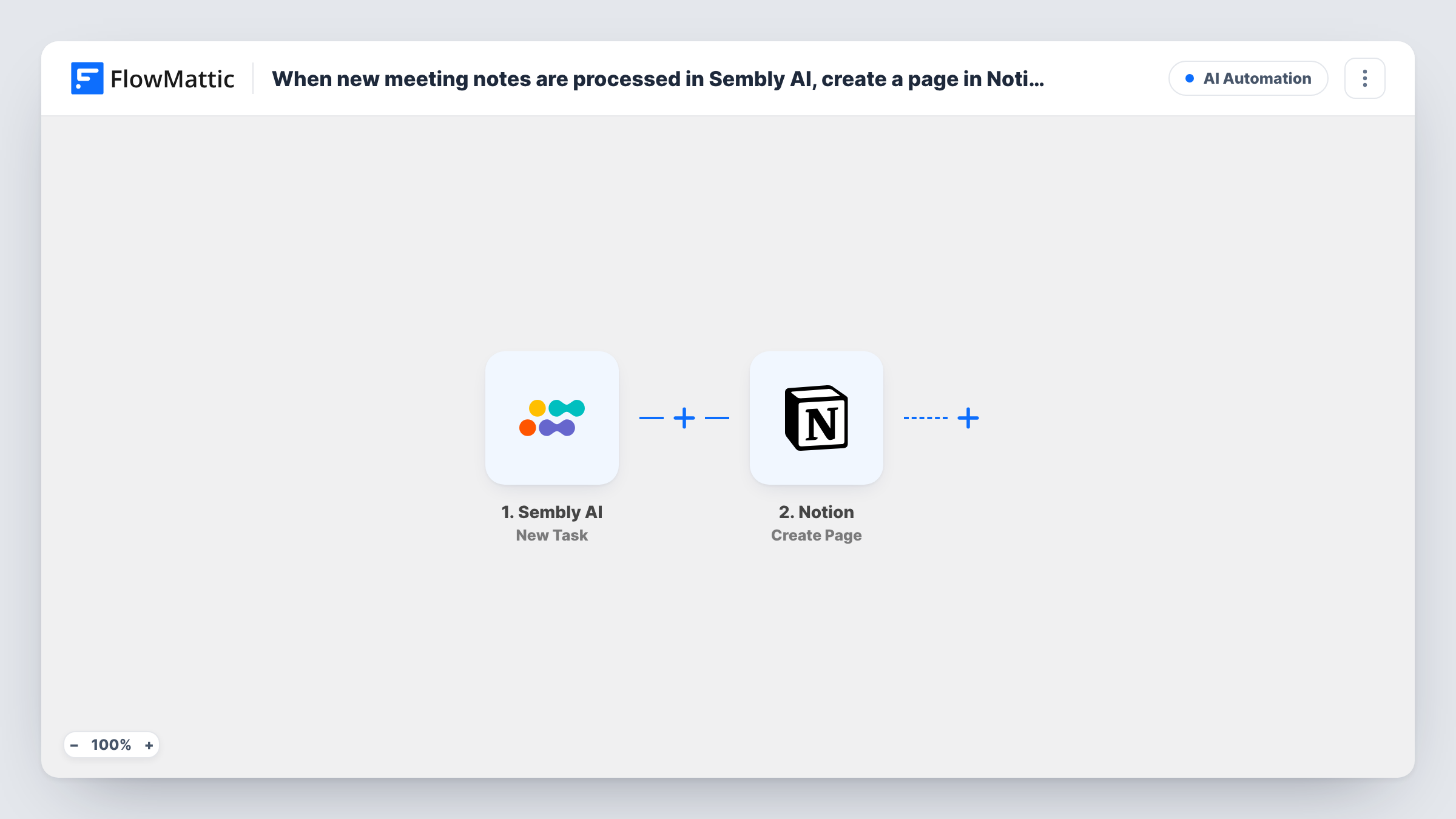
Once Sembly AI finishes processing the notes for a meeting, FlowMattic creates a Notion page for them inside the parent page you choose, so every meeting has its own page.
 Sembly AI
 Notion
2 steps Setup ~5 min Used on 1.8k sites Free to import
What this workflow does
Sembly AI records and summarises meetings, but many teams keep their working knowledge in Notion. Copying each set of notes across is the kind of job that slips after a busy week. This workflow files the notes in Notion automatically, one page per meeting, under the parent page where your team already looks.
The Sembly AI trigger fires when new meeting notes are processed. The notes and meeting details from Sembly, such as the meeting title, date and the generated summary, become available to map.
The Notion step creates a page inside a parent page. It ships unmapped, so after import you connect Notion, choose the parent page, for example a Meeting Notes page in your team space, and map the Sembly fields into the new page's title and content. Run one meeting through Sembly first so the fields are available to pick.
Each processed set of notes creates one new page. The workflow doesn't update pages later, so if Sembly reprocesses a meeting, check Task History to see whether a second run happened. Notion needs the parent page shared with your FlowMattic connection before the step can add pages under it.
Searchable archive of client calls
A consultancy keeps every client meeting's Sembly summary under a Clients page in Notion, so anyone can search past decisions before the next call.
Stand-up notes for the team wiki
A product team's daily stand-ups are recorded in Sembly, and each set of notes appears as a dated page under the sprint's Notion page.
Interview debriefs
A hiring manager records candidate interviews with Sembly, and the notes land in a Notion Hiring page where the panel adds its feedback.
How this workflow runs
What happens at each step once the workflow is on, and what you need before you import it.
 Sembly AI New Meeting Notes
Starts the workflow when Sembly AI has processed the notes for a new meeting. The meeting details and generated notes are passed on to Notion.
- Notion Create Page
Creates a page under the Notion parent page you pick. The template maps nothing: choose the parent page and map the Sembly meeting title and notes into the page's title and content.
What you need
- FlowMatticCore
- Sembly AI AccountAccount
- Notion AccountAccount
After importing, map your own data. To keep the template universal, not every step is pre-filled. Open each step in the builder and connect your accounts and fields (channels, lists, sheets, recipients) before you switch the workflow on.
Make it yours
Changes worth making after you import it.
- Map the meeting date into the Notion page title, for example "2026-10-20 Weekly sync", so pages sort by date under the parent.
- Share the parent page with the Notion integration FlowMattic connects through, otherwise Notion won't let the step create pages there.
- Build a second workflow on Sembly's New Task trigger if you want the action items from meetings to land in your task tool as well.
Questions about this workflow
Where in Notion are the Sembly meeting notes saved?
As a new page inside the parent page you choose in the Create Page step. Pick it after import, for example a Meetings page in your workspace.
Which Sembly AI content appears on the Notion page?
Whatever you map. The step ships empty, so after one processed meeting you pick the fields Sembly sends, such as the title and notes, and place them on the page.
Does the workflow run for meeting transcripts too?
No. It uses the New Meeting Notes trigger. Sembly AI also has a New Transcription trigger in FlowMattic if you want full transcripts in another workflow.
Can the notes go into a Notion database instead of under a page?
Not with this step, which creates a page inside a parent page. Swap it for Notion's Create Database Item action if you prefer a database with properties.
More AI Automation workflows
Other ready-to-import templates from the same category.







Import this workflow into your WordPress site
Download the JSON, import it from the Workflows screen and connect your accounts. Every run stays on your server, with no per-task fees.
30-day money-back guarantee Unlimited workflows and runs Self-hosted