

Predict gender in batch in Genderize for new rows in Airtable
Each new Airtable record sends its names to Genderize’s batch prediction, so you get a predicted gender for several names in one request. The result stays in the run until you add a step that stores it.
 Airtable
 Genderize
2 steps Setup ~5 min Used on 1.5k sites Free to import
What this workflow does
Some Airtable tables hold more than one name per record: a household with two contacts, a team sign-up, a list of guests on one booking. Predicting gender one name at a time would mean a separate step for each. The batch action handles several names in a single call.
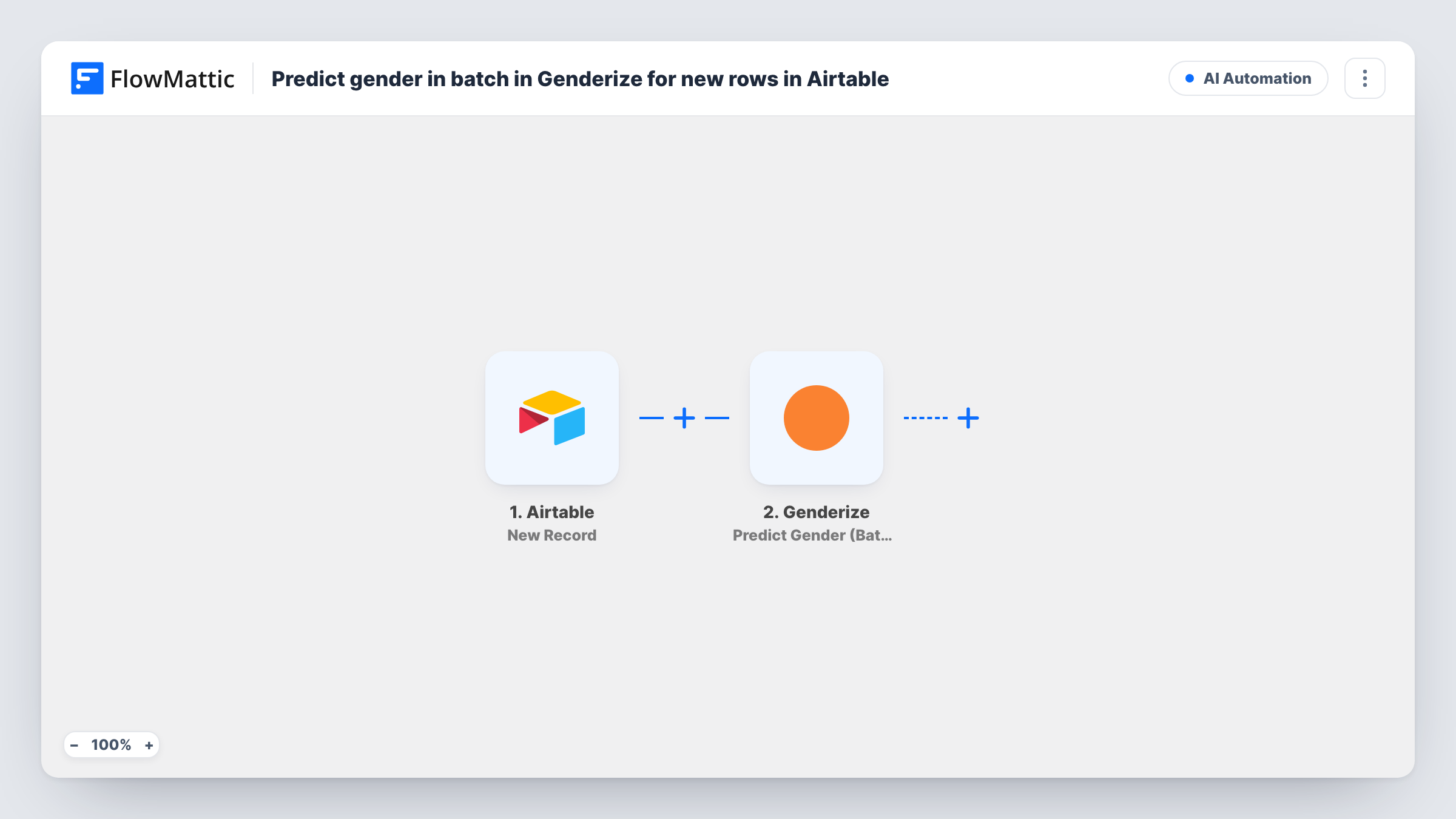
The Airtable New Record trigger fires when a record is created in the table you pick. FlowMattic passes that record's fields to Genderize, whose Predict Gender (Batch) action predicts gender for multiple first or full names at once. You map the name fields from the record into it.
The imported workflow stops after the Genderize call. Genderize returns its predictions to the run, and nothing writes them anywhere yet, so Airtable doesn't change. To keep the result, add an Airtable Update Record step after Genderize and map the predictions into a column on the same record. Task History shows each response in the meantime.
Event bookings with several guests
Each booking record lists the names of everyone attending. One batch call returns a prediction for every guest on that record.
Survey panel profiles
A research team adds panelists to Airtable and records predicted gender beside each name once an Update Record step is added.
Household records in a donor base
A record with two partner names gets a prediction for both, which you can store in separate fields.
How this workflow runs
What happens at each step once the workflow is on, and what you need before you import it.
 Airtable New Record
A new row in your chosen Airtable table, holding one or more names, starts the Genderize run. The record's fields are available to later steps; check a test run for the record ID you'll need to write results back.
- Genderize Predict Gender (Batch)
Sends the names mapped from the Airtable record to Genderize in one batch request and returns a gender prediction for each name. Connect your Genderize account and map the name fields.
What you need
- FlowMatticCore
- Airtable AccountAccount
- Genderize AccountAccount
After importing, map your own data. To keep the template universal, not every step is pre-filled. Open each step in the builder and connect your accounts and fields (channels, lists, sheets, recipients) before you switch the workflow on.
Make it yours
Changes worth making after you import it.
- Add an Airtable Update Record step after Genderize, map the record ID from the trigger, and write each prediction into its own field so the result is saved.
- If every record carries a single name, the Genderize Predict Gender action (not the batch one) may be the simpler fit.
- Create one test record after import and check in Task History how Genderize lays out its batch response before you map it anywhere.
Questions about this workflow
Does this write the predicted gender back to Airtable?
Not as imported. The Genderize response stays in the run. Add an Airtable Update Record step that uses the trigger's record ID to save it on the same record.
Why a batch action when the Airtable trigger brings one record?
The batch action accepts several names in one request, which suits records holding more than one name. Each new record still starts its own run.
Will records already in my Airtable table be processed?
No. The New Record trigger reacts to records created after the workflow is on. Older records aren't sent to Genderize.
Would updating the Airtable record start another run?
The trigger fires for newly created records, so an Update Record step on the same record shouldn't count as a new one. Confirm with a test record.
More AI Automation workflows
Other ready-to-import templates from the same category.







Import this workflow into your WordPress site
Download the JSON, import it from the Workflows screen and connect your accounts. Every run stays on your server, with no per-task fees.
30-day money-back guarantee Unlimited workflows and runs Self-hosted