

When New Submission in Getform, Post Message in Slack
Each new Getform submission becomes a message in the Slack channel you choose, so your team reads form responses where they already talk instead of in the Getform dashboard.
 Getform
 Slack
Slack2 steps Setup ~5 min Used on 2.3k sites Free to import
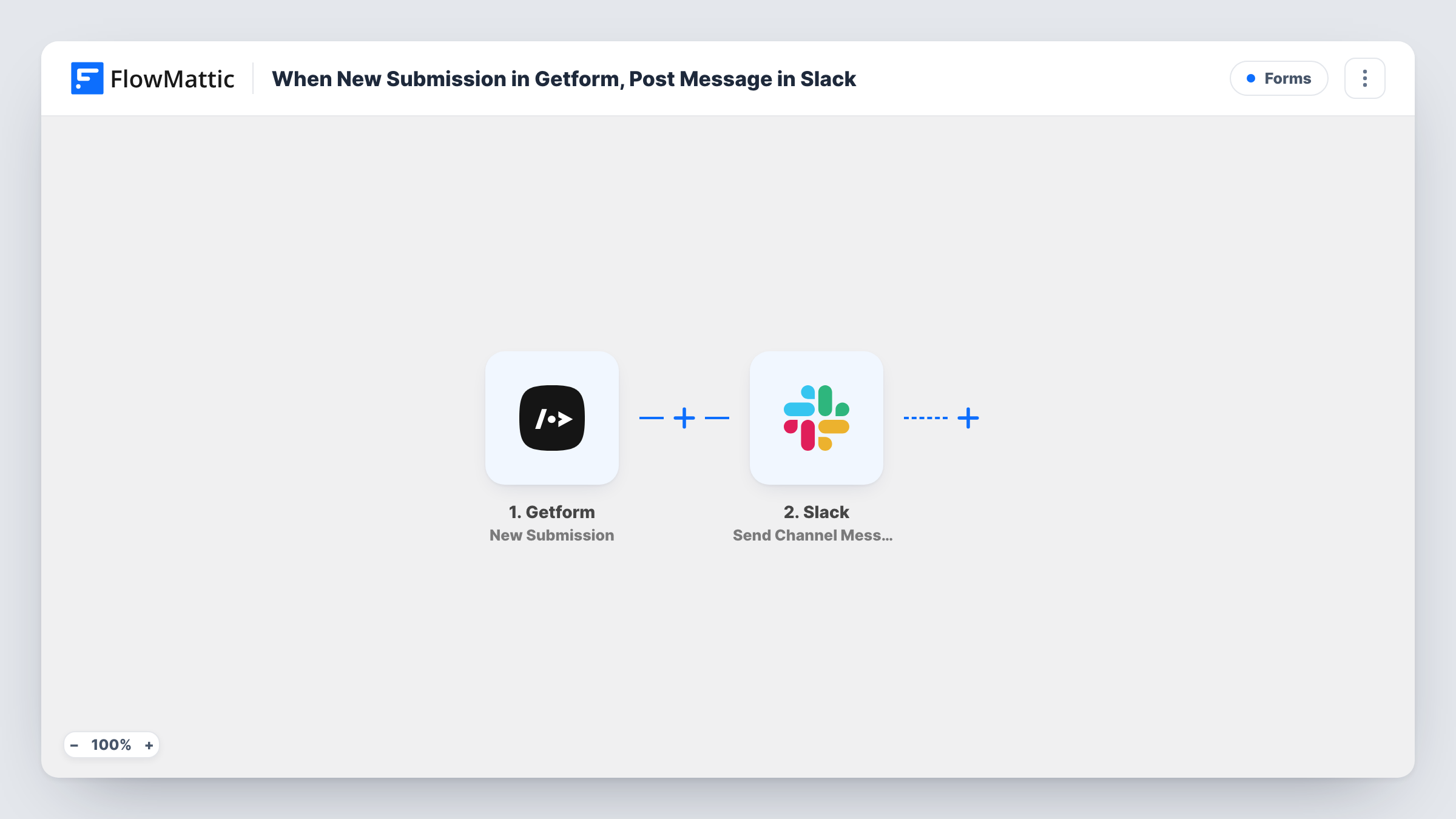
What this workflow does
Getform collects submissions from forms on static sites and landing pages, but someone still has to open the dashboard to see them. When a team works out of Slack, a new entry can sit unread for hours. This workflow posts every submission into a Slack channel as it arrives.
The Getform trigger fires when a new submission is received for your form. FlowMattic passes the submitted fields to Slack, where the Send Channel Message action posts a message to the channel you choose. You build the message text from the form fields, so it can show the sender's name, email and message in whatever order suits your team.
Every submission produces one message, with nothing filtered out as imported. Getform keeps its own copy of each entry, so the Slack post is a notification, not a replacement for your stored data.
Contact form on a static portfolio site
A freelancer's site posts its Getform contact form into a #leads channel, so new enquiries show up on the phone through the Slack app.
Beta waitlist sign-ups
Each waitlist entry appears in a product channel, and the team can react or thread replies to decide who gets an invite first.
Bug reports from a landing page
A simple report form feeds a #support channel, where whoever is on duty claims the report in a thread.
How this workflow runs
What happens at each step once the workflow is on, and what you need before you import it.
 Getform New Submission
Fires when Getform receives a new submission for your form. Every submitted field is passed on for use in the Slack message.
- Slack Send Channel Message
Sends one Slack post per submission to the channel of your choice. Write the message text and insert Getform fields into it, then connect your Slack workspace.
What you need
- FlowMatticCore
- Getform AccountAccount
- Slack AccountAccount
After importing, map your own data. To keep the template universal, not every step is pre-filled. Open each step in the builder and connect your accounts and fields (channels, lists, sheets, recipients) before you switch the workflow on.
Make it yours
Changes worth making after you import it.
- Add a Filter after the trigger to post only submissions where a chosen field matches a value, such as a topic set to Sales.
- Swap in a Router to send different kinds of submissions to different Slack channels, giving each route conditions that cannot overlap.
- Keep the message short and put the sender's email first, so the Slack notification preview shows who wrote in.
Questions about this workflow
Does every Getform submission reach Slack?
Yes, as imported. There is no Filter, so each new submission posts one message. To post a subset, put a Filter between Getform and Slack.
Can Getform submissions post to a private Slack channel?
The step posts to the channel you select when you set it up. For a private channel, make sure the connected Slack account can post there, then send a test submission to check.
Will old Getform submissions be posted?
No. The trigger reacts to new submissions only, so entries received before you turn the workflow on stay in Getform.
More Forms workflows
Other ready-to-import templates from the same category.







Import this workflow into your WordPress site
Download the JSON, import it from the Workflows screen and connect your accounts. Every run stays on your server, with no per-task fees.
30-day money-back guarantee Unlimited workflows and runs Self-hosted