

When new Subscription form submission is received in Beaver Builder, add a new subscriber in Mailbluster
Every sign-up through a Beaver Builder Subscribe Form on your WordPress site is sent to Mailbluster as a new lead, so your email list grows from the pages you build.
 Beaver Builder Forms
 Mailbluster
2 steps Setup ~5 min Used on 3.3k sites Free to import
What this workflow does
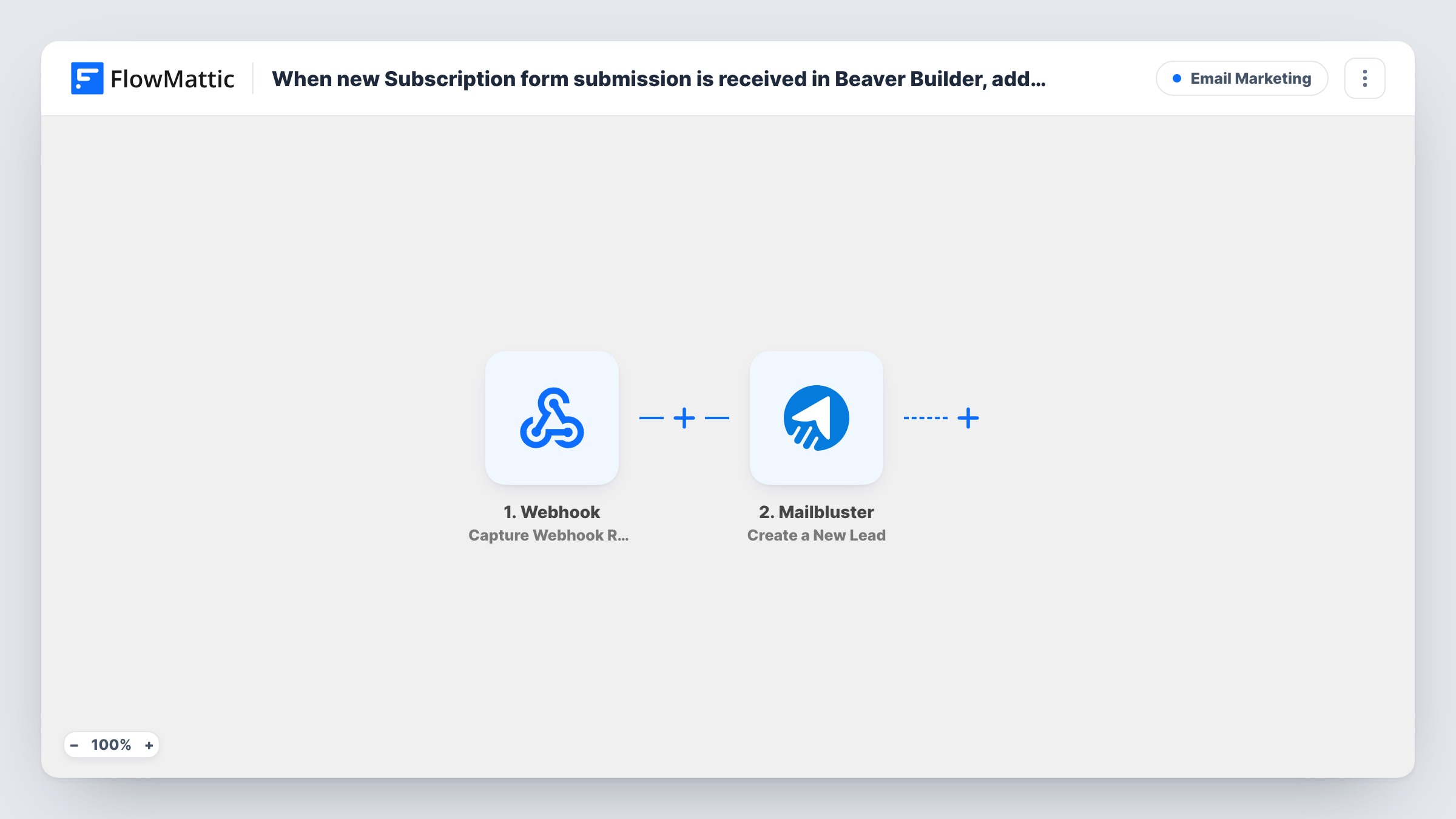
Beaver Builder's Subscribe Form module puts an email sign-up on any page you design, but the addresses it collects still need to reach the tool you send newsletters from. This workflow passes each one to Mailbluster as soon as the visitor subscribes.
The Beaver Builder Forms trigger is New Subscription Form Submission. It runs for submissions of Beaver Builder's subscription form, not its contact form, and hands over the name and email the visitor entered.
The Mailbluster step then creates a new lead from that data. It ships unmapped, so after import you connect your Mailbluster account and map the email, plus the name if your form asks for it. Submit the form once yourself before mapping, so the fields show up to pick from.
Each submission makes one run, including people who sign up twice. How Mailbluster treats an address it already holds is up to Mailbluster; Task History shows its reply for every run.
Newsletter sign-up in the footer
A blogger places a Beaver Builder Subscribe Form in the site footer, and every address goes to Mailbluster for the weekly roundup.
Launch waitlist page
A startup builds a coming-soon page in Beaver Builder with a subscription form, collecting waitlist leads in Mailbluster for the launch email.
Lead magnet download
A consultant offers a free checklist behind a Subscribe Form and sends each subscriber to Mailbluster, where the follow-up emails are set up.
How this workflow runs
What happens at each step once the workflow is on, and what you need before you import it.
 Beaver Builder Forms New Subscription Form Submission
Runs each time a visitor submits a Beaver Builder Subscribe Form on your site. The name and email from the form are passed to Mailbluster.
- Mailbluster Create a New Lead
Adds the subscriber to Mailbluster as a fresh lead. The step ships unmapped: connect Mailbluster, then map the subscriber's email and name from the Beaver Builder submission.
What you need
- FlowMatticCore
- Beaver Builder Forms PluginPlugin
- Mailbluster AccountAccount
After importing, map your own data. To keep the template universal, not every step is pre-filled. Open each step in the builder and connect your accounts and fields (channels, lists, sheets, recipients) before you switch the workflow on.
Make it yours
Changes worth making after you import it.
- If you use several Subscribe Forms for different offers, put a Filter between the Beaver Builder trigger and the Mailbluster step that checks a value identifying the form you want. Pick that field from a test submission.
- Send a test sign-up after mapping and look for the new lead in Mailbluster, so you know the email field landed in the right place.
- To follow up by email on your own as well, add FlowMattic's Email step after the Mailbluster step and send the subscriber a short welcome.
Questions about this workflow
Does this workflow pick up Beaver Builder contact forms too?
No. It uses the New Subscription Form Submission trigger, which covers the Subscribe Form module. Beaver Builder's contact form has its own New Contact Form Submission trigger in FlowMattic.
Do I need a separate Mailbluster plugin on my WordPress site?
No. The form submits on your site, and FlowMattic sends the data to Mailbluster through the account you connect in the workflow's Mailbluster step.
What does Mailbluster receive from the form?
Only what you map. The template leaves the Create a New Lead step empty, so map at least the email; a name works too if the form collects it.
More Email Marketing workflows
Other ready-to-import templates from the same category.







Import this workflow into your WordPress site
Download the JSON, import it from the Workflows screen and connect your accounts. Every run stays on your server, with no per-task fees.
30-day money-back guarantee Unlimited workflows and runs Self-hosted