

When a payment is received in Stripe, add the buyer as a member on a level in Wishlist Member
When a Stripe charge succeeds, FlowMattic adds the buyer to your WordPress site as a Wishlist Member member on the level you set, so paid access follows the payment.
 Stripe
 Wishlist Member
2 steps Setup ~5 min Used on 697 sites Free to import
What this workflow does
If you take payments in Stripe but run your membership site on Wishlist Member, each sale means creating the member and giving them the right level. This workflow does that as soon as Stripe reports a successful charge, so buyers aren't left waiting for access.
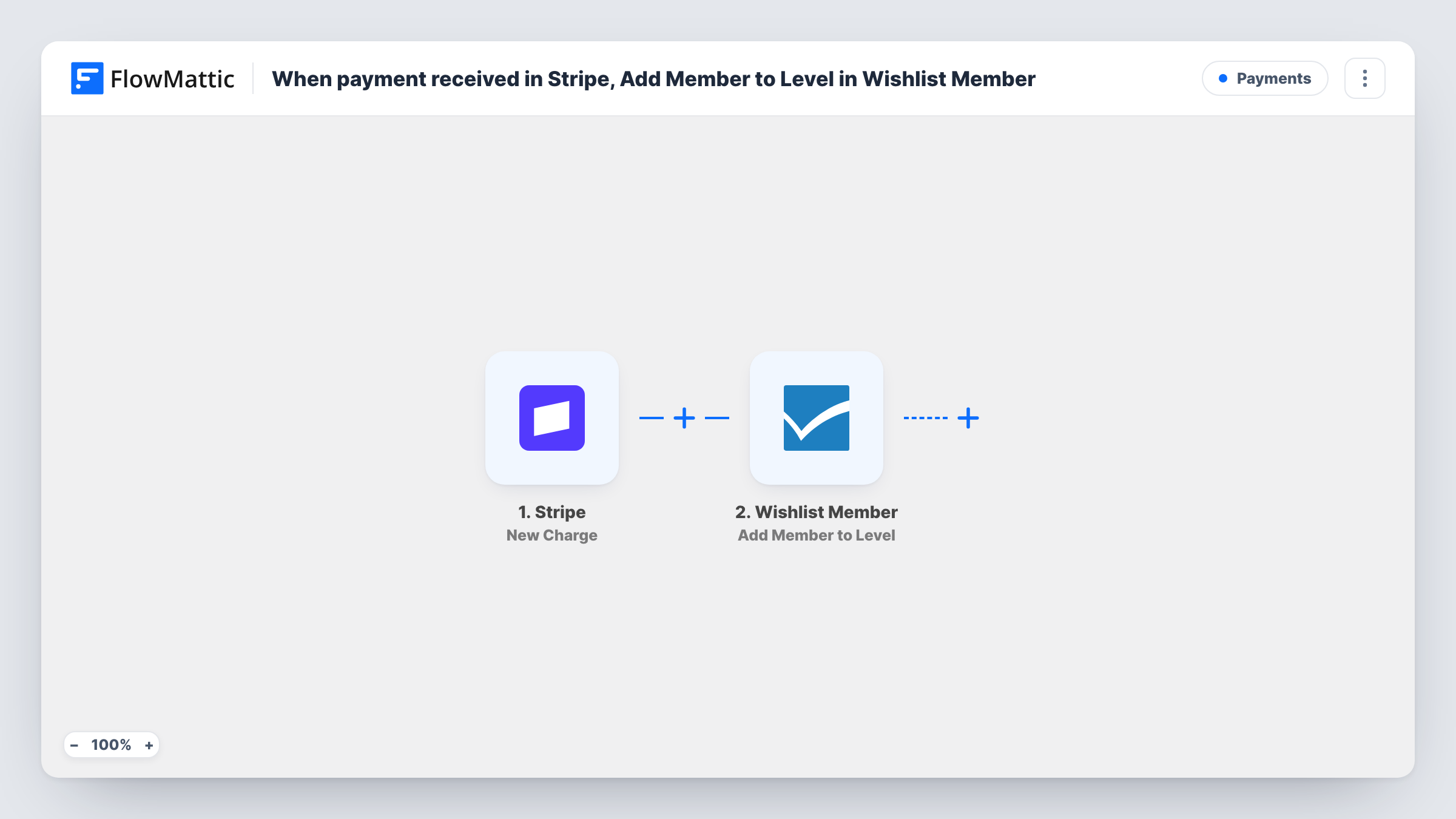
The Stripe trigger is New Charge, which FlowMattic describes as firing whenever a new charge is created and is successful. That includes one-off payments and the charges behind subscription renewals. The charge data passed on may hold the buyer's email in its billing details, but Stripe sometimes only gives a customer ID, so check a test payment first.
The Wishlist Member step, Add a New Member, then adds a member to WordPress from the details you map. It ships unmapped: after import, map the buyer's email and name from the charge and set the membership level they should get. A test payment shows in Task History what Wishlist Member returned.
Every successful charge starts a run, whatever was bought. If you sell several products through the same Stripe account, narrow the flow so only the payment for this membership adds a member.
Paid membership sold with Stripe Checkout
A photography school sells its members area through a Stripe payment link. Each successful charge creates the student's Wishlist Member account on the Pro level.
Course bundle with instant access
A fitness coach sells a 12-week programme in Stripe, and buyers become members of the programme's Wishlist Member level the moment the payment goes through.
Workshop replays for paying attendees
A speaker charges for workshop replays in Stripe, and every buyer is added to a replay level that opens the recordings on the WordPress site.
How this workflow runs
What happens at each step once the workflow is on, and what you need before you import it.
 Stripe New Charge
Fires whenever a Stripe charge is created and succeeds, including renewal charges. Check a test charge for the buyer's email and name; if only a customer ID arrives, look the customer up before the next step.
- Wishlist Member Add a New Member
Adds the buyer to WordPress as a Wishlist Member member. The step ships unmapped: map the email and name from the Stripe charge and set the level the payment should give.
What you need
- FlowMatticCore
- Stripe AccountAccount
- Wishlist Member PluginPlugin
After importing, map your own data. To keep the template universal, not every step is pre-filled. Open each step in the builder and connect your accounts and fields (channels, lists, sheets, recipients) before you switch the workflow on.
Make it yours
Changes worth making after you import it.
- Put a Filter between the Stripe trigger and the Wishlist Member step that checks the charge amount or description, so payments for other products don't create members.
- If the charge carries only a customer ID, put Stripe's Find Customer by ID action between the trigger and the Wishlist Member step and map the email and name from its result.
- Add an Email step after the Wishlist Member step with your login page link, mapping the buyer's email, so new members know where to sign in.
Questions about this workflow
Does a Stripe subscription renewal run this Wishlist Member workflow again?
Yes. Each renewal creates a new successful charge, which fires the trigger again and sends the same buyer to Add a New Member. Test with an existing member to see what Wishlist Member returns, and add a Filter between the trigger and the Wishlist Member step if renewals should be left out.
What if the buyer already has an account on my site?
The workflow still sends Add a New Member with their details. Wishlist Member decides how to handle an email that is already registered, so try a payment with an existing user's email and look at the response in Task History.
Can different Stripe products give different membership levels?
Yes, with a Router between the Stripe trigger and the Wishlist Member step. Make one route per product, each checking a value only that product's charges carry, then move the existing Add a New Member step into one route and give every other route its own copy, each set to that product's level.
More Payments workflows
Other ready-to-import templates from the same category.






Import this workflow into your WordPress site
Download the JSON, import it from the Workflows screen and connect your accounts. Every run stays on your server, with no per-task fees.
30-day money-back guarantee Unlimited workflows and runs Self-hosted