

When Setup Webhook in Formsort, Store Record in Airtable
When the Formsort form event you set up takes place, such as a finished flow, FlowMattic creates a new record in your Airtable base and fills it with the answers you map, so responses build up in a table you control.
 Formsort
 Airtable
2 steps Setup ~5 min Used on 2.3k sites Free to import
What this workflow does
Formsort is built for multi-step form flows, and the answers from those flows often need to end up somewhere your team can sort, comment on and share. Airtable suits that well. This workflow writes a new Airtable record each time the Formsort event you chose takes place.
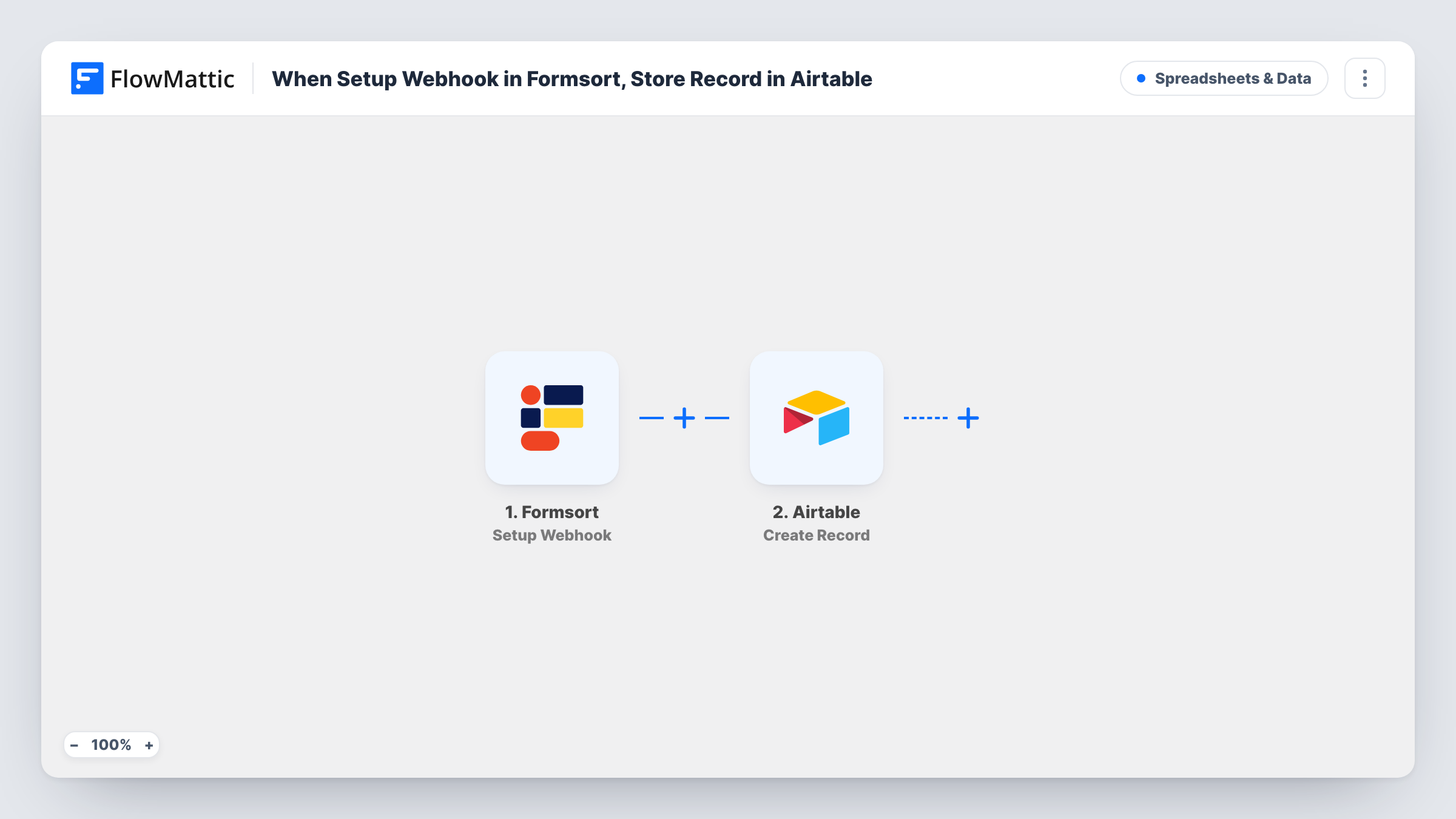
The Formsort trigger is called Setup Webhook. It fires when a specified form event happens, which you pick when you connect Formsort to the webhook URL FlowMattic gives you. The data Formsort sends with that event is passed to Airtable, where the Create Record action adds a new record to the base and table you select.
Each event creates one new record. The template does not search for an existing record first, so a person who fills the flow twice appears twice. Send a test response after import to see the answers Formsort includes, then map them to your table's columns. Task History keeps every run with the incoming data and Airtable's reply.
Onboarding questionnaires for new clients
New clients complete a Formsort intake flow. Each finished flow adds a record to the Airtable table your account team uses to plan kickoff calls.
Quiz-style product finders
A product recommendation quiz is built in Formsort. Every completed quiz lands in Airtable, where you can group answers and see which options people choose.
Application forms with review stages
Applicants go through a multi-step Formsort application. Reviewers work from an Airtable view, adding a status column to each record as they assess it.
How this workflow runs
What happens at each step once the workflow is on, and what you need before you import it.
 Formsort Setup Webhook
Fires when the Formsort form event you specify takes place, for example a flow being finished. The answers Formsort sends with the event are passed on for mapping.
- Airtable Create Record
Adds a new record to the Airtable base and table you choose. Connect Airtable and map each Formsort answer to the column it belongs in.
What you need
- FlowMatticCore
- Formsort AccountAccount
- Airtable AccountAccount
After importing, map your own data. To keep the template universal, not every step is pre-filled. Open each step in the builder and connect your accounts and fields (channels, lists, sheets, recipients) before you switch the workflow on.
Make it yours
Changes worth making after you import it.
- Prepare the Airtable table before import with one column per Formsort answer you want to keep, so mapping in the Create Record step goes quickly.
- Add a Filter after the trigger to store only responses that meet a rule, for example applicants who answered yes to a required question.
- Add a Slack or email step after Airtable if someone should be told when a new Formsort response is stored.
Questions about this workflow
What decides when Formsort sends a response to Airtable?
The form event you pick when you add FlowMattic's webhook URL in Formsort. The trigger fires for that event, so choose the event that marks a response you want stored.
Will a repeat Formsort response update the existing Airtable record?
No. Create Record always adds a new record, so each event gives you a new row in the table.
Do I need a particular Airtable table layout for this?
You choose the base and table. Any columns work, as long as you map the Formsort answers to them in the Create Record step.
More Spreadsheets & Data workflows
Other ready-to-import templates from the same category.





Import this workflow into your WordPress site
Download the JSON, import it from the Workflows screen and connect your accounts. Every run stays on your server, with no per-task fees.
30-day money-back guarantee Unlimited workflows and runs Self-hosted