

When survey response submitted in Zoho Survey, create row in Google Sheets with responses for analysis and reporting
Each Zoho Survey response becomes a new row in a Google Sheets spreadsheet, with the answers you map in their own columns, so you can chart, sort and share results without exporting from Zoho Survey.
 Zoho Survey
 Google Sheets
2 steps Setup ~5 min Used on 497 sites Free to import
What this workflow does
Zoho Survey shows results inside its own reports, but many teams do their analysis in a spreadsheet: pivot tables, charts, or a sheet shared with people who have no Zoho login. Exporting responses by hand gives you a snapshot that is out of date by the next day. This workflow keeps the sheet current, one response at a time.
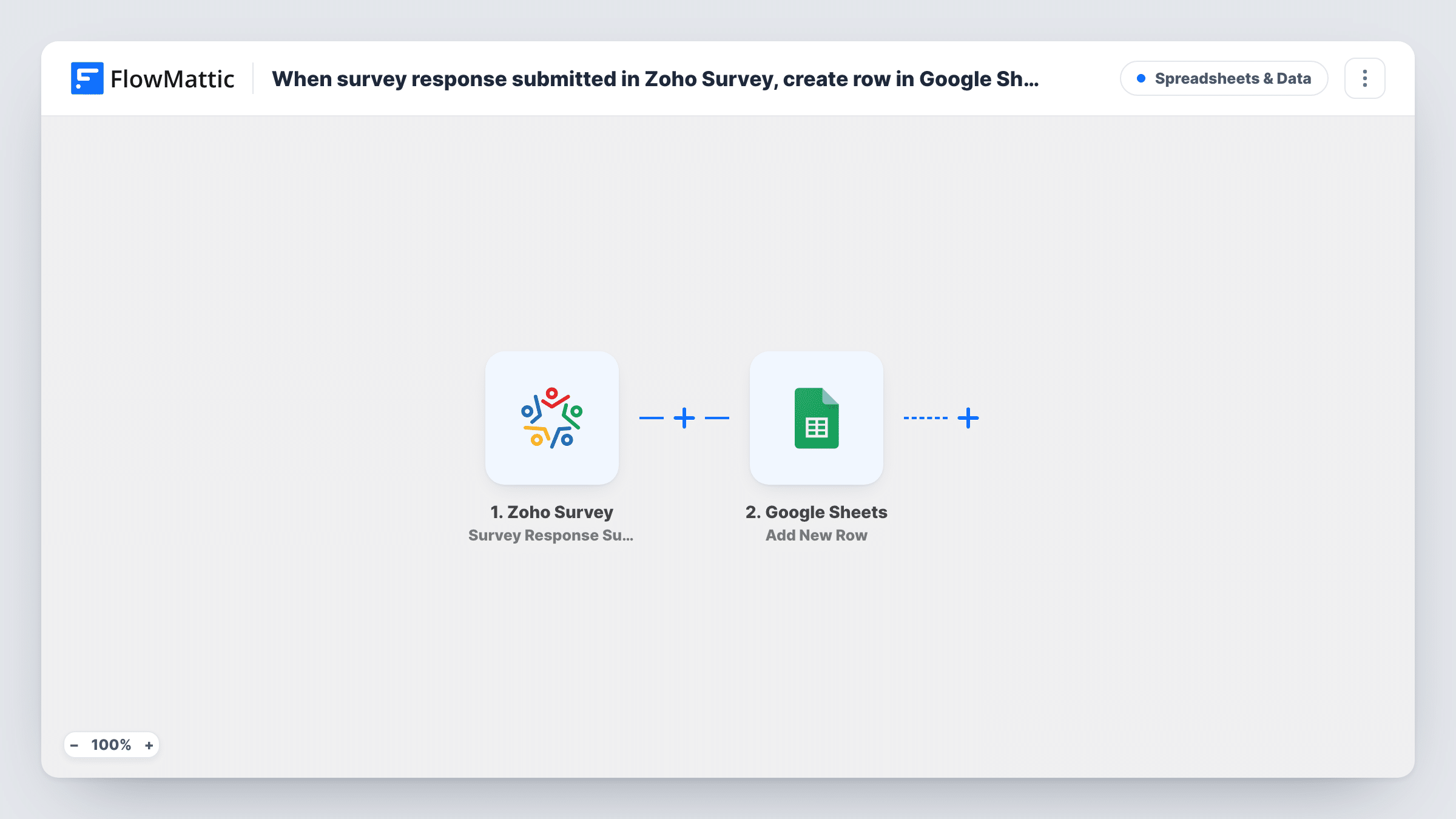
The Zoho Survey trigger, Survey Response Submitted, fires when a respondent submits a response to your survey. The answers arrive in FlowMattic as data you can map. The Google Sheets step, Add New Row, then writes those answers to a new row, with each answer in the column you choose.
Every submitted response adds exactly one row, so the sheet becomes a running log you can build reports on. Set up your column headers first, one per question you want to keep, then map them in the Google Sheets step. Task History lists each run if you need to check a response reached the sheet.
Customer satisfaction tracking
Post-purchase satisfaction surveys in Zoho Survey fill a sheet where a chart of scores by week updates as new rows arrive.
Course feedback for a training team
End-of-course surveys land in a shared Google Sheet that trainers and managers read, without each of them needing a Zoho Survey seat.
Employee pulse surveys
Answers from a monthly staff survey build up row by row, so HR can compare months with a pivot table instead of merging exports.
How this workflow runs
What happens at each step once the workflow is on, and what you need before you import it.
 Zoho Survey Survey Response Submitted
Fires when someone submits a response to your Zoho Survey survey. The submitted answers become fields you can place into spreadsheet columns in the next step.
- Google Sheets Add New Row
Writes the response to a new row in the Google Sheets spreadsheet and sheet you pick. Map each survey answer to the column that holds it, and connect your Google account on import.
What you need
- FlowMatticCore
- Zoho Survey AccountAccount
- Google Sheets AccountAccount
After importing, map your own data. To keep the template universal, not every step is pre-filled. Open each step in the builder and connect your accounts and fields (channels, lists, sheets, recipients) before you switch the workflow on.
Make it yours
Changes worth making after you import it.
- Add a column for the submission time, or another value Zoho Survey sends with each response, so you can group the rows by date when you build reports.
- For a second survey, import the workflow again and point the copy at a separate sheet, so each survey's columns stay lined up with its own questions.
- Keep your charts and pivot tables on a separate tab that reads from the response tab, so new rows never land inside your report layout.
Questions about this workflow
Are past Zoho Survey responses copied to Google Sheets?
No. Only responses submitted after you turn the workflow on are added. Export earlier responses from Zoho Survey once and paste them in if you need the full history.
What if I add a question to the Zoho Survey later?
Give the new question its own column header, then open the Google Sheets step and map that answer to it. Until you do, that answer is not written anywhere.
Does a partial Zoho Survey response create a row?
The trigger fires when a respondent submits a response. Someone who leaves before submitting does not start a run, so no row is added for them.
Can the responses go into an existing Google Sheet?
Yes. Pick any spreadsheet and sheet your connected Google account can edit. New responses are added as rows below the data already there.
More Spreadsheets & Data workflows
Other ready-to-import templates from the same category.




Import this workflow into your WordPress site
Download the JSON, import it from the Workflows screen and connect your accounts. Every run stays on your server, with no per-task fees.
30-day money-back guarantee Unlimited workflows and runs Self-hosted