

When user completes a course in Tutor LMS, create an order in WooCommerce
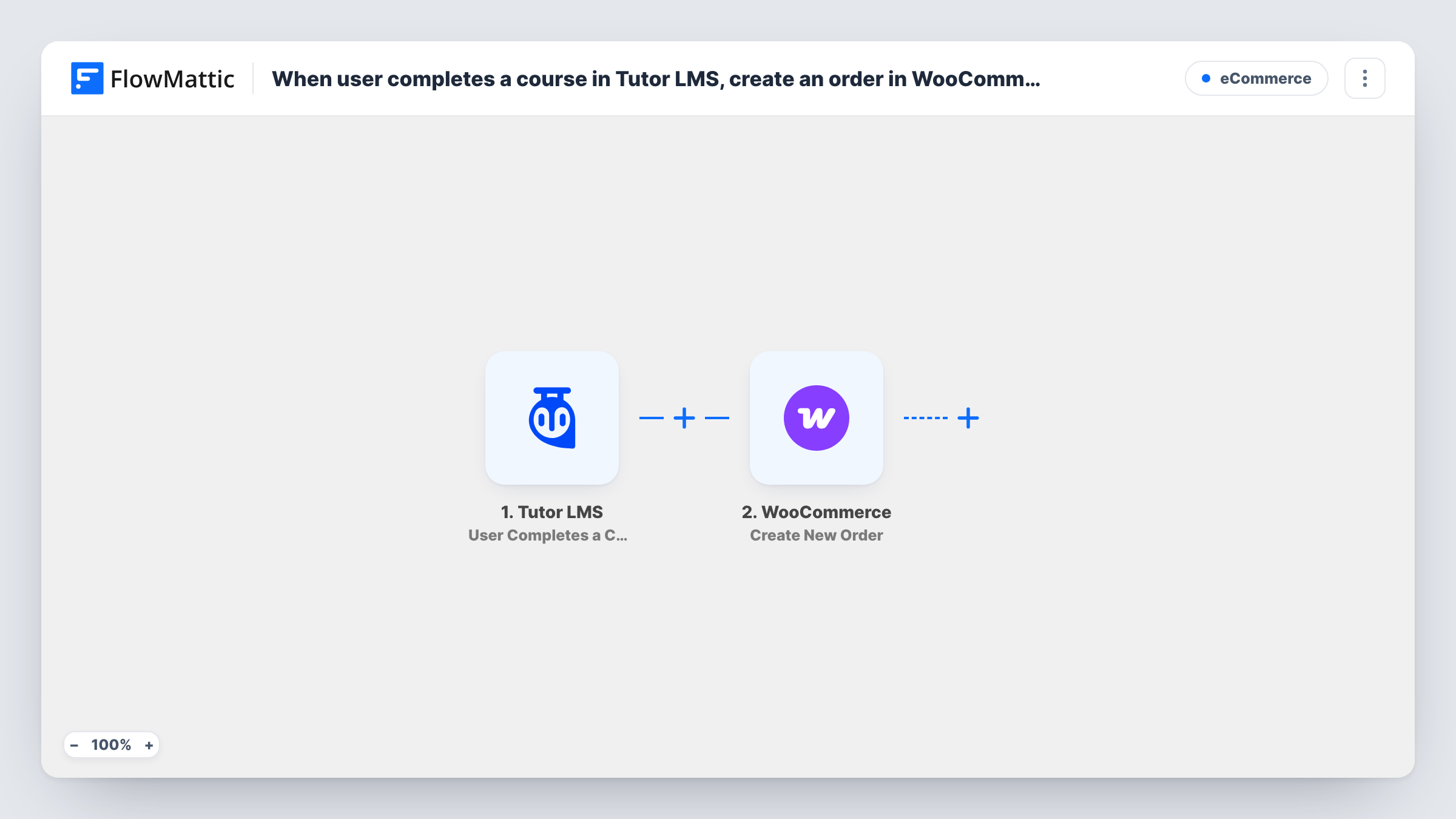
When a student completes a course in Tutor LMS, this workflow creates a new WooCommerce order from the completion data, so each finished course leaves an order record in your store.
 Tutor LMS
 WooCommerce
2 steps Setup ~5 min Used on 512 sites Free to import
What this workflow does
Course completions live in your LMS, while your sales and fulfilment records live in your store. If finishing a course should lead to something in WooCommerce, such as a certificate to post, a follow-on product to bill or a completion you want counted alongside sales, you end up copying names across by hand. This workflow turns each completion into a store order instead.
The Tutor LMS trigger runs when a student completes a course on your WordPress site. FlowMattic passes the completion data, such as the student and the course, to the next step. The WooCommerce step then uses Create New Order to add an order to your store, built from the values you map into it.
The template doesn't decide what goes in the order. You choose the product, the customer details and any other values when you set up the WooCommerce step after import. Every completion creates one order, so a student who finishes three courses produces three orders. Both plugins run on the same site as FlowMattic, so no data leaves WordPress. Task History shows each run and what the WooCommerce step returned.
Ship a printed certificate
Map a certificate product into the order so each completion appears in your WooCommerce order list, where your usual fulfilment process picks it up and posts the certificate.
Bill for an exam or assessment
A course ends with a paid assessment. The completion creates an order for the exam product, ready for you to send the student a payment request.
Count completions in store reports
Use a zero-priced completion product so finished courses show up in your WooCommerce order history next to course sales, without changing how Tutor LMS tracks progress.
How this workflow runs
What happens at each step once the workflow is on, and what you need before you import it.
 Tutor LMS User Completes a Course
Runs when a student completes a course in Tutor LMS on your site. The completion data, such as the student and the course, is passed on for mapping in the WooCommerce step.
- WooCommerce Create New Order
Adds a fresh WooCommerce order for the student. Map the student's details and choose what the order holds after import, then send a test completion to check the order looks the way you expect.
What you need
- FlowMatticCore
- Tutor LMS PluginPlugin
- WooCommerce PluginPlugin
After importing, map your own data. To keep the template universal, not every step is pre-filled. Open each step in the builder and connect your accounts and fields (channels, lists, sheets, recipients) before you switch the workflow on.
Make it yours
Changes worth making after you import it.
- Different courses may need different products. Add a Router after the trigger with one route per course, each with its own Create New Order step, and set each route's condition on the course from the trigger.
- If only some courses should create an order, add a Filter after the trigger that continues only when the course matches the ones you want.
- Run one test completion with a test student account, then open the new order in WooCommerce and check its status, customer and items before you turn the workflow on for real students.
Questions about this workflow
Does finishing a Tutor LMS course charge the student?
No payment is taken by this workflow. It creates an order record in WooCommerce. What happens next, such as asking for payment or fulfilling the order, depends on the order you build and how your store handles it.
Which product goes into the WooCommerce order?
Whatever you set in the Create New Order step after import. The template ships without the order details filled in, so you choose the product and map the student's data yourself.
Will past Tutor LMS completions create orders?
No. The trigger fires on completions that happen after you turn the workflow on. Courses finished earlier don't produce orders.
What if a student completes several Tutor LMS courses?
Each completion is a separate run, so each finished course creates its own WooCommerce order. Add a Filter if only certain courses should count.
More E-Commerce workflows
Other ready-to-import templates from the same category.




Import this workflow into your WordPress site
Download the JSON, import it from the Workflows screen and connect your accounts. Every run stays on your server, with no per-task fees.
30-day money-back guarantee Unlimited workflows and runs Self-hosted