

When username is created in Paced Email, create a new user in WordPress
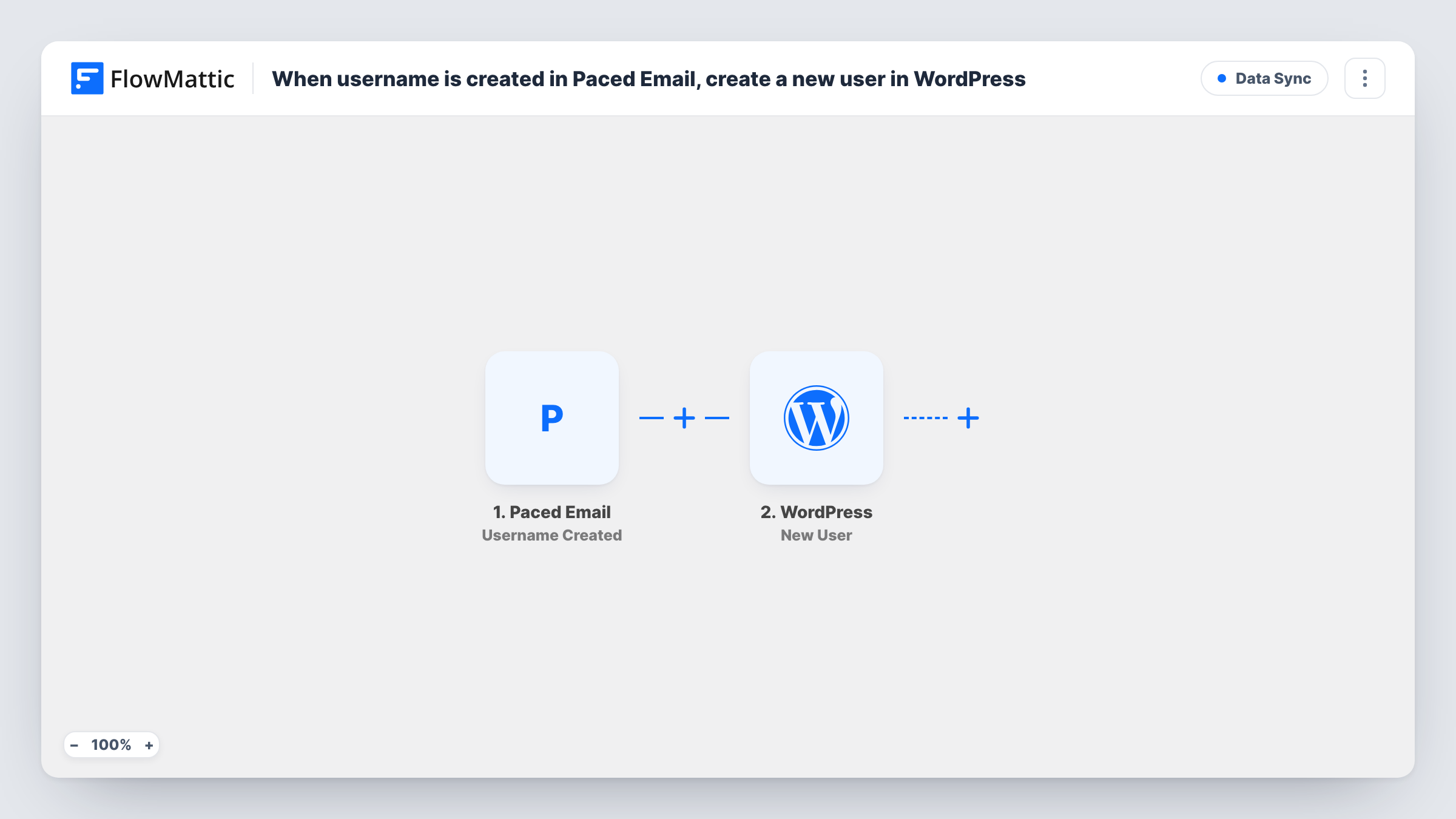
When a username is created in your Paced Email account, this workflow creates a new WordPress user on your site from that event’s data, so you don’t have to add the same person to WordPress by hand.
 Paced Email
 WordPress
2 steps Setup ~5 min Used on 1.5k sites Free to import
What this workflow does
If you set people up in Paced Email and they also need an account on your WordPress site, you end up entering the same person twice. This workflow takes the second step off your list: a new username in Paced Email leads straight to a new WordPress user.
The Paced Email trigger fires when a username is created in your account. FlowMattic passes the event's data to the WordPress step, which creates a user on the site where FlowMattic is installed. You decide which values from the Paced Email event fill the new user's details.
Because the user is created inside WordPress itself, nothing leaves your site in the second step. Check with a test run which values the Paced Email event carries before you map them, since WordPress needs at least a username and an email address for each account. Task History records every run, so you can see when a user was not created and why.
Members area access for new aliases
Each time you create a username in Paced Email for a new member, they also get a WordPress account for your members area, ready for you to send login details.
Staff onboarding on a company site
You set up a Paced Email username when someone joins, and the workflow adds them to the WordPress intranet at the same time.
Keeping two user lists in step
When Paced Email is where you start each account, every new username is matched by a WordPress user, so neither list falls behind.
How this workflow runs
What happens at each step once the workflow is on, and what you need before you import it.
 Paced Email Username Created
Fires when a username is created in your connected Paced Email account. The data from that event is passed on for mapping in the WordPress step.
- WordPress New User
Creates a new user on your WordPress site. Map the Paced Email data into the user details, then do a test run with a new username to check the account is created as you expect.
What you need
- FlowMatticCore
- Paced Email AccountAccount
After importing, map your own data. To keep the template universal, not every step is pre-filled. Open each step in the builder and connect your accounts and fields (channels, lists, sheets, recipients) before you switch the workflow on.
Make it yours
Changes worth making after you import it.
- Run one test after import by creating a username in Paced Email, so FlowMattic captures the event data you can map into the WordPress user.
- Add a Filter after the trigger if only some usernames should get a WordPress account, for example ones that contain a certain word.
- Add an email step after the WordPress step to send the new user a welcome message with a link to your site.
Questions about this workflow
Will a new WordPress user be created for usernames I already have in Paced Email?
No. Only usernames created after you turn the workflow on start a run. Existing ones are left alone.
What happens if the WordPress username or email is already taken?
WordPress does not allow two users with the same username or email, so the step returns an error for that run. Task History shows the error on the WordPress step.
Does this need a separate WordPress connection?
No. The WordPress step runs on the site where FlowMattic is installed. You only connect your Paced Email account.
More Data Sync workflows
Other ready-to-import templates from the same category.






Import this workflow into your WordPress site
Download the JSON, import it from the Workflows screen and connect your accounts. Every run stays on your server, with no per-task fees.
30-day money-back guarantee Unlimited workflows and runs Self-hosted