

When WPForms form is submitted, add form submission as Google Spreadsheet row
Every WPForms submission on your site is added to a Google Sheets spreadsheet as a new row, with the form fields mapped to the columns you choose, so your team can work from the answers outside WordPress.
 WPForms
 Google Sheets
2 steps Setup ~5 min Used on 301 sites Free to import
What this workflow does
WPForms keeps your form working on the site, but the people who act on the answers often live in spreadsheets. A sales lead, a volunteer coordinator or a client may need the responses without a WordPress login. This workflow writes each submission to Google Sheets as it comes in.
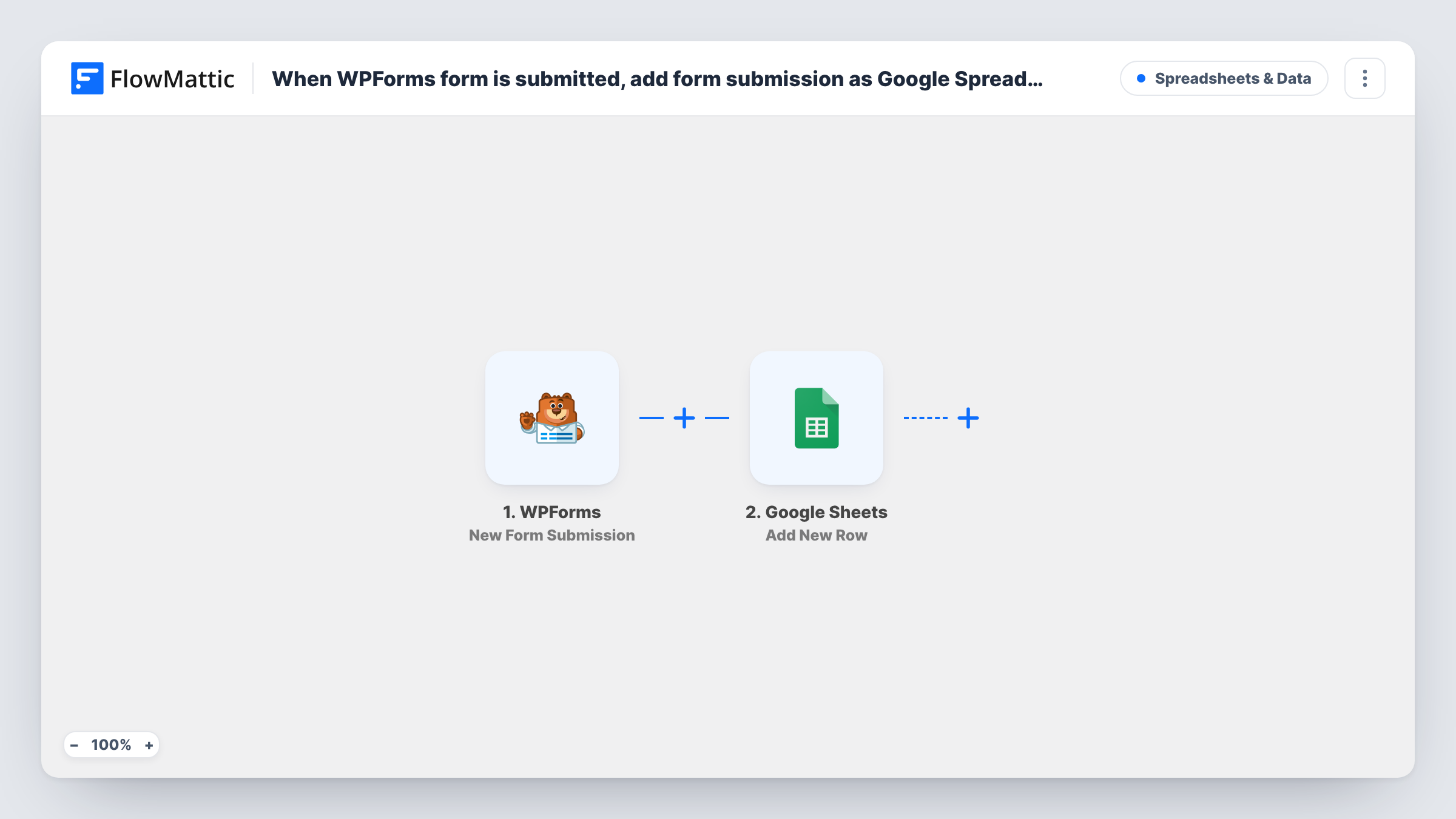
The WPForms trigger fires when a form is submitted on the site where FlowMattic runs. Each field in the submission is passed to the Google Sheets step, which adds a new row to the spreadsheet and sheet you pick. You decide which field goes into which column.
Every submission adds a row. The workflow does not check for an existing row, so the same person submitting twice appears twice. Send a test submission after import so FlowMattic captures the field names, then map them to your columns.
Volunteer sign-ups for a charity
A coordinator works through the sheet to contact each new volunteer, adding columns for role and availability.
Job applications on a small business site
Applicants fill in a WPForms application form. The hiring manager reviews them in a shared sheet and marks who to interview.
Customer feedback form
Feedback lands in a sheet where you can sort by rating or product and share trends with the team.
How this workflow runs
What happens at each step once the workflow is on, and what you need before you import it.
 WPForms New Form Submission
Runs when a visitor submits a WPForms form. Every submitted field becomes available to map into the spreadsheet row.
- Google Sheets Add New Row
Adds the submission as a new row in the spreadsheet you choose. Map each WPForms field to a column and connect your Google account.
What you need
- FlowMatticCore
- WPForms PluginPlugin
- Google Sheets AccountAccount
After importing, map your own data. To keep the template universal, not every step is pre-filled. Open each step in the builder and connect your accounts and fields (channels, lists, sheets, recipients) before you switch the workflow on.
Make it yours
Changes worth making after you import it.
- If several WPForms forms run on your site, add a Filter after the trigger that checks a field that only one form has, so each sheet gets the right entries.
- Add a timestamp column and map the submission date, if the entry carries one, so the sheet sorts by arrival.
- Set up the sheet's header row before mapping, so each column name matches a form field clearly.
Questions about this workflow
What if someone leaves an optional WPForms field blank?
The row is still added. The column mapped to that field is simply left empty for that submission.
Does WPForms still email me each submission?
Yes. The workflow only reads submissions and does not change the form's notification settings.
Will old WPForms entries be copied into Google Sheets?
No. Only submissions made after you turn the workflow on are added as rows.
Can I send WPForms entries to an existing spreadsheet?
Yes. Pick that spreadsheet and sheet in the Google Sheets step and map the fields to its current columns.
More Spreadsheets & Data workflows
Other ready-to-import templates from the same category.




Import this workflow into your WordPress site
Download the JSON, import it from the Workflows screen and connect your accounts. Every run stays on your server, with no per-task fees.
30-day money-back guarantee Unlimited workflows and runs Self-hosted