

Announce new CRM contacts in your team Discord
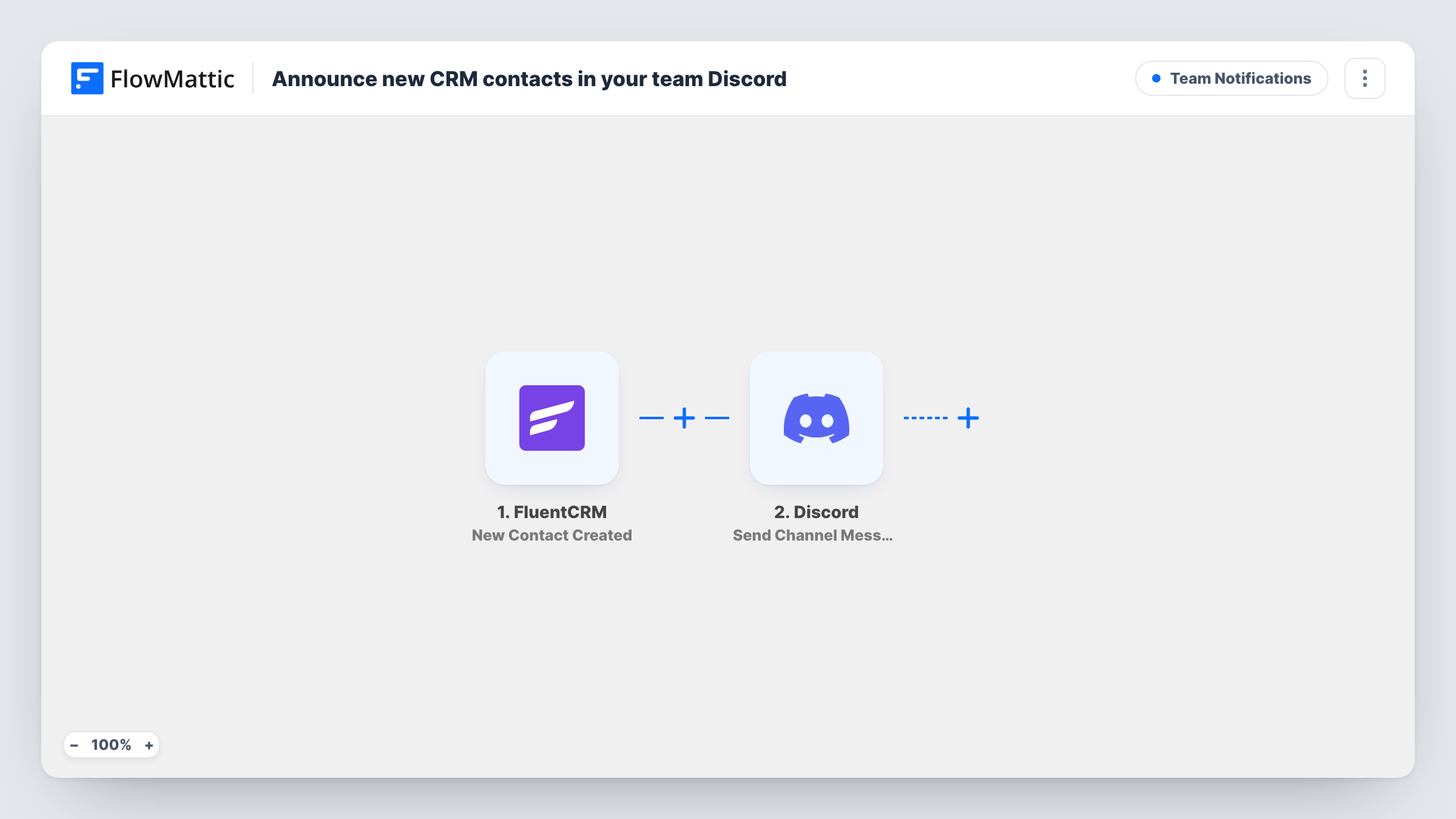
Whenever a contact is created in FluentCRM, this workflow posts their first name, last name and email address as a message in a Discord channel, so your team sees new people as they arrive.
 FluentCRM
 Discord
2 steps Setup ~5 min Used on 3.3k sites Ops Free to import
What this workflow does
New contacts can reach FluentCRM from several places on your site. Unless someone opens the CRM, the team doesn't know who just joined. If your team coordinates in Discord, a short post there keeps everyone aware without another login.
The FluentCRM trigger fires when a new contact is created on your WordPress site. FlowMattic then runs Send Channel Message in Discord. The message reads New contact, followed by the contact's first and last name and their email address in brackets.
Every new contact produces one post, whatever its source, because the template has no condition between the trigger and Discord. Contact details that change later don't post again, since only creation starts a run. Nothing is written back to FluentCRM, so the contact record stays as it was.
Sales team watching for new leads
Your sales staff share a Discord server. Each FluentCRM contact appears in their channel with a name and email, so someone can follow up the same day.
Community manager tracking sign-ups
People who join through your site's forms land in FluentCRM. The Discord post tells the community manager who signed up.
Founder keeping an eye on growth
A solo founder reads the Discord channel each morning to see the contacts FluentCRM gained overnight.
How this workflow runs
What happens at each step once the workflow is on, and what you need before you import it.
 FluentCRM New Contact Created
Starts the workflow when a contact is created in FluentCRM. The contact's first name, last name and email are passed to the Discord step.
- Discord Send Channel Message
Posts a Discord channel message reading New contact, the first and last name, and the email in brackets. Connect Discord on import and run a test contact to confirm the message lands in the channel you want.
What you need
- FlowMatticCore
- FluentCRM PluginPlugin
- Discord AccountAccount
After importing, map your own data. To keep the template universal, not every step is pre-filled. Open each step in the builder and connect your accounts and fields (channels, lists, sheets, recipients) before you switch the workflow on.
Make it yours
Changes worth making after you import it.
- Add a Filter after the trigger to post only some contacts, for example those whose email does not contain your own domain, so test contacts stay out of Discord.
- Edit the Discord message to include other fields from the FluentCRM trigger once a test run shows what the contact data holds.
- Use a Router whose route conditions can't overlap to post different kinds of contacts to different Discord channels, each with its own Send Channel Message step.
Questions about this workflow
Does a CSV import into FluentCRM post every contact to Discord?
That depends on whether FluentCRM reports imported contacts as new ones. Try a small import first and check Task History before you import a long list.
What does the Discord post show about the FluentCRM contact?
First name, last name and email address. You can change the message text in the Discord step and add other contact fields.
Will updates to a FluentCRM contact post to Discord?
No. The trigger is New Contact Created, so edits, tag changes and status changes on existing contacts don't start the workflow.
More Team Notifications workflows
Other ready-to-import templates from the same category.






Import this workflow into your WordPress site
Download the JSON, import it from the Workflows screen and connect your accounts. Every run stays on your server, with no per-task fees.
30-day money-back guarantee Unlimited workflows and runs Self-hosted