

Save Ninja Forms submissions as records in Airtable
Every Ninja Forms submission on your WordPress site becomes a new record in Airtable, so form entries sit in a base you can sort, filter and share with people who never log in to WordPress.
 Ninja Forms
 Airtable
2 steps Setup ~5 min Used on 2.6k sites Lead Capture Free to import
What this workflow does
Ninja Forms keeps submissions inside WordPress, which is fine until someone outside the site needs them. Airtable gives your team views, sorting and comments on the same data, without handing out admin access. This workflow copies each entry there as it arrives.
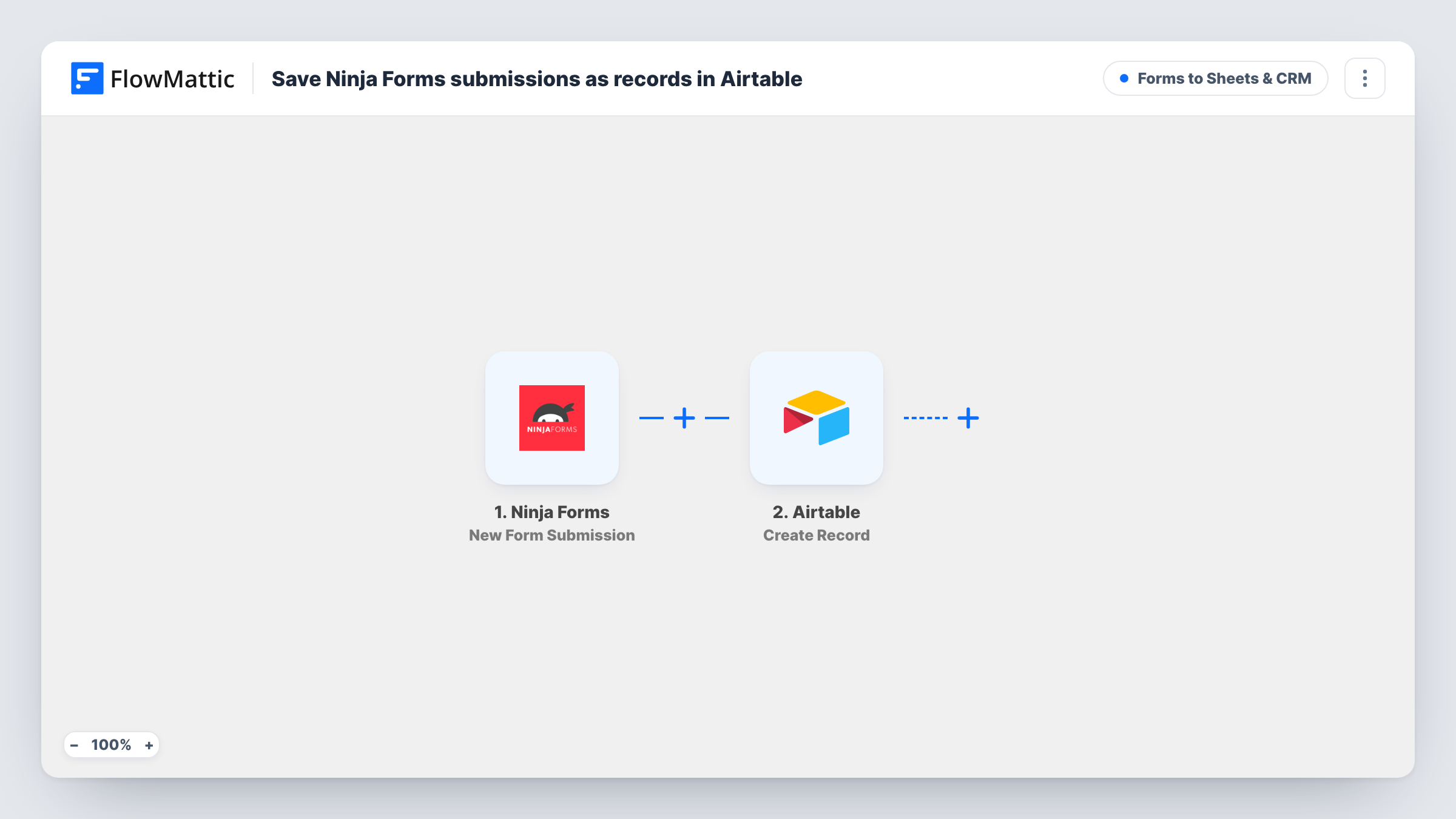
The Ninja Forms trigger fires when a visitor submits a form. FlowMattic then runs Create Record in Airtable, adding one new record for that submission. The template comes with nothing mapped in the Airtable step, so after import you connect your Airtable account, tell the step where the record should go and match each form answer to the right Airtable field.
Each submission produces exactly one record, because there is no condition between the form and Airtable. Ninja Forms is not changed by the workflow; it handles its own entries and emails as before. If a record comes out wrong, Task History shows what Ninja Forms sent and what reached Airtable.
Event registrations for an organiser
Attendees register through a Ninja Forms form, and each sign-up becomes an Airtable record the organising team groups by session or ticket type.
Lead intake for a consultancy
Enquiries from the website contact form land in an Airtable base, where partners add notes and track which leads were answered.
Volunteer applications for a charity
Applicants fill in a Ninja Forms form, and coordinators review every application as an Airtable record without needing a WordPress login.
How this workflow runs
What happens at each step once the workflow is on, and what you need before you import it.
 Ninja Forms New Form Submission
Starts the workflow when a visitor submits a Ninja Forms form on your site. Each answer becomes data you can map in the Airtable step.
- Airtable Create Record
Creates a new record in Airtable for the submission. Nothing is mapped yet, so connect Airtable, choose where the record goes and map each form answer to a field. A test submission shows whether every answer lands in the right place.
What you need
- FlowMatticCore
- Ninja Forms PluginPlugin
- Airtable AccountAccount
After importing, map your own data. To keep the template universal, not every step is pre-filled. Open each step in the builder and connect your accounts and fields (channels, lists, sheets, recipients) before you switch the workflow on.
Make it yours
Changes worth making after you import it.
- Set up your Airtable fields before you map the step, with one field for each form answer you want to keep, so the mapping is a simple one-to-one match.
- Add a Filter after the trigger if only some submissions belong in Airtable, for example entries where a consent checkbox is ticked.
- Send a test submission with every field filled in after import, so FlowMattic has a full set of answers to map from.
Questions about this workflow
Does Ninja Forms keep the submission as well as Airtable?
Yes. FlowMattic copies the answers to Airtable without touching the original, and Ninja Forms stores and emails entries the way you have it set up.
Which Airtable fields get filled from the Ninja Forms entry?
Only the ones you map. The Create Record step ships empty, so you decide which answer goes into which Airtable field.
Are old Ninja Forms entries copied into Airtable?
No. Only forms sent after you switch the workflow on reach Airtable. Earlier entries stay in Ninja Forms.
Will a repeat Ninja Forms submission update the existing Airtable record?
No. The step is Create Record, so each submission adds a new record, even from the same person.
More Forms to Sheets & CRM workflows
Other ready-to-import templates from the same category.






Import this workflow into your WordPress site
Download the JSON, import it from the Workflows screen and connect your accounts. Every run stays on your server, with no per-task fees.
30-day money-back guarantee Unlimited workflows and runs Self-hosted